| Publishers | Electronic Arts |
| Developers | Maxis |
| Release date | 2000 |
| Genre | Simulation |
| Game rating |
Game Description
The Sims (also known as The Sims 1 or The Sims Classic) is a life-simulation video game developed by Maxis and published by Electronic Arts on February 4, 2000 for Windows, and July 25, 2000 for Mac OS X. The game only has a single-player mode. There is no goal defined in The Sims,and players must develop their characters as they go through different life stages. Characters which the player controls can interact with other in-game characters, develop relationships (both negative and positive) and can even start families together. Characters can also be assigned certain tasks to develop life skills, which enables them to progress in their careers and increase their salaries.
Download The Sims
The Sims is no longer abandonware. You can now buy the game from:
Windows (2000)
The Sims™ Legacy Collection on Steam
Additional files, patches and fixes
The Sims Deluxe Edition Manual (English)
The Sims Windows ReadMe (German)
The Sims Windows ReadMe (English)
The Sims Windows ReadMe (Spanish)
The Sims Windows ReadMe (French)
The Sims Windows ReadMe (Italian)
The Sims Windows ReadMe (Dutch)
The Sims Screenshots
Windows
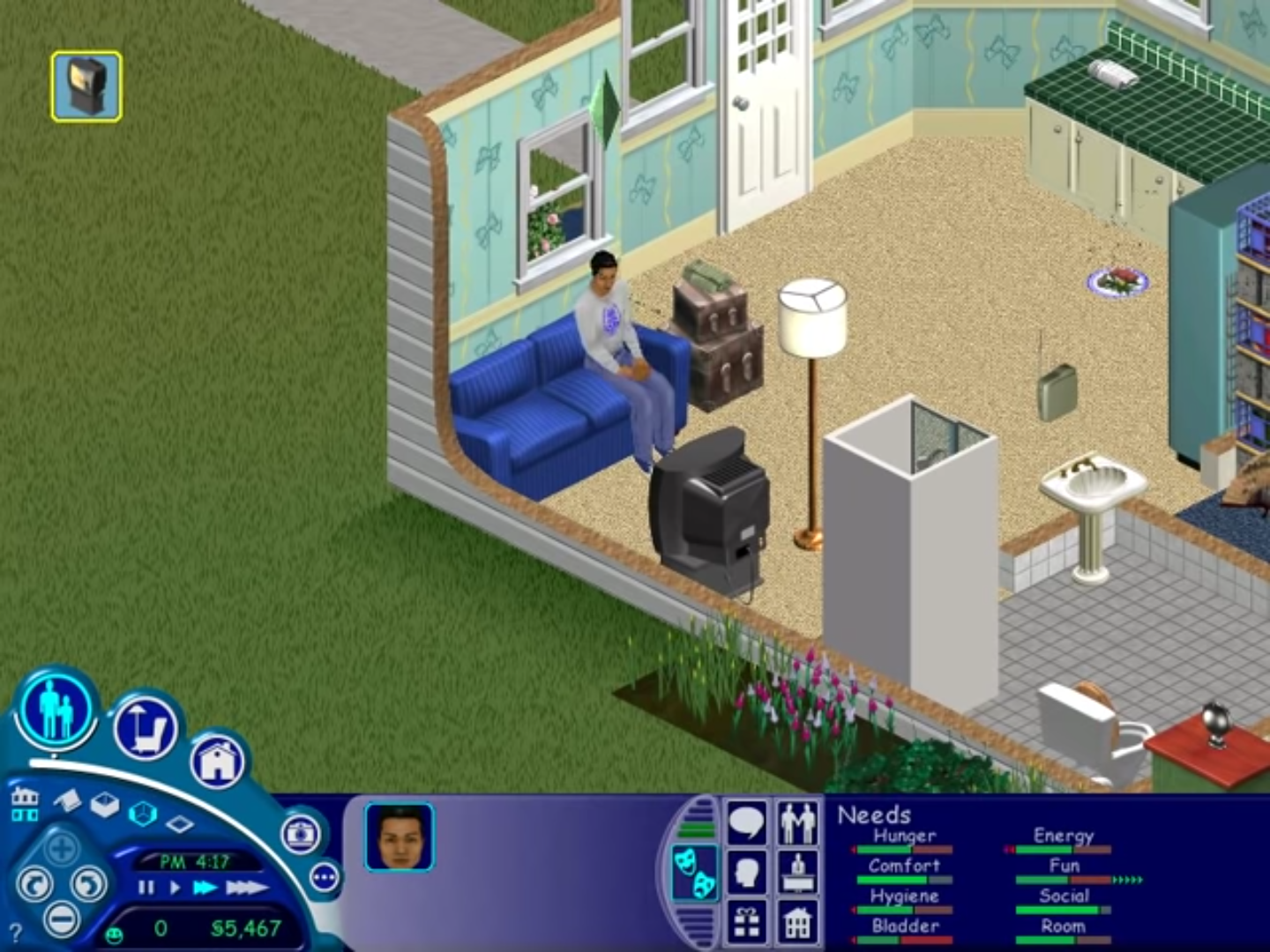
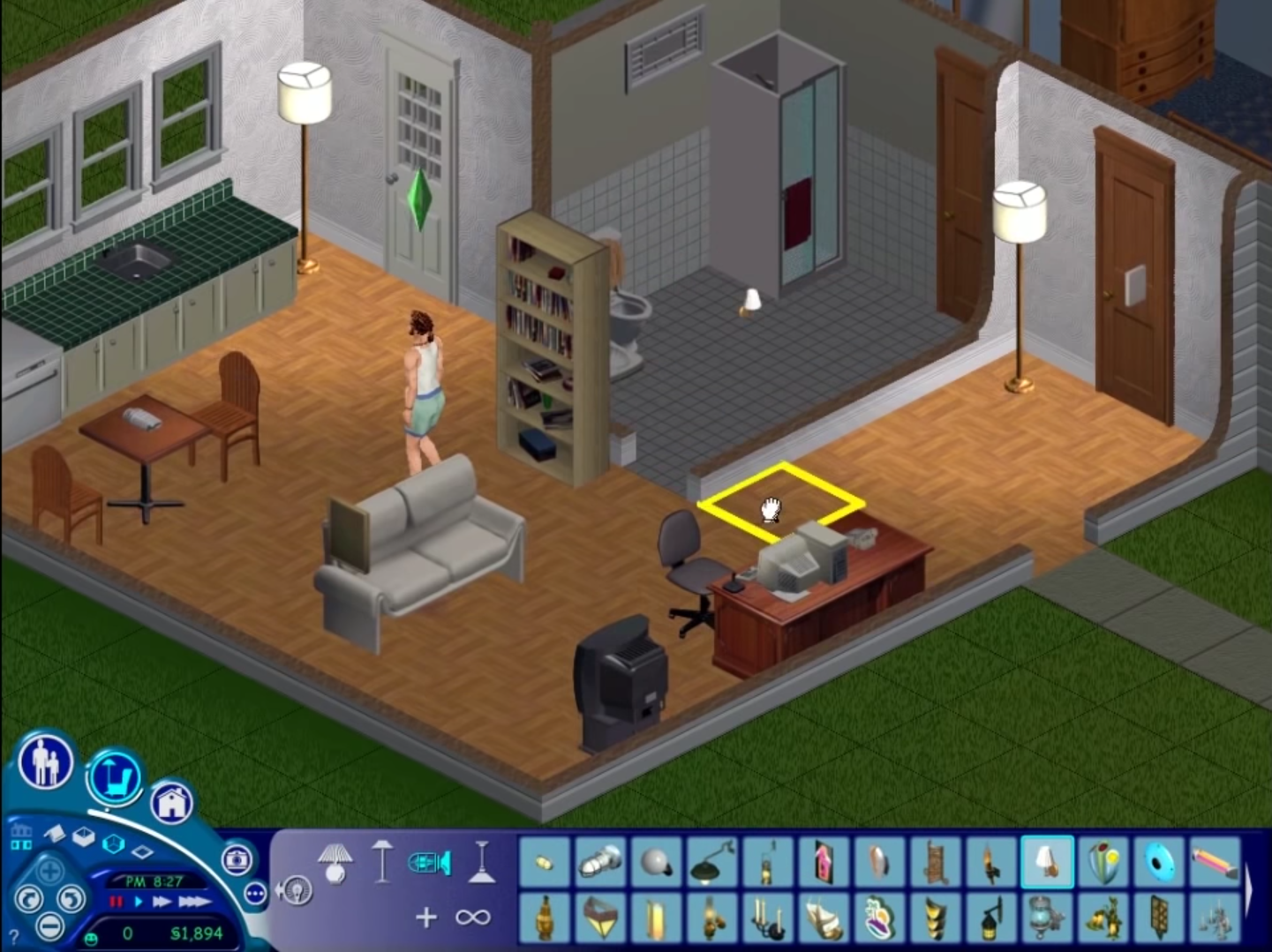
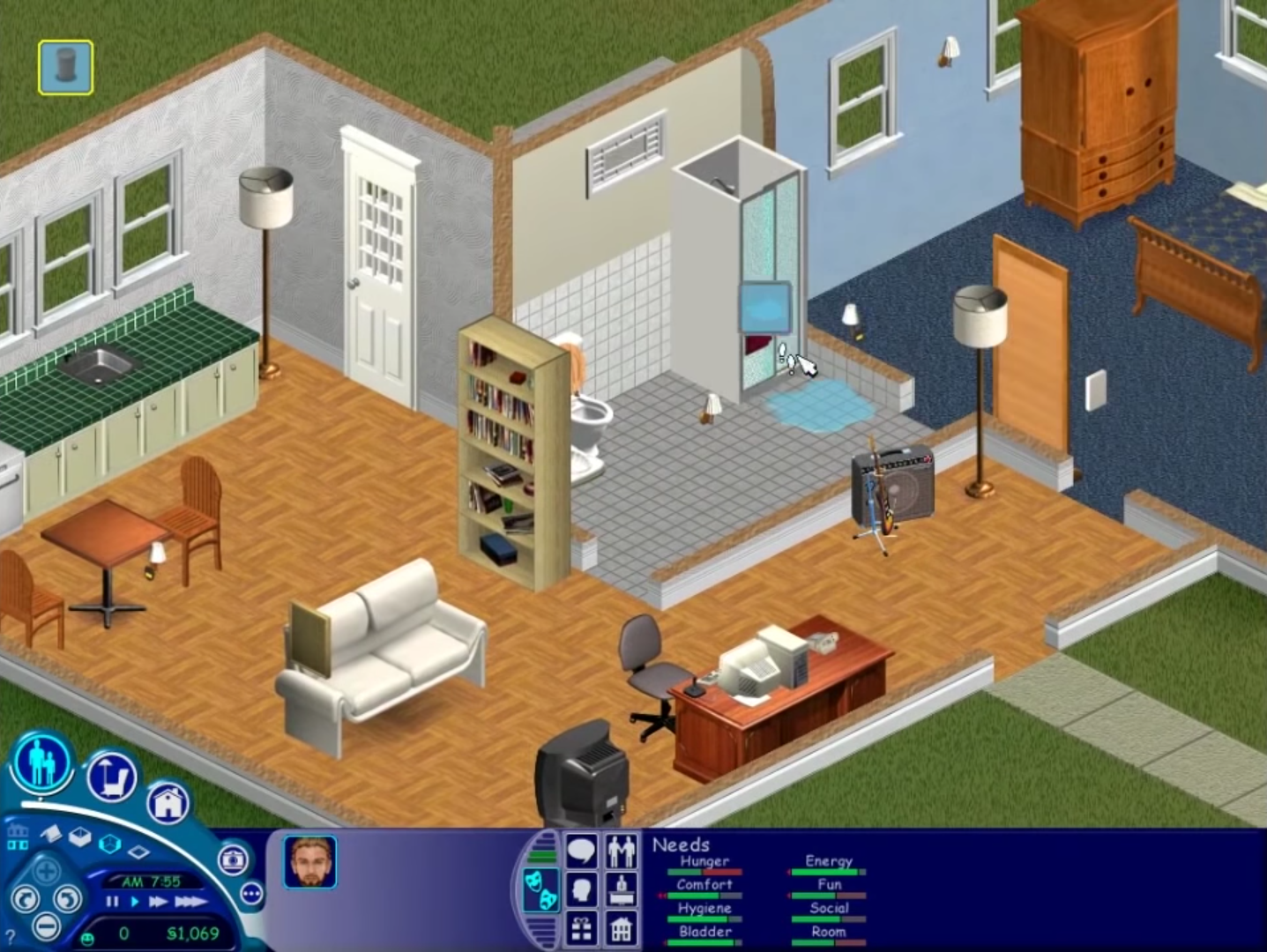
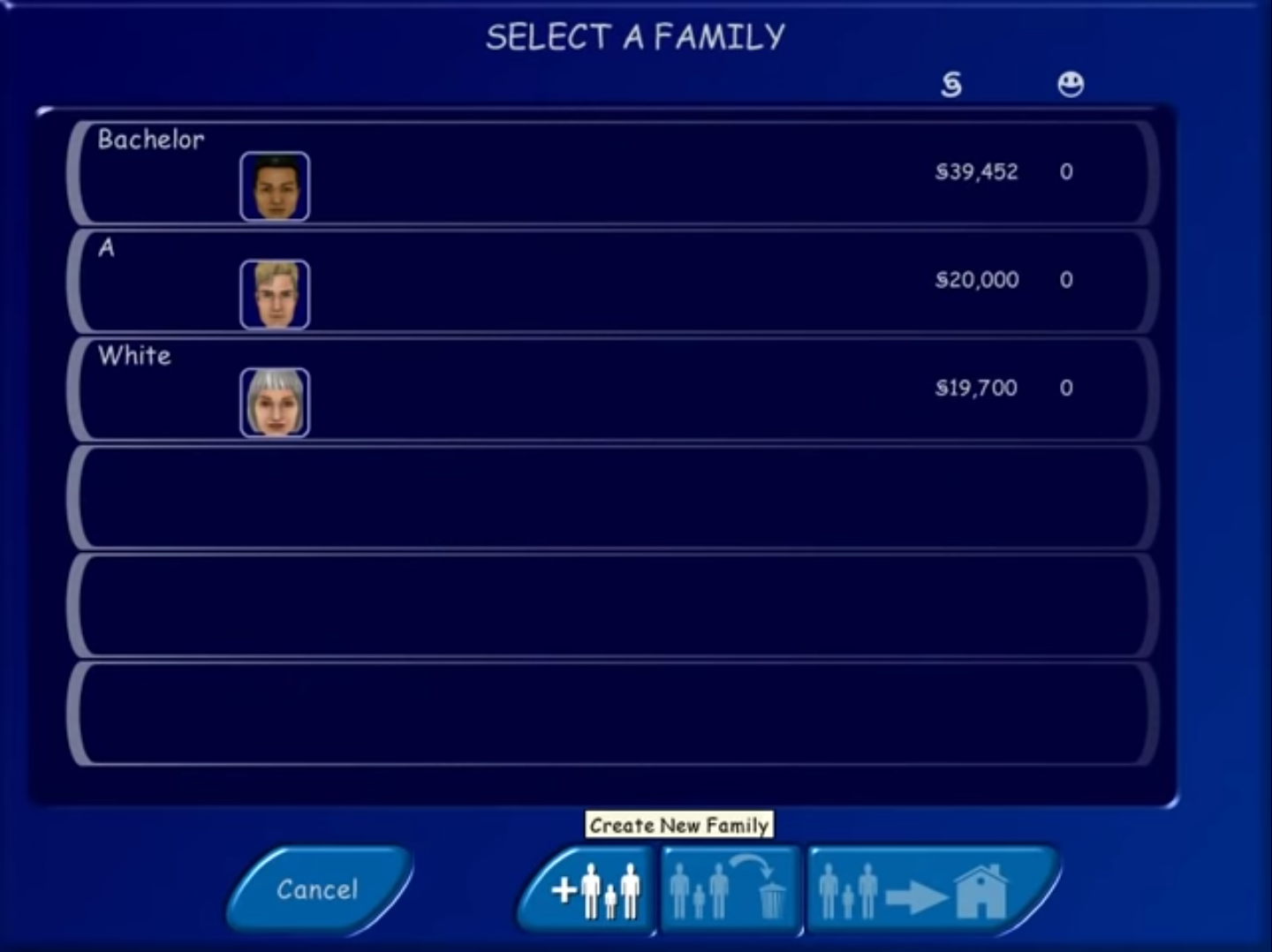
I downloaded this yesterday along with dgVoodoo 2 to help with compatibility. After setting it all up and fixing my own pc’s compatibility to run this, it opens great…however once it gets to the map screen, and introduction, it crashes everytime. I cannot play it until the crashing stops.
Need help here !! I tried to open both 800×600 and 1024×768 version in my Windows 10 but nothing happen.
I have tried few methods from Google, like change the compatibility properties to window98/XP/7/8 (I tried all of it) , tick “run as administrator”, created shortcuts, add the word ” -w -r1024x768″ behind Target in Property but it still doesn’t work for me.
Anyone knows how to fix this please?
have you copied the crack?
I’m having the same issue as Ash and Joshua with the setup. I’ve run it in all compatability modes, run it as admin and without, unmounted and remounted, and nothing has gotten the setup to run.
Same
I played Sims 1 when I was 12 and I always loved playing it. Now I am 23 and I got to play it again. The installation guide is easy to understand and the game works fine for me. THANK YOU SO MUCH!
I am having the same problem as Joshua, setup.exe wont open anything even. A pop up appaears asking to make changes i click yes then nothing happens.
change the compatibility properties. enable “Run this program in compatibility mode for” and then select “Windows 98 / Windows Me.”
hi
setup.exe will not do anything when I open it. I have tried many different options in compatibility settings and nothing will work. I also run as administrator
To get it working:
Extract then run the setup.exe
Go through the steps
Then go to This PC
The Sims should be in the disc drive (from clicking the ‘disc image file’ in the extracted folder)
Then go hard drive -> program files x86 -> Maxis -> The Sims
Ctrl+C the ‘Sims’ 2116KB file from the extracted folder from earlier
Ctrl+V into the above (hard drive -> program files x86 -> Maxis -> The Sims)
Once pasted select and right click ‘run as administrator’
It will now work and allow saves
After playing you can click eject to remove the sims from the disc drive
Thank you! This worked!
I followed all directions and my sims game starts up and i click play and select my resolution and then nothing happends i have tried all compatability options with all resolutions. im on a windows 10 laptop and need help getting this great game working !!!!
mac version please
There is no mac version.
There is no mac version. Get a windows.
https://macgamesland.com/simulation/538-the-sims-1-mac-game.html
Thank you! It works perfectly! No issues at all 😀
I mounted the file, but whenever ib
try to replace the setup exe it says that there is not enough space.
The instaló button dont work
same problem
I have followed all the steps, but when I press play and choose the resolution it just makes a click sounds and crashes.
The Setup dosent work. The Setup Botton do nothing.
I set the setting to Windows XP, the setup is displayed in the task manager but nothing happens. Did everything as an admin. i have no idea