| Publishers | Electronic Arts |
| Developers | Maxis |
| Release date | 2000 |
| Genre | Simulation |
| Game rating |
Game Description
The Sims (also known as The Sims 1 or The Sims Classic) is a life-simulation video game developed by Maxis and published by Electronic Arts on February 4, 2000 for Windows, and July 25, 2000 for Mac OS X. The game only has a single-player mode. There is no goal defined in The Sims,and players must develop their characters as they go through different life stages. Characters which the player controls can interact with other in-game characters, develop relationships (both negative and positive) and can even start families together. Characters can also be assigned certain tasks to develop life skills, which enables them to progress in their careers and increase their salaries.
Download The Sims
The Sims is no longer abandonware. You can now buy the game from:
Windows (2000)
The Sims™ Legacy Collection on Steam
Additional files, patches and fixes
The Sims Deluxe Edition Manual (English)
The Sims Windows ReadMe (German)
The Sims Windows ReadMe (English)
The Sims Windows ReadMe (Spanish)
The Sims Windows ReadMe (French)
The Sims Windows ReadMe (Italian)
The Sims Windows ReadMe (Dutch)
The Sims Screenshots
Windows
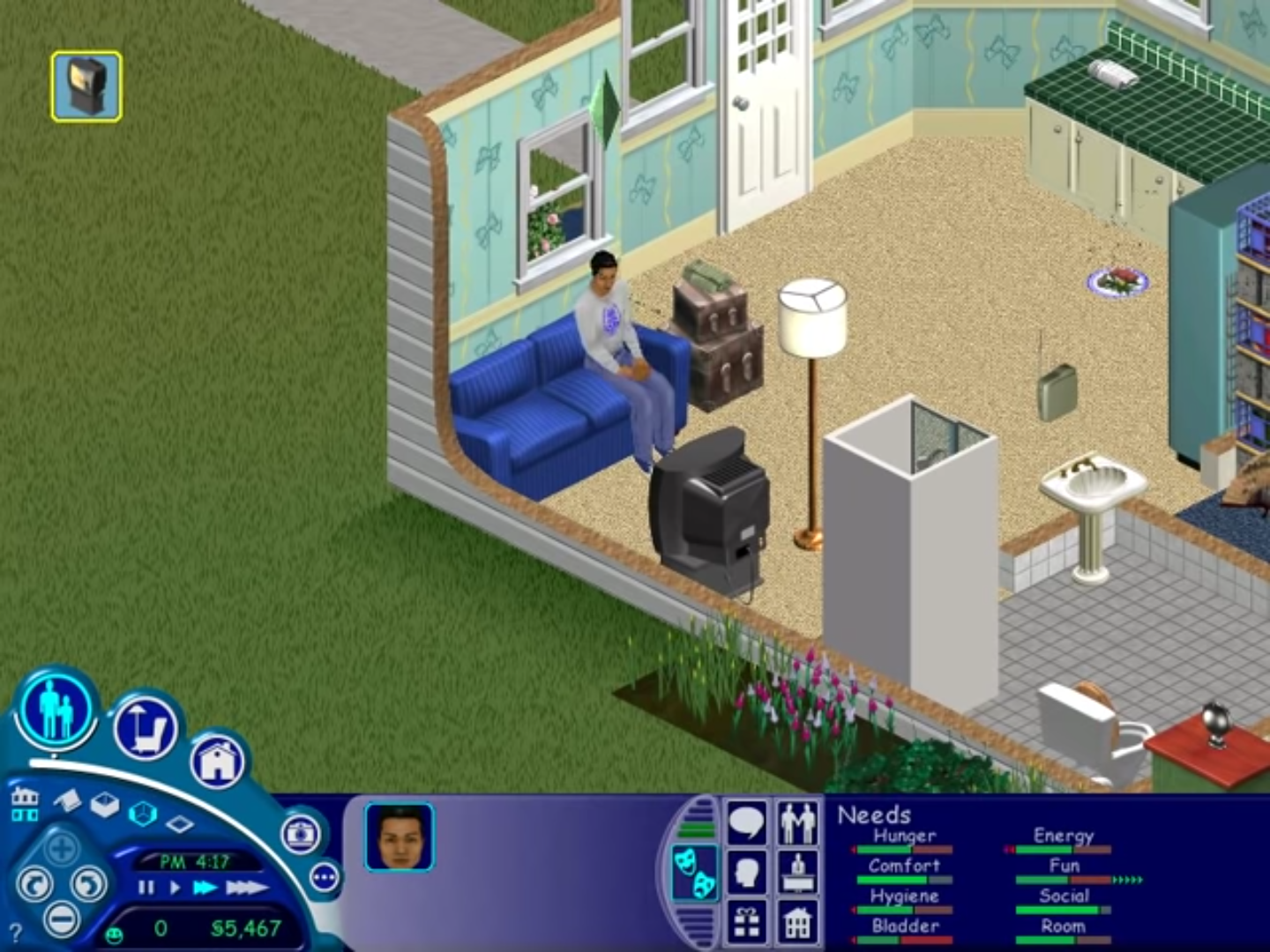
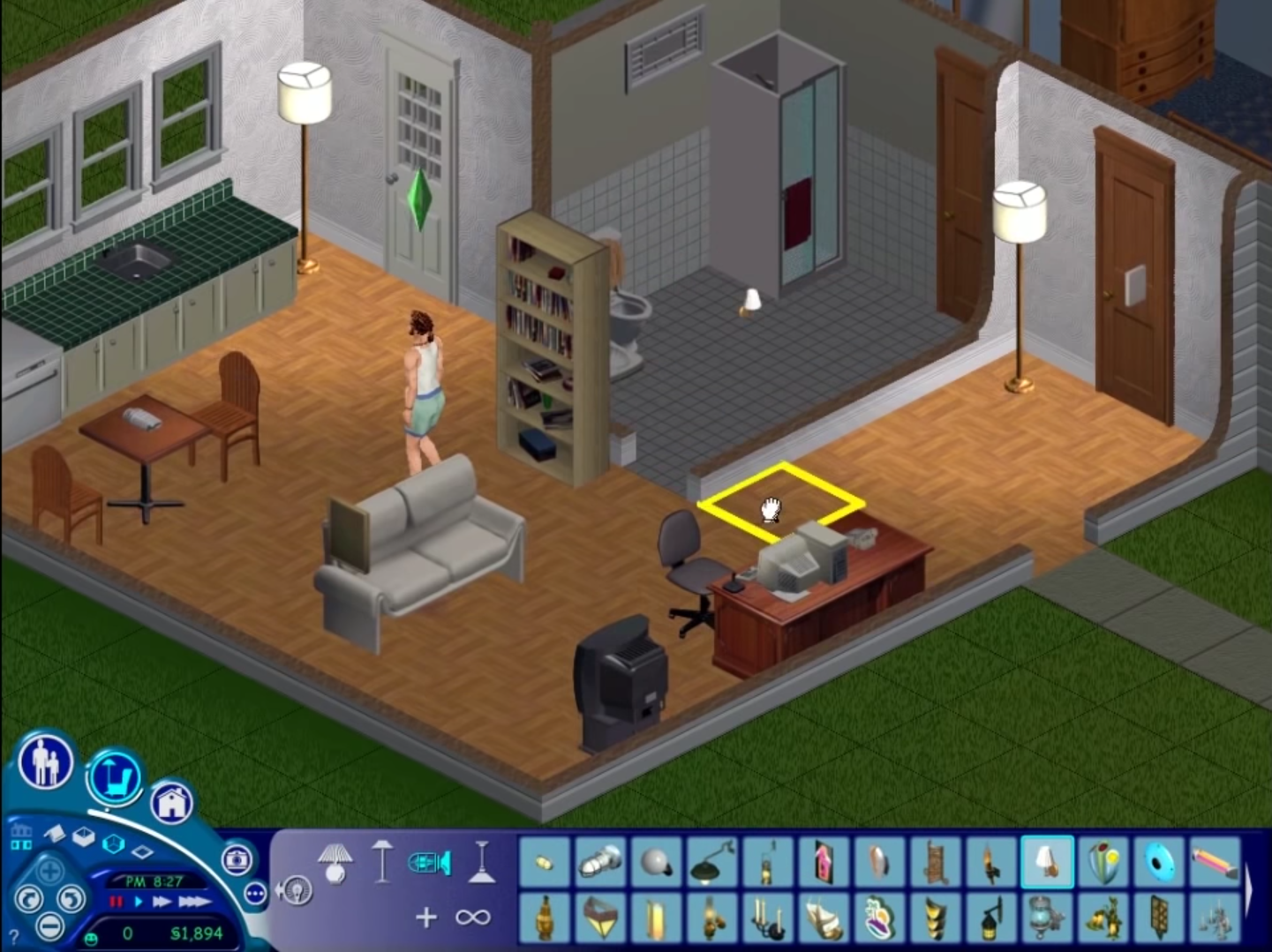
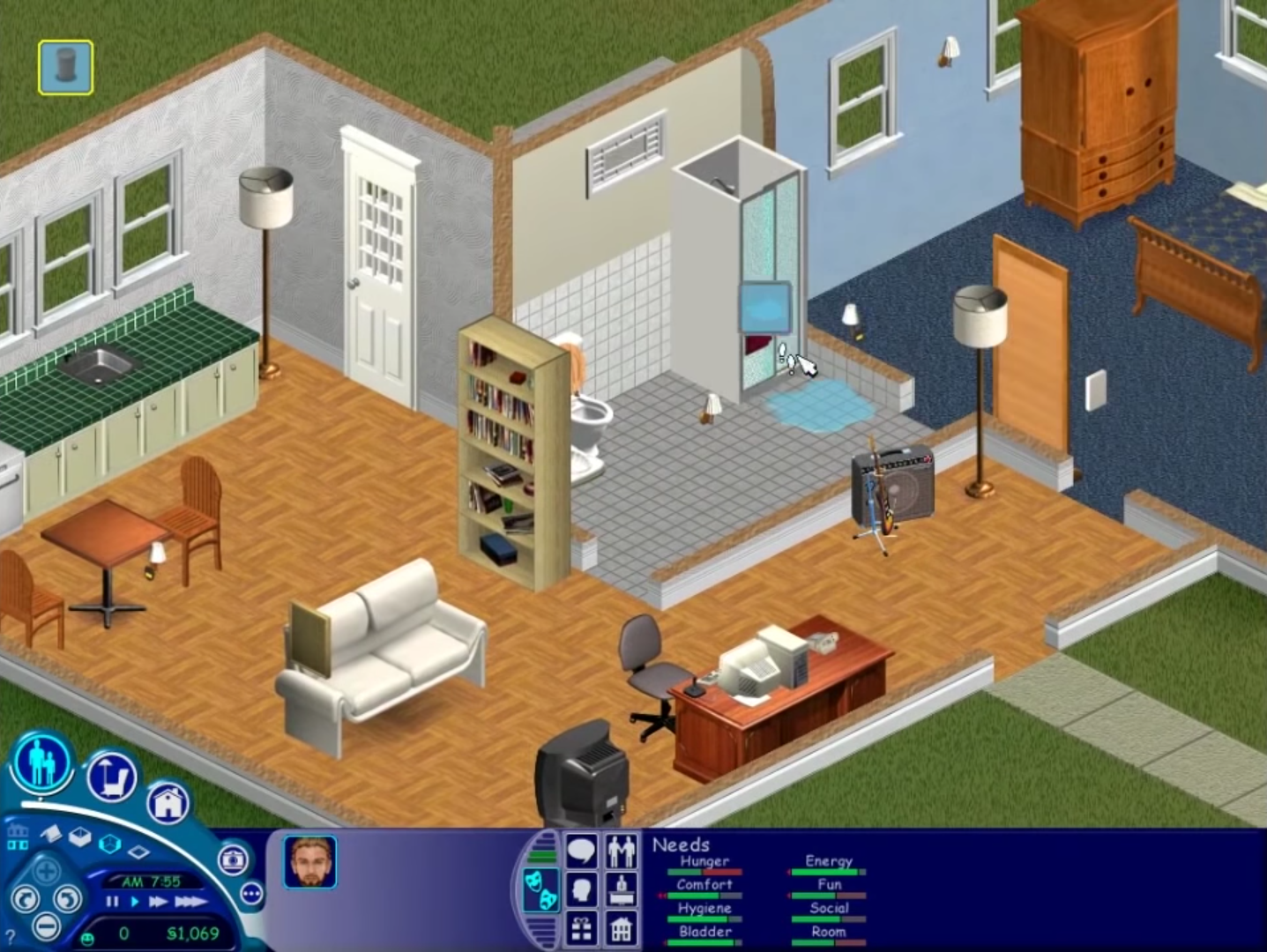
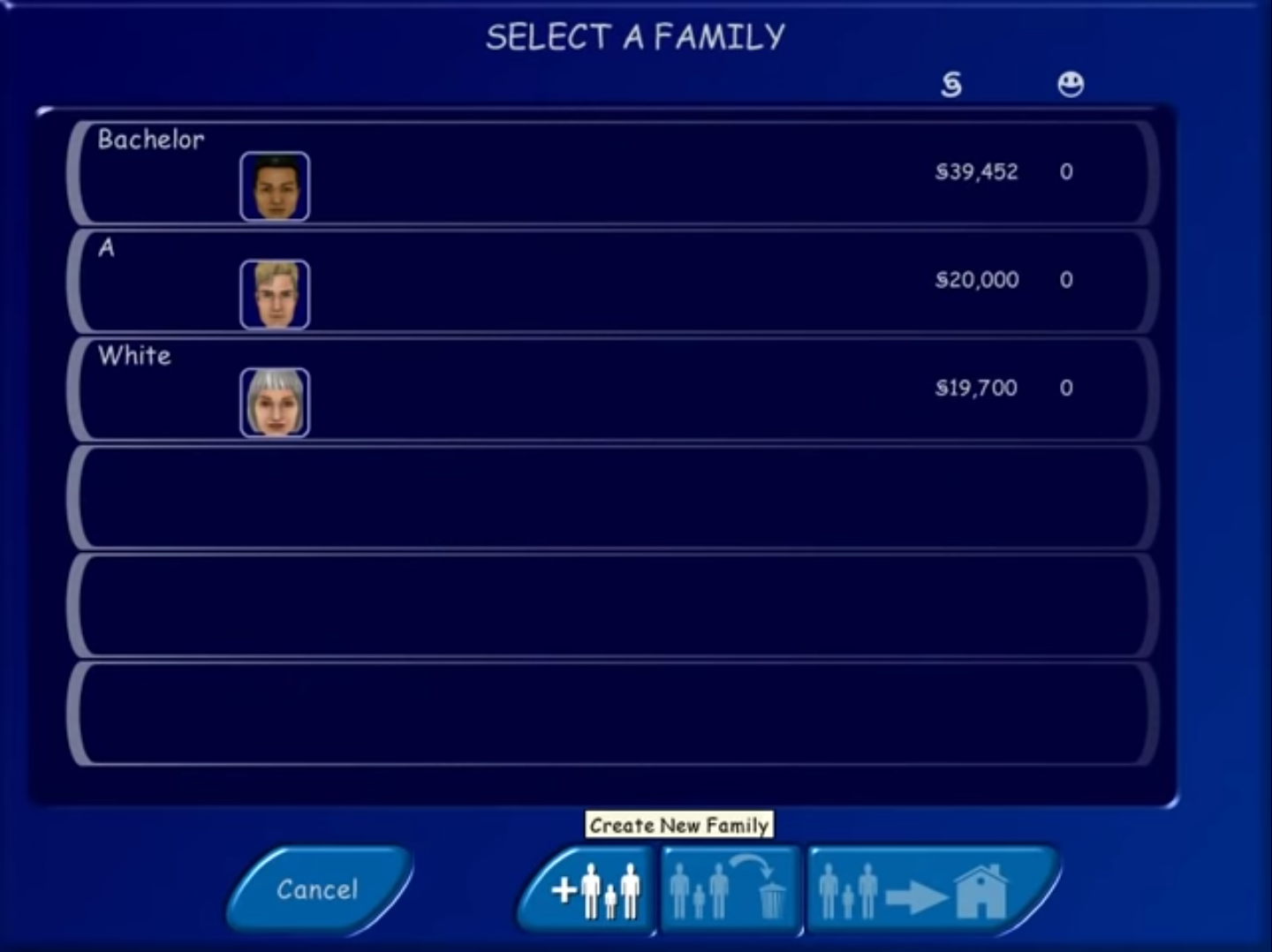
If anyone is stuck because an error comes up saying ‘Could not find The Sims data directory’, then first of all you should copy the Sims.exe file (the NoCD one) to the Sims directory – this is usually C:Program Files (or Program Files x86)MaxisThe Sims. Paste it there, then confirm you want to replace the file. Now you should be able to run the game.
And for people who click on the game and nothing happens, read this forum page:
https://forums.thesims.com/en_US/discussion/856809/windows-7-players-who-cant-get-sims-1-to-play-again-solution
It works for Windows 7, Windows 8, and Windows 10. I used to have that problem actually. I followed the instructions and it worked. I recommend trying what it says.
thank you so so so so much
Setup “Install” Button doesn’t work! Please someone help
it work smoothly
Hi, i cant run the game because when i click *sims.exe* a warning says “Could not find The Sims data directory” Someone can help me please?
are you already copy the crack?
Cannot get setup.exe to run no matter the compatibility mode, I’ve tried XP service pack 2 and 3, as well as 98 and 95 and nothing works. Help?
run the setup as admin
I cant get setup.exe to run I changed the compatibility and that didn’t work either. please help
run the setup as admin my g
😀
it says i need DirectX 7 or service pack3 for nt4 and i installed it but it doesn’t work
Doesn’t work on new Windows 10 laptop. Did compatibility mode and everything. The setup.exe (32bit) is in the Task Manager, it’s just not doing anything. I guess installing the expansions and playing them one-by-one just wasn’t meant to be for me. T_T T_T T_T
im running on a w10 laptop. the setup probably isnt working cause you havent run as admin.
i completed the set up and installation but when i try to paste the sims.exe back into the game files it tells me there is no room and i need an additional 2.0 mb but im unable to delete anything in the game files to make room. Am i supposed to paste it in this location?
it says could not find the sims data directory
After I click on Install the instalations automaticly stops. I deleted all files but I still can’t download the game
The loading screen is white and when I go to a lot it’s the same thing…How do I fix this?
I have downloaded, and extracted the Sims 1 folder onto my desktop, somehow. Whenever i try to install it. No matter what compatibility, with or without administrative rights! The installer always shuts down on its own! The message after “InstallShield (R) Setup Engine has stopped working” Becomes [An error occurred while launching the setup. The remote procedure call failed.] Please , help me fix this install shield error that has been plaguing the game every sims 1 download i try.
Hi! The game works pretty good except the sims’ clothes aren’t showing up, they’re just outlines of solid color. Also, the screen will turn white on occasion especially when furniture descriptions pop up. Any recommendations on fixing this?
That could be graphics. You could change the settings to low, but that’s the best thing I can think of.