| Publishers | Electronic Arts, Inc. |
| Developers | Maxis |
| Release date | 2014 |
| Genre | Simulation |
| Game rating |
Game Description
The Sims 2: Ultimate Collection includes the original game along with all expansion and stuff packs.
Download The Sims 2: Ultimate Collection
The Sims 2: Ultimate Collection is no longer abandonware. You can now buy the game from:
Windows (2014)
The Sims™ 2 Legacy Collection on Steam
Additional files, patches and fixes
The Sims 2: Ultimate Collection Screenshots
Windows
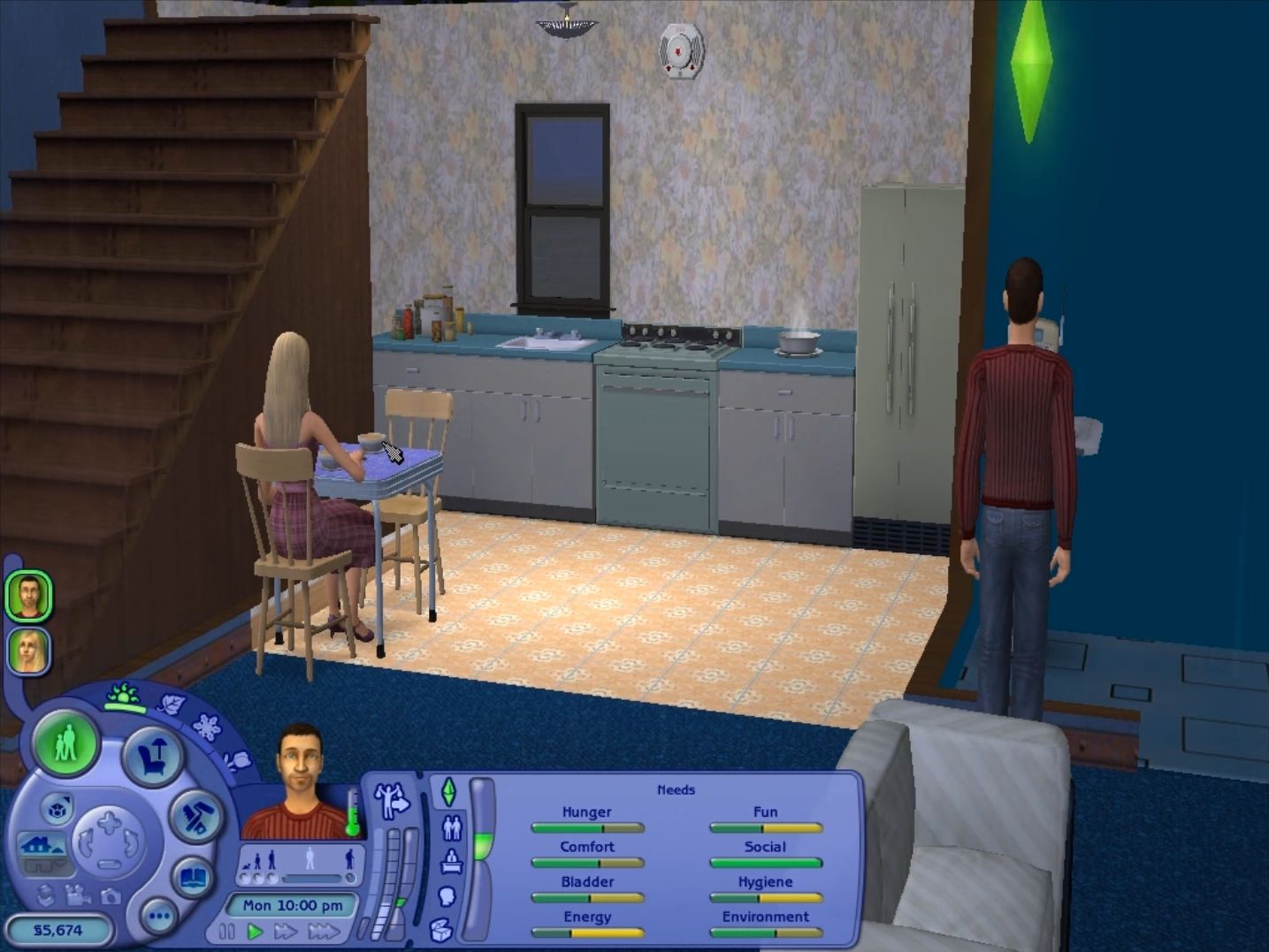
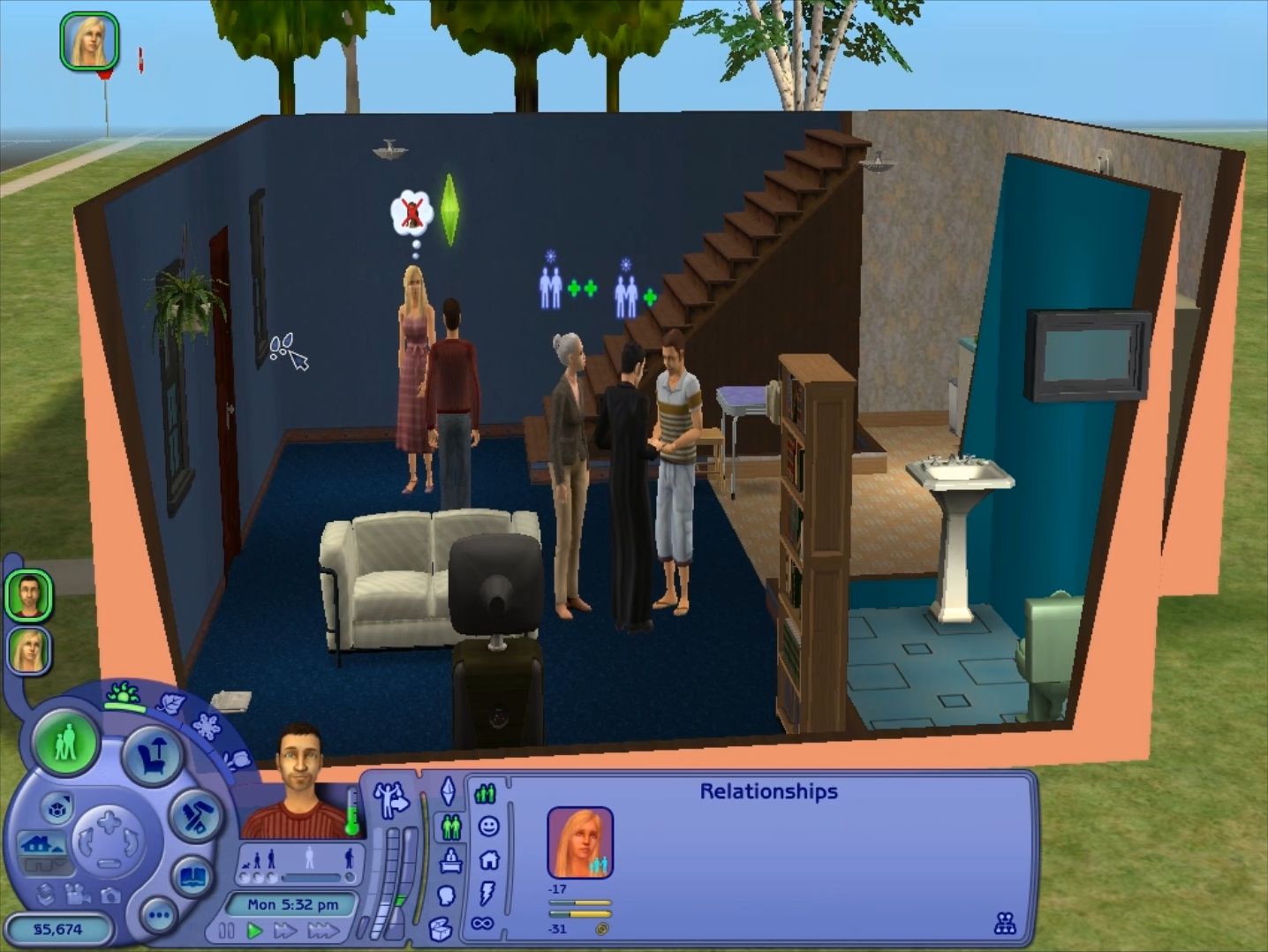
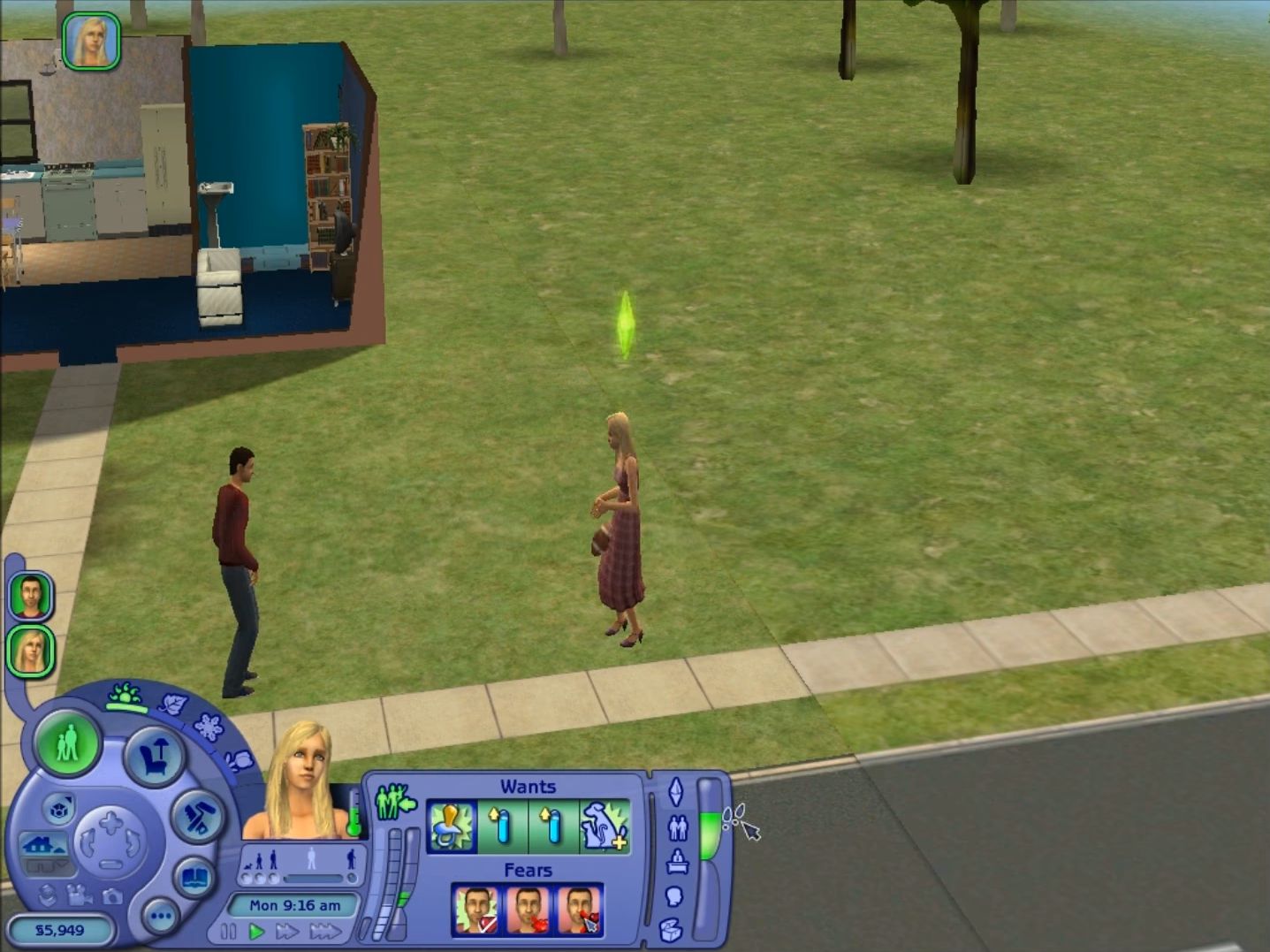
Hi I downloaded and I’m trying to install the game but it says
“An error has occurred while unpacking: Unable to read data!
Unarc.dll returned an error code: -6
ERROR: file read operation failed.”
Please help!
hi, is is possible to not have all syhe packs & stuff packs? I’m working with very little space and i’d love this all to fit, but it simply doesn’t…
Not sure but if you do not want all the packs, I think you should just download the preferred packs individually, which is also available in this website.
Hey, I have been trying desperately to download a mod for ages with no success. Is the process for downloading mods and CC different for this version than the “traditional” version?
No Difference at all, I just made a downloads folder and migrated my mods into it and they worked like charm.
I was wanting to change the graphics in game, but ran into a message saying I needed permission from the admin. Has anyone else been able to fix the graphics with this version?
Drag The Graphics File out from the folder and alter it to your liking. Then, replace the old one with the updated version, worked for me.
I’m only getting 3 of the neighbourhoods showing up. I’ve allowed Sims 2 in my antivirus. I’m not sure what’s wrong. Does anyone know why that has happened?
Here’s a possible fix for missing neighborhoods, hope it helps you!
https://answers.ea.com/t5/Other-The-Sims-Games/Base-Neighborhoods-missing-Sims-2-Ultimate-Collection/td-p/8659212
does anyone know if its possible to download mods/towns as im not sure if you can, also i for some reason seem to be missing some worlds does anyone know anything i could do
Hi, yes you can download mods and sorry but I have no idea on why neighbourhoods are missing for you… 🙁
Hi, have some issues with the shadows, I have adjusted the shadows to medium and did the dx installation, but in indoors, shadow still blackened. Moreover, in an apartment, when I visit a neighbour everything is blackened except flooring. Any ideas? Happy Simming!
sorry to bug into your comment, since im not able to comment from that top bar, idk why.
but, i have a problem. the game installed just fine, but the thing is, im not able to play the other packs provided in the game such as sims 2 pets, they’re tell me insert a cd rom. how do i fix the problem?? there isnt even any .iso files. help.
never mind my problem is fixed.
Good for you, as I would have no idea on how to fix it unfortunately. Happy simming!
got the same issue, indeed i changed shadow to none lol and i still see shadows and the damn black square.. did you find a solution?
Hi i could use some help if anybody had a similar problem maybe you have figured it out, I really dont know what to do since it doesn’t give much info. (https://prntscr.com/r6pwie)
It’s all I am getting when trying to run the game I tried restarting my pc thinking that could be the issue but it didn’t help if anybody has advice or a way to fix it I would greatly appreciate it cause I really wanna play sims 2 again! Thank in advance ^^
I am up to the Installation part and it gets to 100% then says error and that there isn’t a open folder or something like Appld, I deleted the Electronic Arts folder but took out my Sims 4 folder because i don’t want to lose all of my things… can anyone help me with what is wrong
I had a similar issue. My computer doesn’t have a lot of storage on the C-drive, but it has lots of storage on the D-drive. When I switched the install location from the auto-selected C-drive to the D-drive, the game installed successfully.
When you open the installer, instead of clicking “install” click on “configure”. There will be an option somewhere to change the drive you store the game. Once chosen you’ll click “next” about 3 or 4 times until you’re back on the main screen where you can try clicking “install” again. I’m no computer expert, I’m just telling you what worked for me. Hope this helps!
What eps are missing?? I want to download cc and mods.
Hi, as far as I am aware of, only the IKEA stuff pack is missing.
…and castaway, i think
I followed every direction precisely. Also did the directx… game loads fine but crashes every time I get to the create a family loading screen
Ok so when i first installed the sims 2 it says its need Directx 9 which i cant install because i have windows 10 but i found a way to run the game
first download this ( you need winrar )
https://download2038.mediafire.com/1w8dwqud7zmg/lzbxtj51r6b6e6r/TS2_update.zip
when its done extract the files in
this pc> disk c > program files x86 > mr dj >The Sims 2 Ultimate Collection > The Sims 2 Mansion and Garden Stuff and then click yes all
and its should work!
if didn’t work after doing this then run the game in windowed mode
I did this, followed the instructions precisely, and it just crashes every time I try to create a family
Why don’t I have disk c? Where would that be at in This PC?
so do i need to download winrar before or after i downloaded sim2 from this page?
Shadows option is greyed out??
I’m trying to fix the resolution but when I go into > Sims 2 Ultimate Collection there is no Sims 2 Mansion and Garden stuff folder which means I cant open TSData yada yada. Anyone else have this issue?
So i spent hours waiting for this to download and it ended up downloading it not as a Zip file.