| Publishers | Electronic Arts, Inc. |
| Developers | Maxis |
| Release date | 2014 |
| Genre | Simulation |
| Game rating |
Game Description
The Sims 2: Ultimate Collection includes the original game along with all expansion and stuff packs.
Download The Sims 2: Ultimate Collection
The Sims 2: Ultimate Collection is no longer abandonware. You can now buy the game from:
Windows (2014)
The Sims™ 2 Legacy Collection on Steam
Additional files, patches and fixes
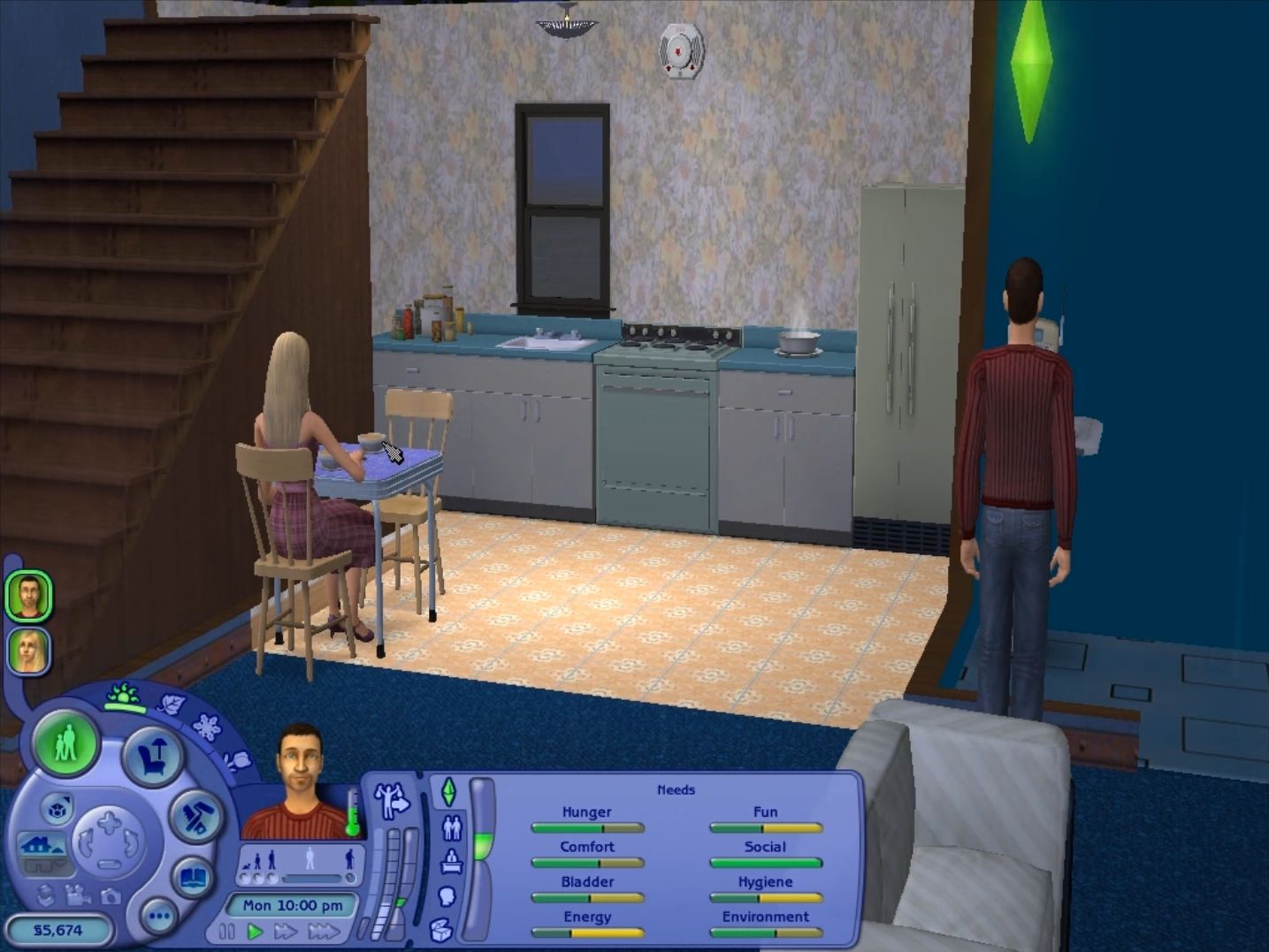
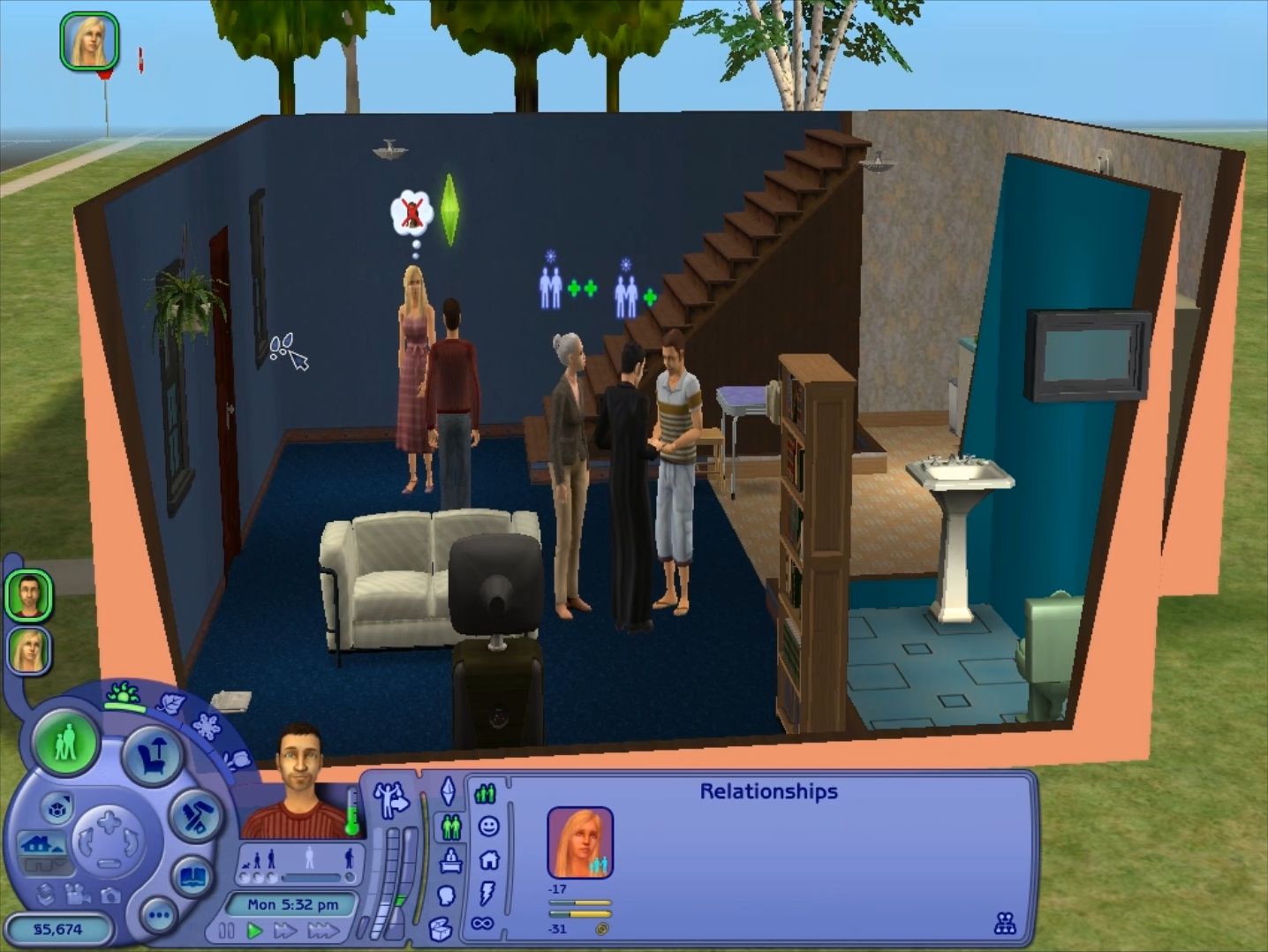
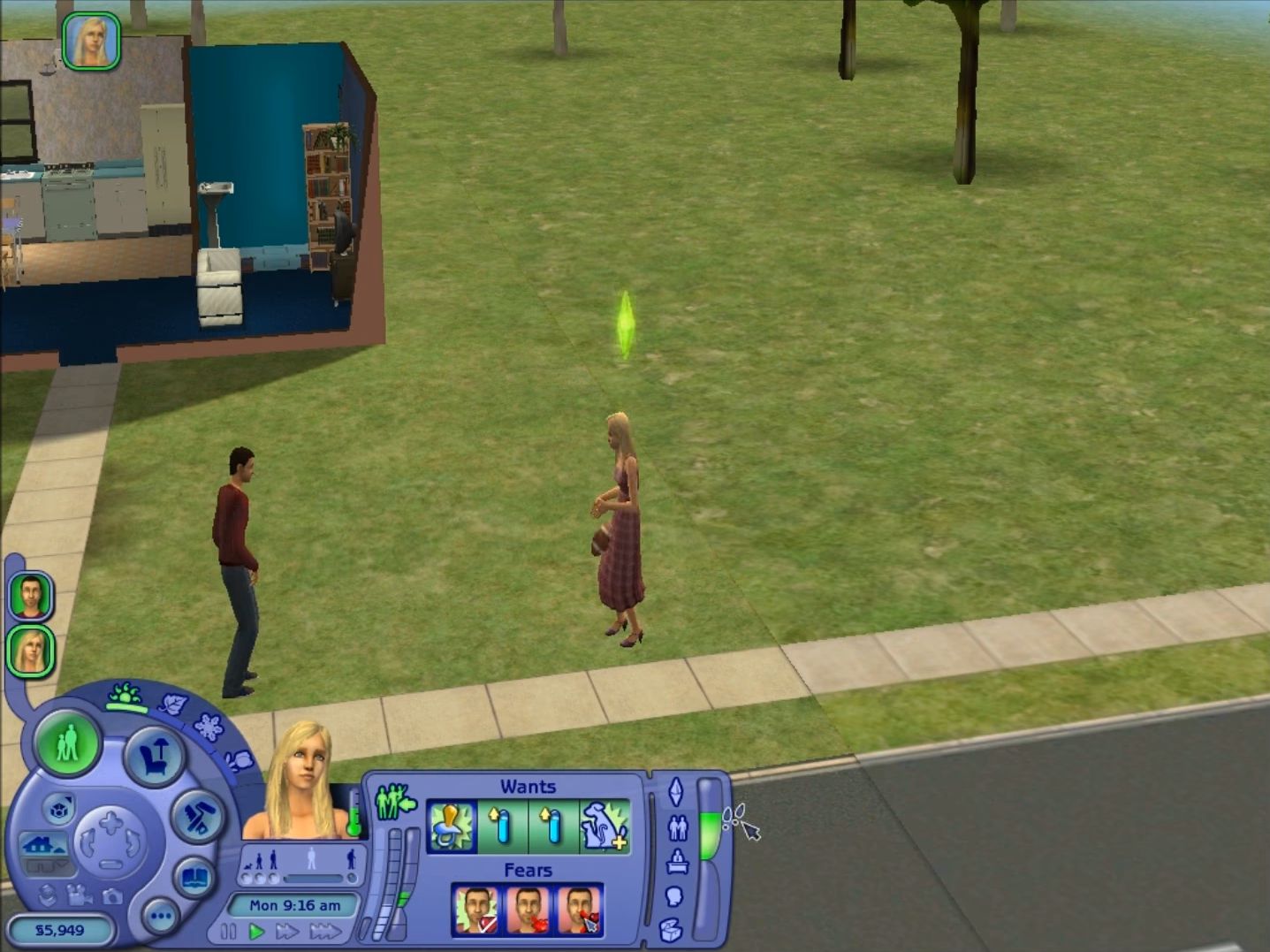
The Sims 2: Ultimate Collection Screenshots
Windows
I could run the game in windows 10 (bootcamp), but I deleted the source file before changing language. Can somebody share the instructions for it?
Also, Shadows are grayed out in options. How can I change that?
thanks,
I fixed it already. Just found a fix in another site. It can be done through registry. Thanks,
help it says i have a newer version of the direct x thingy but it wont let me launch the game 🙁 it also says i need that DirectX 0.9 version of it to play the sims 2 :(( pls help me
Can someone help me out about saving the game. Its downloaded and fully 100% playable the only issue i have is that it wont allow me to save the game. Like the option to save the game is there; So when i click save, it says “save lot” and then i finally just close out of the game. But then I come back in and it doesn’t allow me to play from the saved game, it just automatically starts out like its a new game. How can i fix this mini issue cause it’s difficult playing the game and starting all over again EVERY SINGLE TIME i even open it up.
the neighborhoods are not loading on mine may i ask what i did wrong?
Hope this helps
https://answers.ea.com/t5/Other-The-Sims-Games/Base-Neighborhoods-missing-Sims-2-Ultimate-Collection/td-p/8659212
Neighborhood’s not howing and i tried everything on here
neighborhoods are not showing for me either
On my laptop i realized it was because of my antivirus. It might be same for you
This helped me
https://answers.ea.com/t5/Other-The-Sims-Games/Base-Neighborhoods-missing-Sims-2-Ultimate-Collection/td-p/8659212
No neighborhood showing and I tried everything on here
It isn’t giving me a dxwebsetup.exe option. Can anyone help?
Option? You have to manually open it yourself.
Just wondering where the serial keys are
You shouldn’t need one 🙂
I can’t setup…it says ‘an error occurred while unpacking: archive corrupted. Unarc.dll returned an error code: -7 (decompression fails)
What on earth does this mean?!
It happens at 6.55% installation.
It sounds as though you didn’t unzip the file. Please read through the tutorial and try again.
Pleasantview, Strangetown, and Veronaville are missing from my game? Not sure if I did something wrong during installation but it’s also empty under characters/lots in N001, N002, and N003. Unsure how to fix this, or if it’s unavoidable? No one else seems to be having a problem with this…
I went through the same thing and this solution helped me
https://answers.ea.com/t5/Other-The-Sims-Games/Base-Neighborhoods-missing-Sims-2-Ultimate-Collection/td-p/8659212
Not working. Damn. I’ve tried all, but it still doesn’t work.
It does work. Clearly you haven’t followed instructions.
Try to carefully read over the instructions as you prepare the game. You might of messed up somewhere.
I’m trying to increase the resolution but there is no Sims 2 Data file in program files (x86). Anyone know where the files are for the game or how I can increase resolution? Also, the game doesn’t include the ikea stuff pack.
Under Program Files (x86), the folder that stores The Sims 2 Ultimate Collection is named “Mr DJ.” Once you access that folder, follow the instructions under the “Installation Notes” section of this page. Also, they mentioned in the Installation Notes that IKEA Home Stuff is unfortunately missing from the download.
Thank you! However, as I’m following the instructions, when I try to “save” it says that I don’t have permission to save. It says to contact the owner of the file? Any way I can try as administrator, or something?
I’m trying to do this too, even changed in the settings on my pc so that I’m the owner of everything including sub-folders. Did you have any luck?
I’m a little late and someone’s already pretty much said exactly the same thing, but I’ll quote what the installation notes say regarding that issue: “If they are asking you for administrator permission, then move the file to your desktop, make the changes and then drag it back to its original folder.” It worked for me.
Did every single step as follows, but it doesn’t run the game 🙁 it says I don’t have DirectX 9.0c which I just installed, but it still doesn’t run 🙁 Help??
The only fix i’ve found for this is by running the game in windowed mode (320 x 200px). To do this, right-click the shortcut and choose Properties. At the end of the Target path (outside of the quotation marks) add ” -w”
Install DirectX 9.0c. Simple.
They’ve clearly stated that they’ve already installed Directx 9c. Either something went wrong during their process of installing it, or it’s something different causing the problem.
first download this
https://download2038.mediafire.com/1w8dwqud7zmg/lzbxtj51r6b6e6r/TS2_update.zip
when its done extract the files in
this pc> disk c > program files x86 > mr dj >The Sims 2 Ultimate Collection > The Sims 2 Mansion and Garden Stuff and then click yes all
and its should work!
if didn’t work after doing this then run the game in windowed mode
Does anyone know if the Directx 9c download fixed on Windows 10?
I’ve had issues with DirectX before with other games. What I had done was gone into Control Panel, went into “Uninstall a program,” and uninstalled all items that begin with “Microsoft Visual C++.” Then I went to this site: https://support.microsoft.com/en-us/help/2977003/the-latest-supported-visual-c-downloads and downloaded Visual Studio 2015, 2017 and 2019. If you don’t know which download you need (x64 or x86) just download both. I think after you download you may need to restart your computer. Then, when I was asked to download DirectX 9c for The Sims 2, it told me I already had a newer version and it works fine. Hope this helps!
Yeah or save your time and install Directx 9c..
You are playing smart! we can’t download Directx 9 on windowa 10!
I wasn’t really describing what you should do instead of installing Directx 9c. I was describing what I had done prior to installing the game because I had no issues whatsoever and I don’t have Directx 9c.
sadly it didn’t work for me 🙁
Sorry to hear that. I hope you find/found a solution. Unfortunately, I don’t know how to help any further because I didn’t have any issues. Have you tried following the YouTube video/s recommended by others in the comments?
This repack is missing IKEA SP.
the website owner has already stated that this game is mossing the IKEA expansion.
Only IKEA SP is missing?