| Publishers | Electronic Arts |
| Developers | Maxis |
| Release date | 2000 |
| Genre | Simulation |
| Game rating |
Game Description
The Sims (also known as The Sims 1 or The Sims Classic) is a life-simulation video game developed by Maxis and published by Electronic Arts on February 4, 2000 for Windows, and July 25, 2000 for Mac OS X. The game only has a single-player mode. There is no goal defined in The Sims,and players must develop their characters as they go through different life stages. Characters which the player controls can interact with other in-game characters, develop relationships (both negative and positive) and can even start families together. Characters can also be assigned certain tasks to develop life skills, which enables them to progress in their careers and increase their salaries.
Download The Sims
The Sims is no longer abandonware. You can now buy the game from:
Windows (2000)
The Sims™ Legacy Collection on Steam
Additional files, patches and fixes
The Sims Deluxe Edition Manual (English)
The Sims Windows ReadMe (German)
The Sims Windows ReadMe (English)
The Sims Windows ReadMe (Spanish)
The Sims Windows ReadMe (French)
The Sims Windows ReadMe (Italian)
The Sims Windows ReadMe (Dutch)
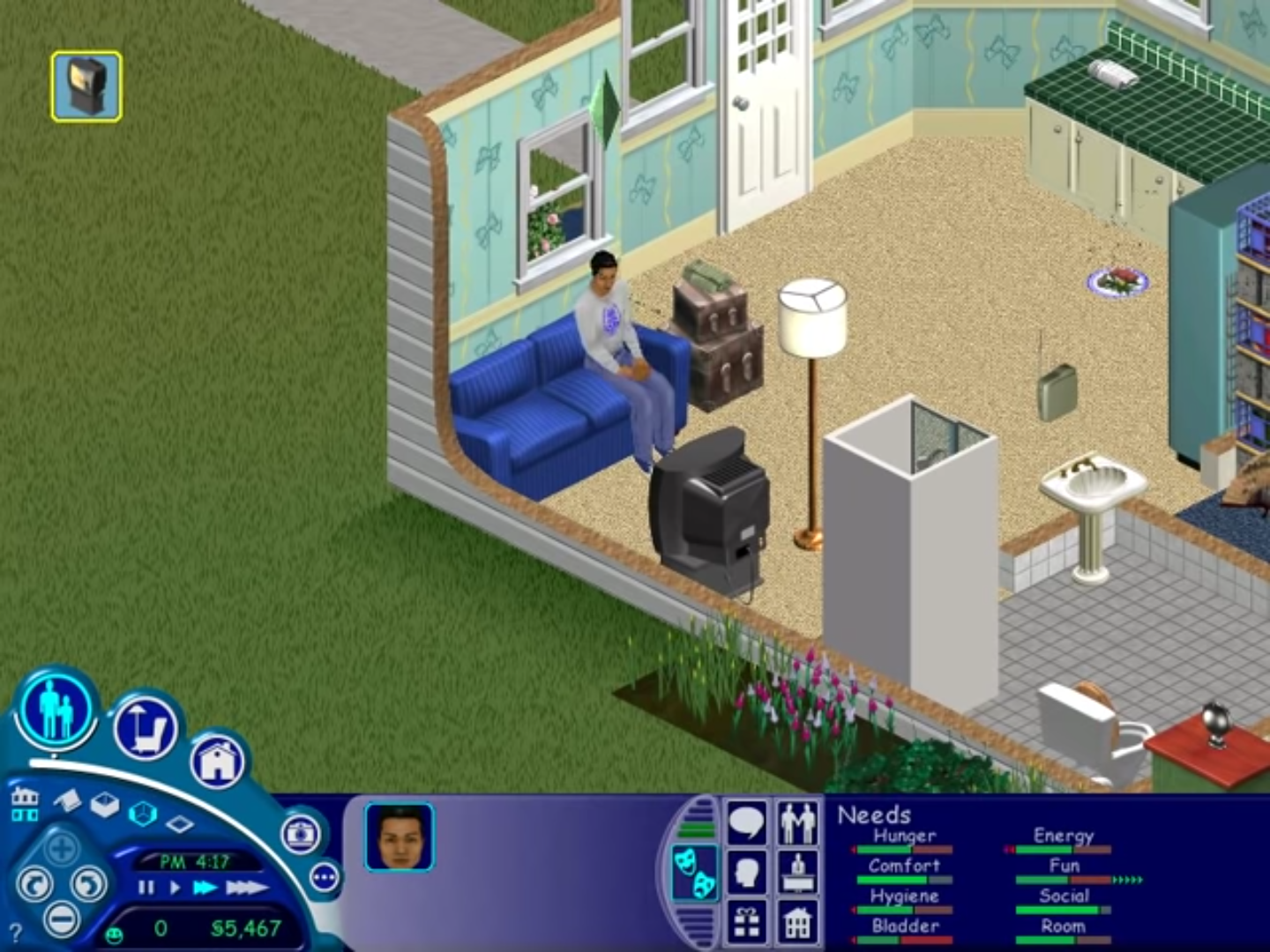
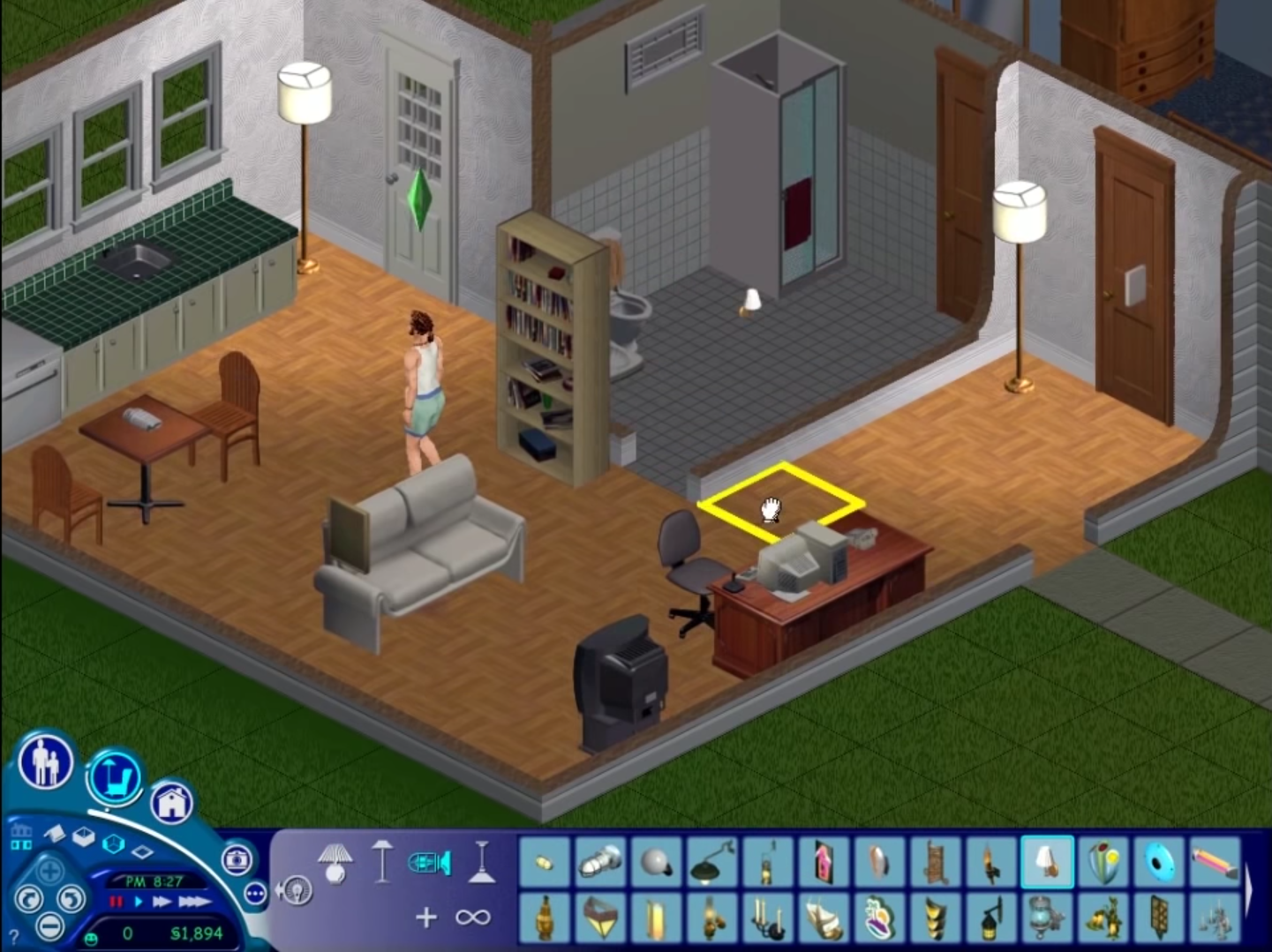
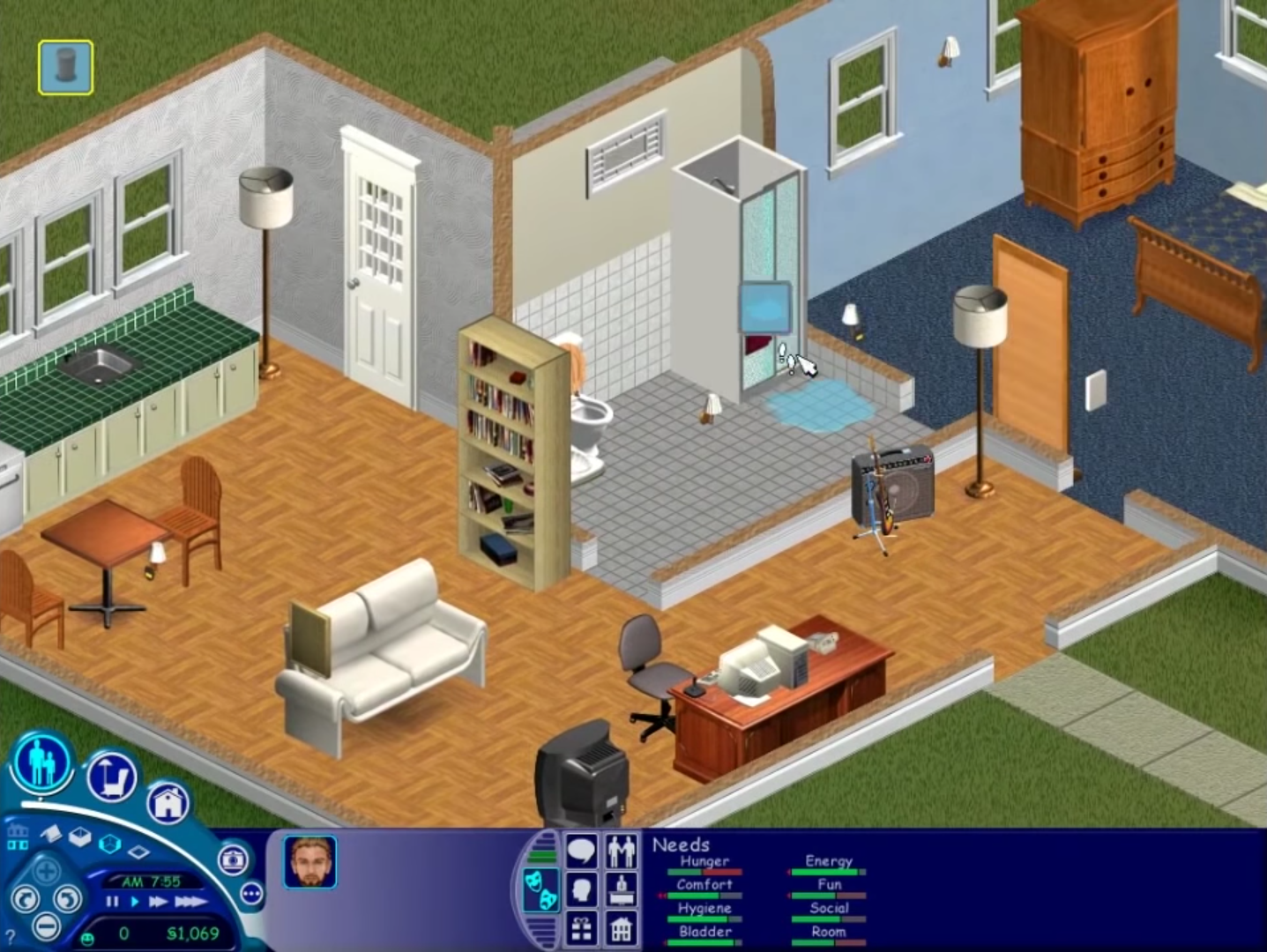
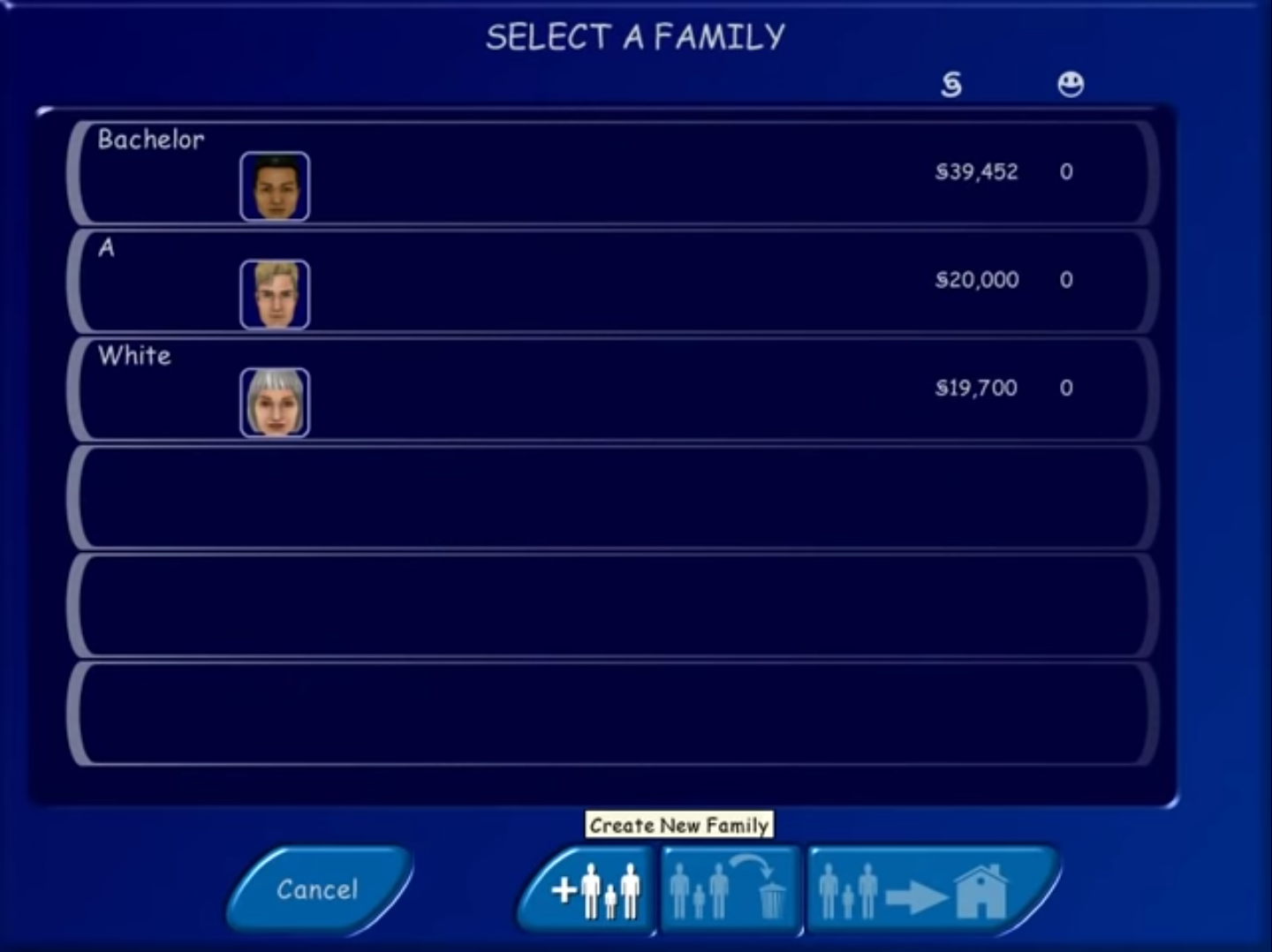
The Sims Screenshots
Windows
Whenever I start to play the game it completely freezes and I can’t even exit out of it. The music is going and the water is flowing, but there are no houses and I can’t click anything…
we I did this it was fine until i got it open it said i need to insert a disk. any idea what i can do to fix it.
ps. my computer does not have any where to insert a disk
“An installation support file could not be installed”
Got a problem w/ the installation “an installation support file could not be installed”
“An installation support file could not be installed”
can’t install, what should i do?
Got the same problem
Mega Quota Exceeded
Hello, pls help me,
I’ve already launched the game. But when the game starts, the notification and the introduction board keep running and show up again and again, I cannot play or even do anything
when i double click the start.exe nothing happens at all i tried mode Windows XP (serves pack 3) and 2 and nothing happens as well
Go to task manager and look up the Discord Logitech g process and kill the process. Now it should work
Hi. I followed all of the instructions. If I go into the starting game menu without running as an administrator, it asked me to do so. If i go into into it as an administrator and click play sims and click any option of resolution, the start menu closes and never comes back.
Make sure to follow the last steps in the install guide! The one you’re clicking on is not the one you’re supposed to click on to play!
Help!! It says I need disk 1, what do I do? 🙁 🙁
The launcher starts and I can select play and my resolution settings, but then when the launcher closes to start the game nothing happens. Help!
Hi, I followed the directions but when I click on the desktop icon nothing happens and the game isn’t brought up. Help?
Hi did you crack the game? If yes, can you try running as administrator
Also you can try running in compatibility mode for Windows XP (https://oldgamesdownload.org/wiki/troubleshoot/)
I´m having problems. The game is instaled and starts fine. But in the buying things menu where u pick furniture and all items, there is no picture, only a blank pictureframe instead :/ can anyone help me?
I followed your instructions. However every time that I load the game, it continuously loads in the assets (i.e. it never stops installing each expansion pack).
Having the same issue, any help would be nice. will try re install.
Having the same issue. Any work around
everytime i try to install says unknown error encountered. aborting setup how do i fix this