| Publishers | Electronic Arts |
| Developers | Maxis |
| Release date | 2000 |
| Genre | Simulation |
| Game rating |
Game Description
The Sims (also known as The Sims 1 or The Sims Classic) is a life-simulation video game developed by Maxis and published by Electronic Arts on February 4, 2000 for Windows, and July 25, 2000 for Mac OS X. The game only has a single-player mode. There is no goal defined in The Sims,and players must develop their characters as they go through different life stages. Characters which the player controls can interact with other in-game characters, develop relationships (both negative and positive) and can even start families together. Characters can also be assigned certain tasks to develop life skills, which enables them to progress in their careers and increase their salaries.
Download The Sims
The Sims is no longer abandonware. You can now buy the game from:
Windows (2000)
The Sims™ Legacy Collection on Steam
Additional files, patches and fixes
The Sims Deluxe Edition Manual (English)
The Sims Windows ReadMe (German)
The Sims Windows ReadMe (English)
The Sims Windows ReadMe (Spanish)
The Sims Windows ReadMe (French)
The Sims Windows ReadMe (Italian)
The Sims Windows ReadMe (Dutch)
The Sims Screenshots
Windows
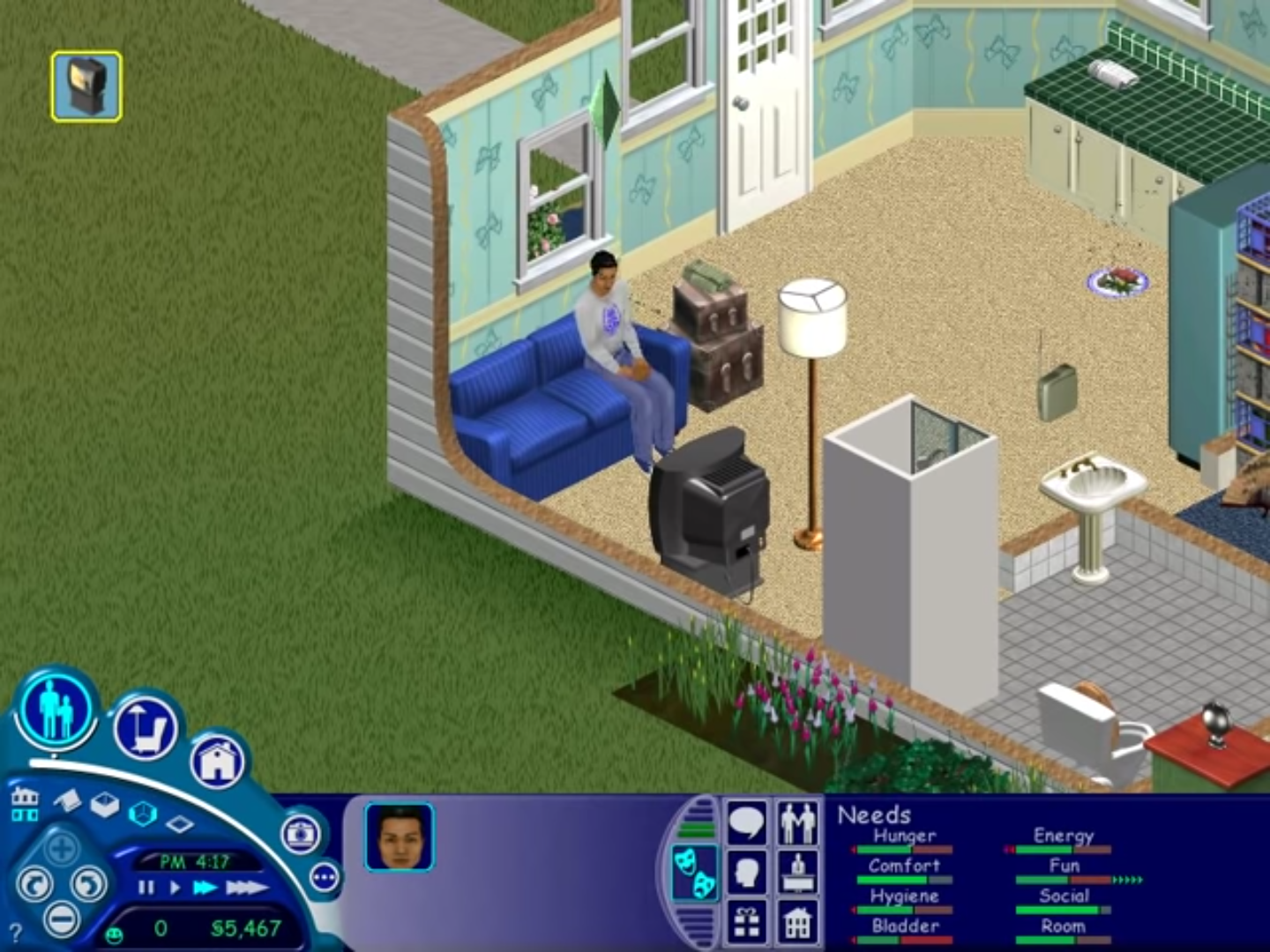
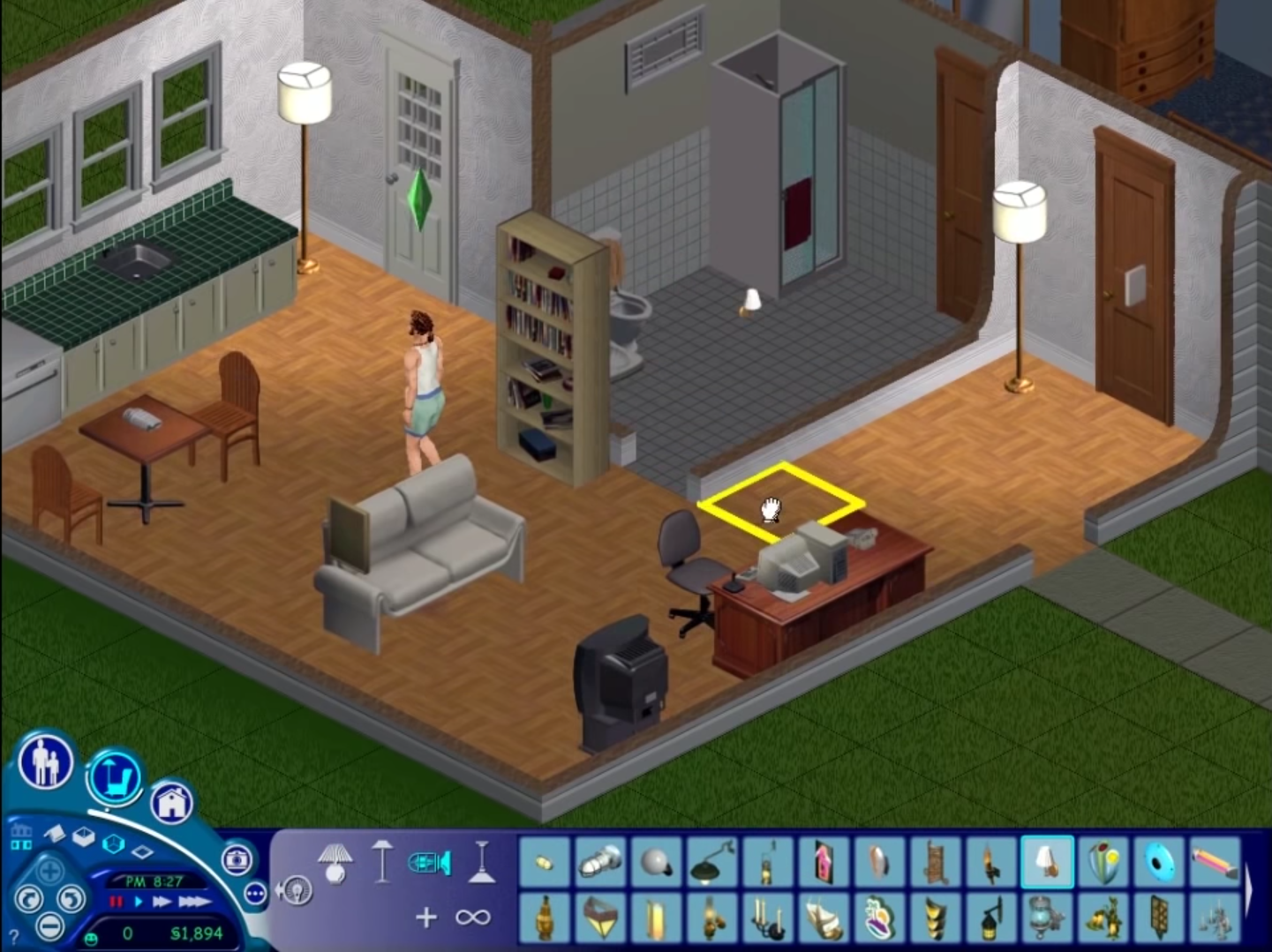
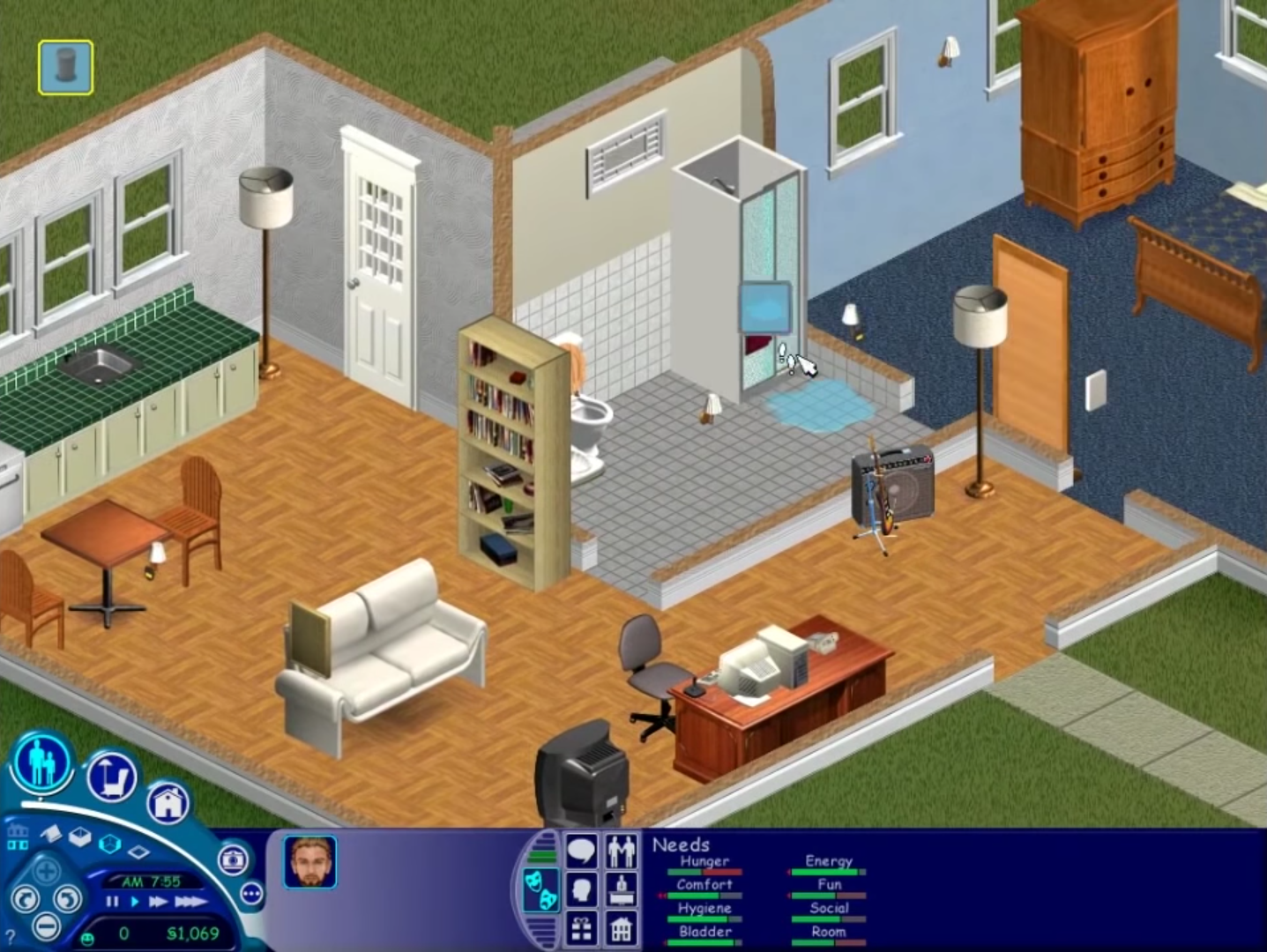
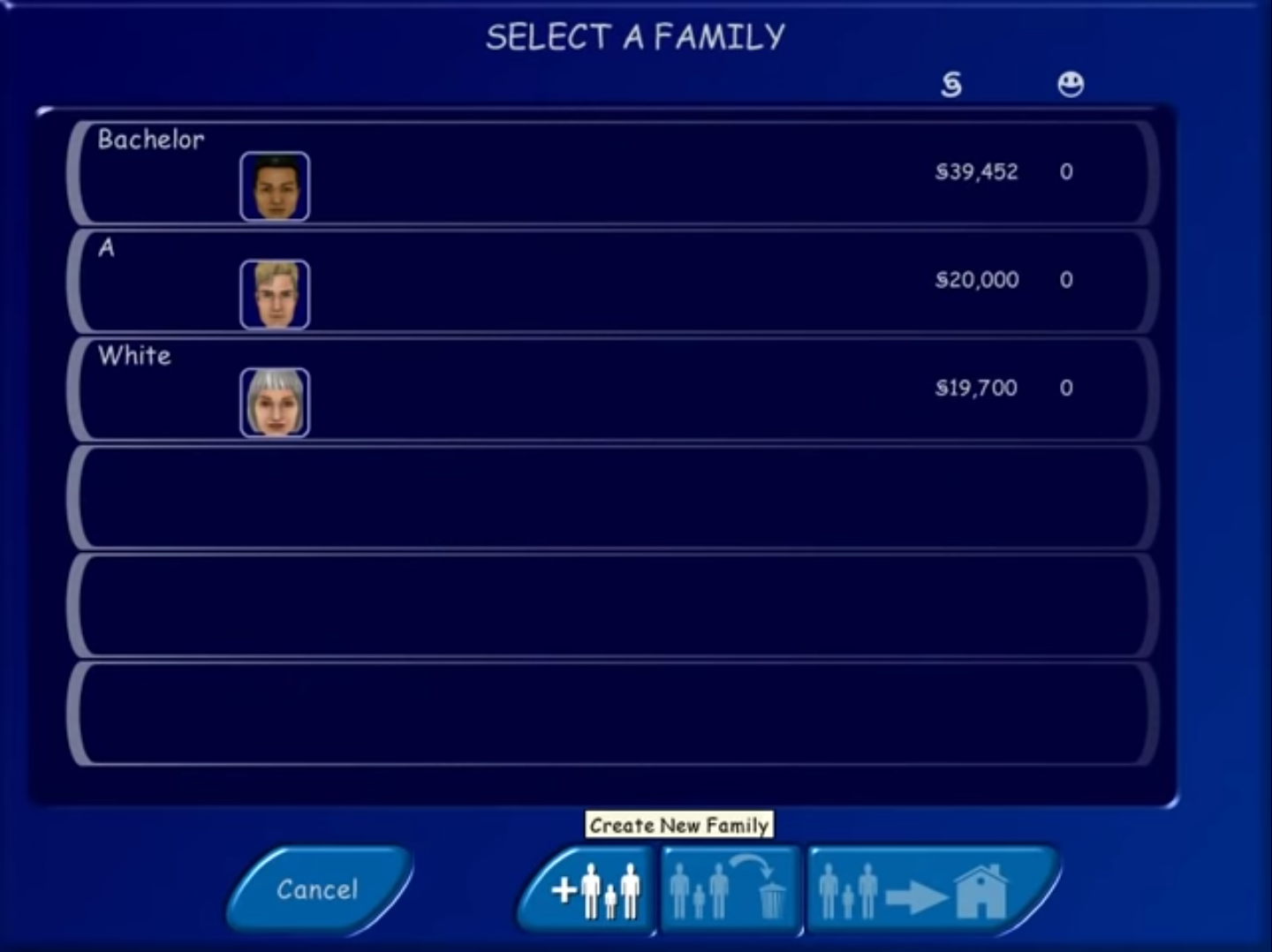
hey, there is no setup.exe to run in the file, its just not there
There is no sims exe or setup exe in the file
tang ina this.
Does anyone know what’s the code? it asks for a code when I install the game
i google mo gago.
try EQMV-73XB-F8J4-GSLX-4M67
actually, theres a .txt file in the folder included with the .iso
try 114036-193315-295148-3313 or 100486-585530-905808-0928
It asks for a code in the installation, does anyone know what’s the code?
the code is, 666-6969-8====D
I already extract and installed the exe but when i double clicked it, it just quit, again and again. It says “the sims has stopped working”. Please help me
i cant find the game after extracting everything
you dumb
i cant find the game after extracting it
ask yo mama
I got the game installed but once i choose to play widescreen nothing happens
same problem
it says could not find the sims data directory help!!
nvm i did it wrong
did you figure it out? I’m having this same problem smh
Same for me, i cant paste the sims.exe file into the folder, it says it cant open the folder or something.
Everything works just fine but i cant save my game. It says: error saving the game.
Hello, everything workt just fine but i can`t save the game, ist says: Error saving household.
It also can`t save the tutorial.
hello! i followed every step but it seems my copy can’t run even on admin settings… send help my mom keeps on bugging me to make this work hehe
i cant paste the sims.exe into the installed place, it just said there is no room. i can launch the launcher by running the setup.exe, but when i press play nothing happens. help ?
follower all intruction and it works perfectly!! but somehow have error when saving the game! please help
what does the error say