| Publishers | Electronic Arts |
| Developers | Maxis |
| Release date | 2000 |
| Genre | Simulation |
| Game rating |
Game Description
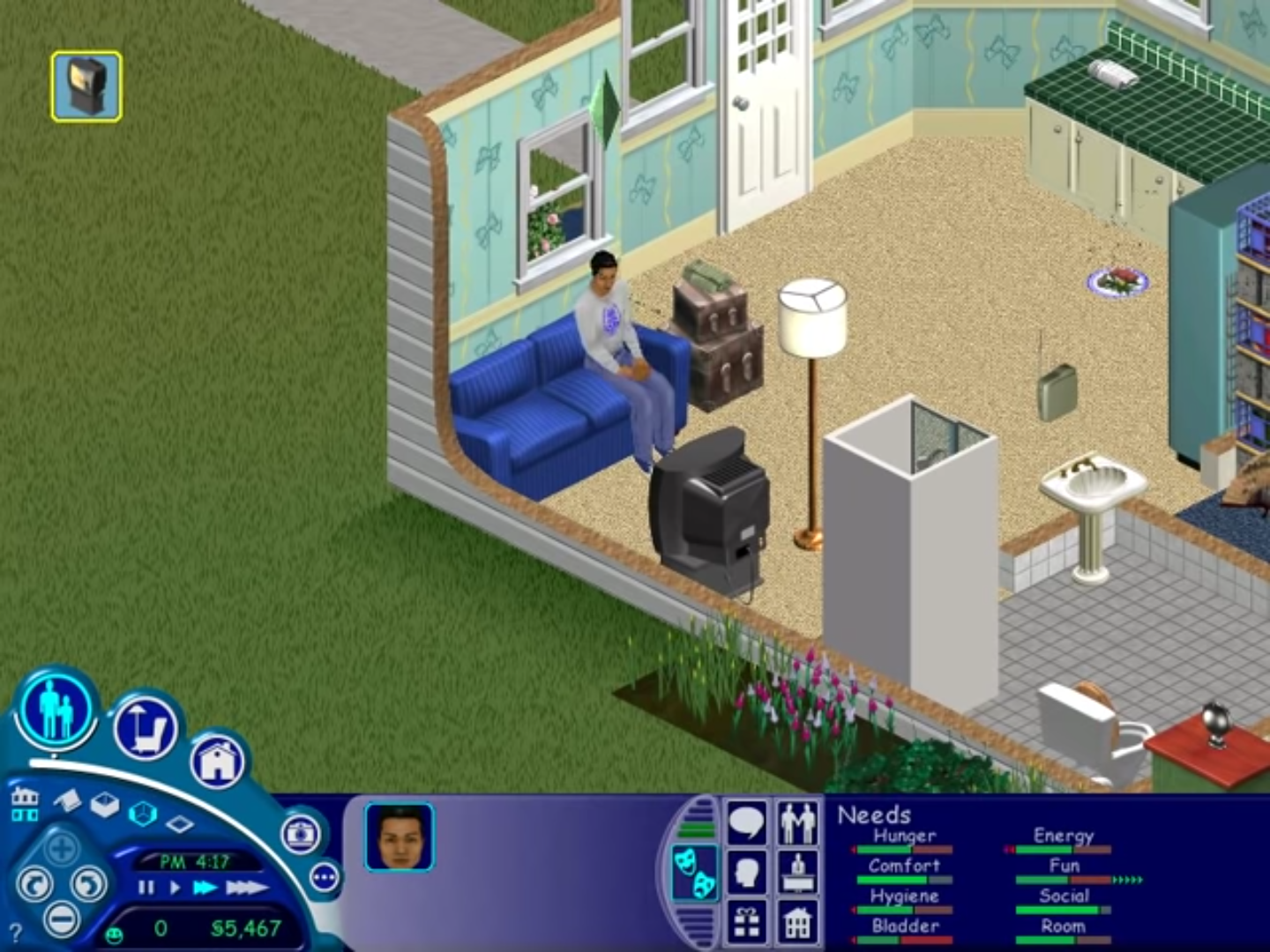
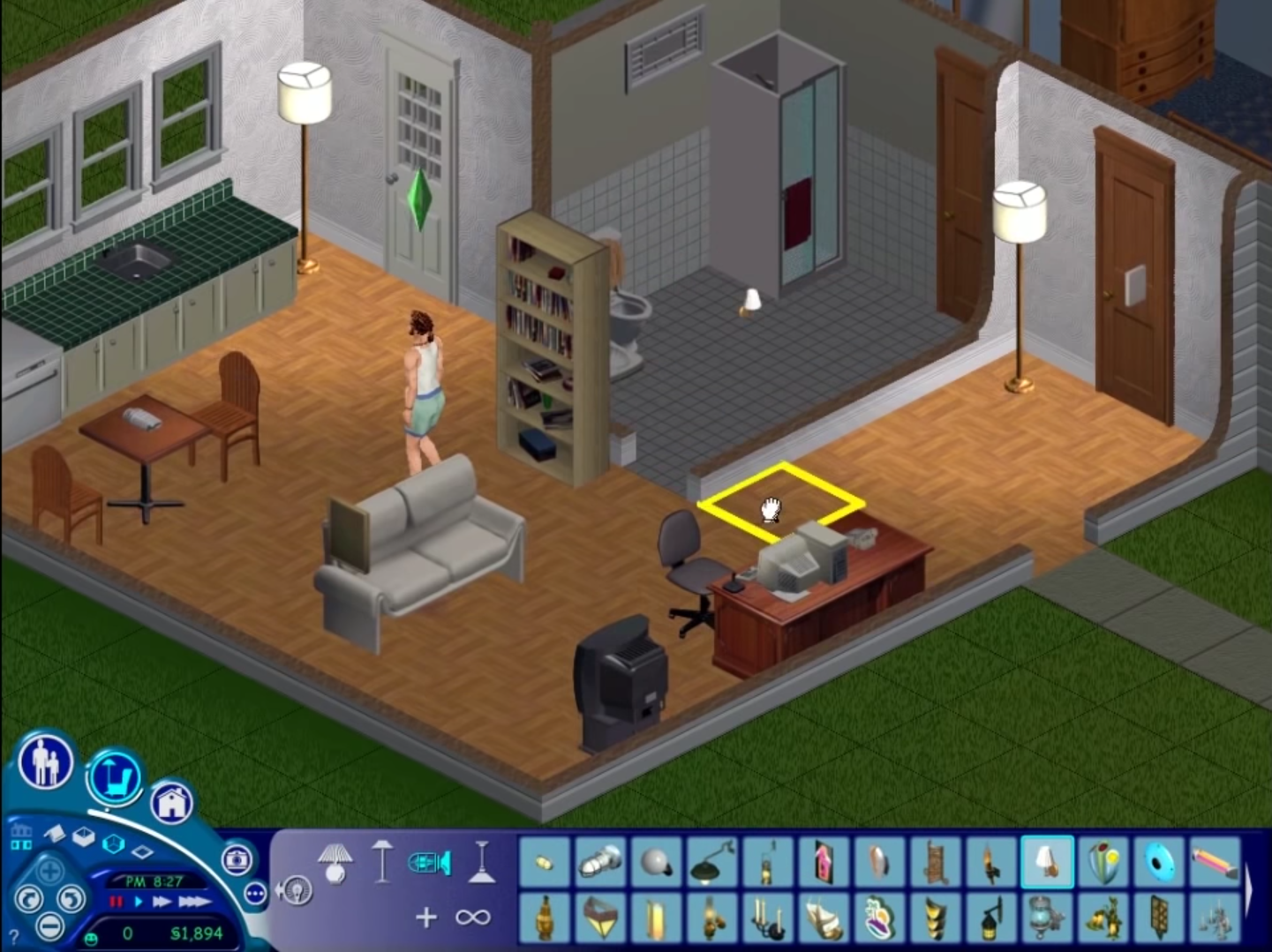
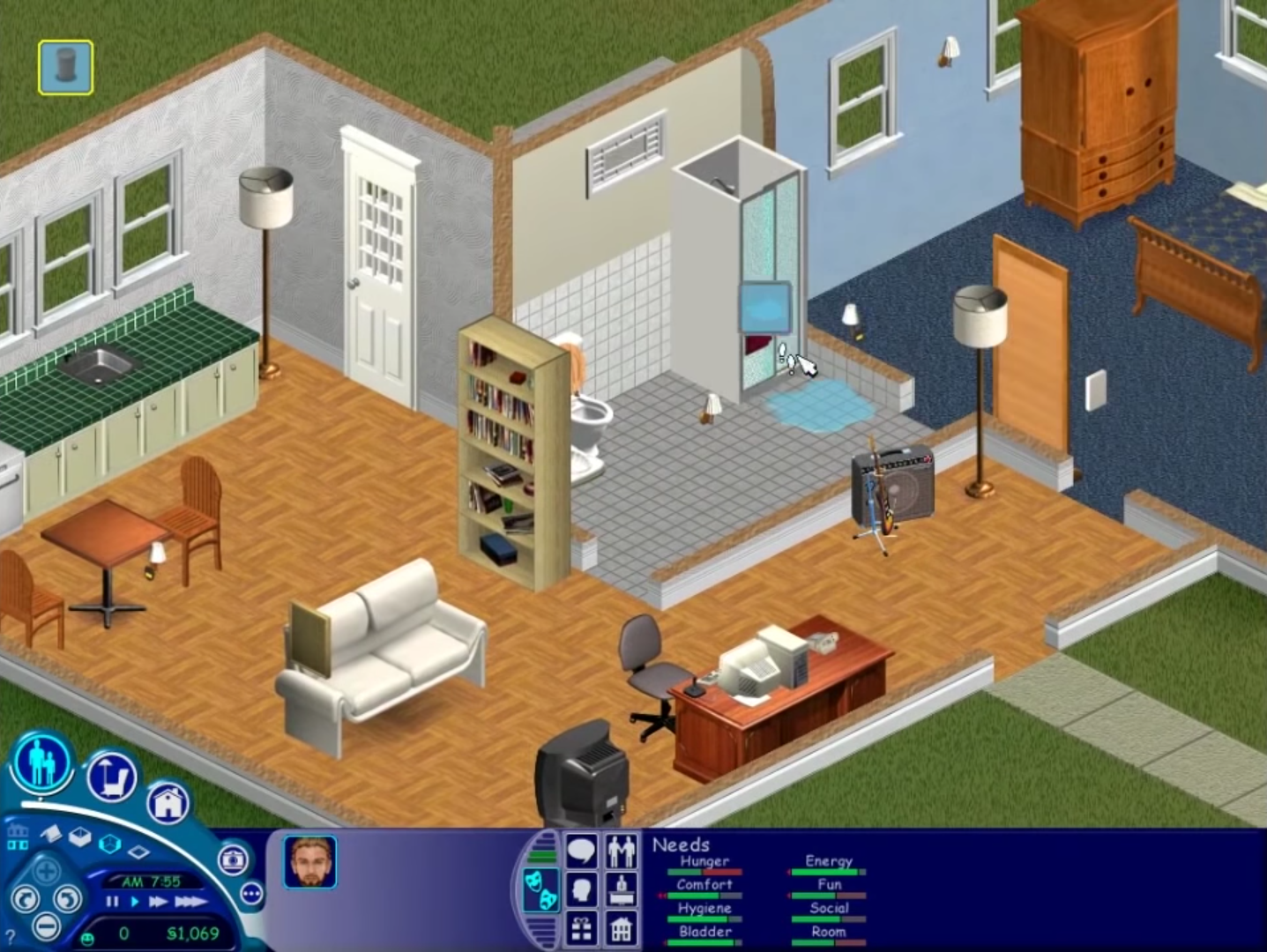
The Sims (also known as The Sims 1 or The Sims Classic) is a life-simulation video game developed by Maxis and published by Electronic Arts on February 4, 2000 for Windows, and July 25, 2000 for Mac OS X. The game only has a single-player mode. There is no goal defined in The Sims,and players must develop their characters as they go through different life stages. Characters which the player controls can interact with other in-game characters, develop relationships (both negative and positive) and can even start families together. Characters can also be assigned certain tasks to develop life skills, which enables them to progress in their careers and increase their salaries.
Download The Sims
The Sims is no longer abandonware. You can now buy the game from:
Windows (2000)
The Sims™ Legacy Collection on Steam
Additional files, patches and fixes
The Sims Deluxe Edition Manual (English)
The Sims Windows ReadMe (German)
The Sims Windows ReadMe (English)
The Sims Windows ReadMe (Spanish)
The Sims Windows ReadMe (French)
The Sims Windows ReadMe (Italian)
The Sims Windows ReadMe (Dutch)
The Sims Screenshots
Windows
mine is saying it couldnt find the data directory
same
You need to change your compatibility mode to windows xp 2 on the application then try reopening it 🙂
also make sure the NoCD application is IN the folder. Program Files, Maxis, The Sims, and replace the current Sims application with the no CD one
This doesnt work. The setup does not pop up on the screen to launch installation. Just like my discs nothing pops up
Did you ever find a solution? I have the same problem
I d/l the file, unzipped it and followed all the directions to the letter. I keep getting an error about not being able to copy iKernel.exe. Any help would be appreciated. Thanks
go online and download iKernal.exe.
This does not work. I have tried everything step-by-step to no avail.
Does it have the expansion packs included?
no you need the complete collection, this is also available to download from this website
Does this work on Windows tablet?
Game has a trouble saving my progress. Any help?
I am Having a problem where is says “Please login with administrator privileges and try again”, I’ve tried every fix i could find nothings worked
Are you using a work computer? or a school laptop? If so, that might be the problem. Try using your own personal computer.
I got the game to run. However. Any pop up windows in the game are invisible. The in game text looks like bars are running through it. And when I go into the build menu all the items are blank in the little boxes. Anyone have any clue what’s going on??
There is no The Sims.iso when I extracted the ZIP. Tried many times but still no .iso.
HELP the game is installed but when i start it, it just shows me the “the sims” screen and stays freezed like that…..
If the game doesn’t work when you launch sims.exe you also need to do this that that exe:
Right click the setup.exe > properties > compatability tab:
Check compatibility, set to windows xp service pack 3
Check reduced color mode, set it to 16 bit.
Check disable fullscreen optimizations
If you start setup.exe and nothing happens do this:
Right click the setup.exe > properties > compatability tab:
Check compatibility, set to windows xp service pack 3
Check reduced color mode, set it to 16 bit.
Check disable fullscreen optimizations
Open task manager > sort by name > find Setup.exe in the background processes and kill any already running. Restart setup.exe and go back to it in task manager.
Right click it, click go to details. Right click the highlighted process and click “Analyze Wait Chain”. You will see 2 applications listed with checkboxes next to them, the top one will be setup.exe. Check the box for the bottom one and end the process. Then close the window. You may need to repeat the process of selecting analyze wait chait and ending the secondary task 2 or more times, then the installer should launch and work fine.
you are amazing <3 thankyou so much!
This worked BUT when i hit play it just turns off
I can’t see ”Analyze Wait Chain”
Nvm, found it: had to go on ‘Details’ tab on the top of task manager then did the rest. However now that it is installed, when I try to launch it, it says ”please log in with administrator privilages and try again.”
you saved my day man
Their is a problem where I can’t see the portraits in create a Sim and the neighborhood screen is really glitchy and I don’t have any cc, mods and its just completely unplayable
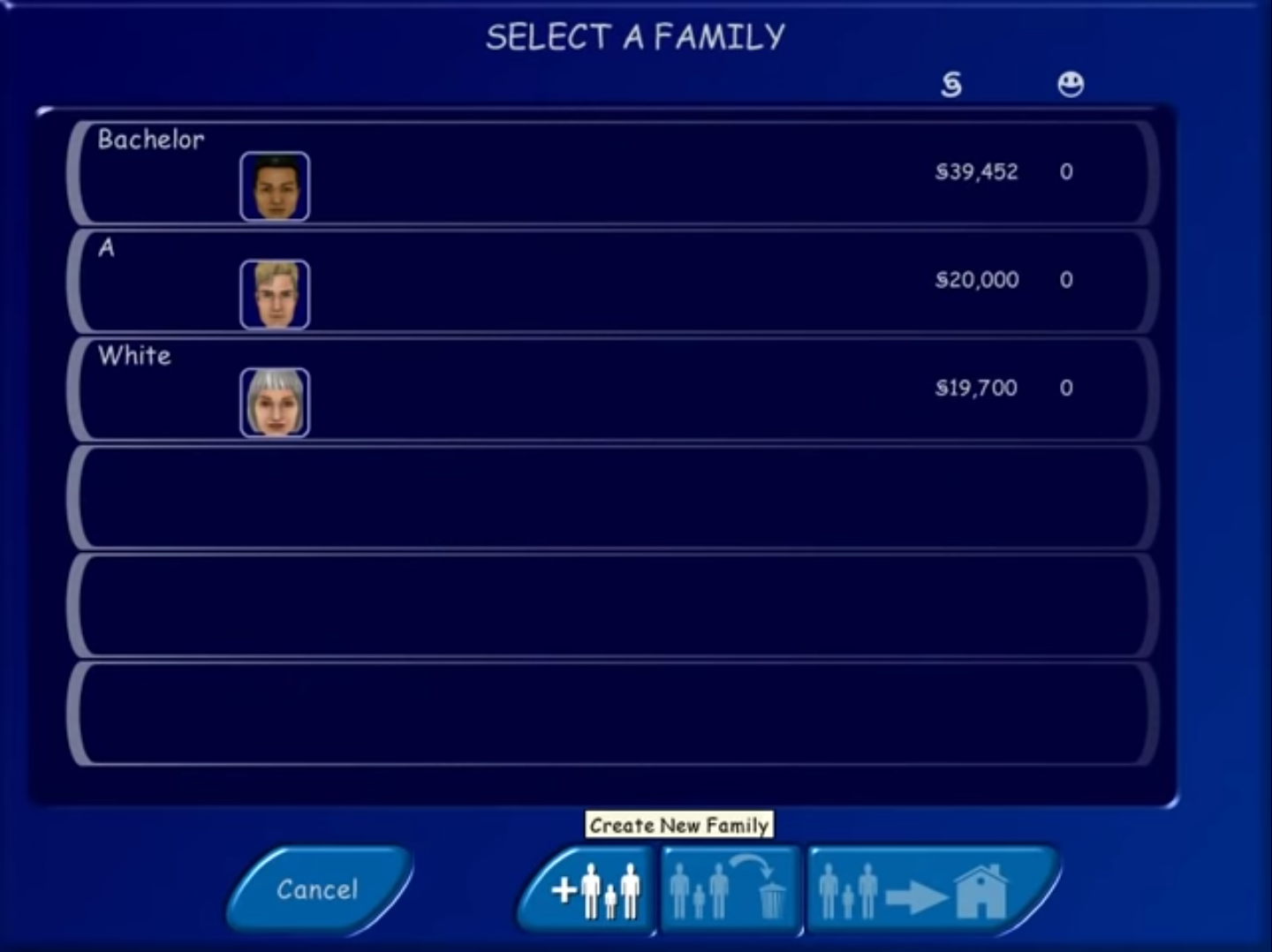
I’m having a issue where I can’t create a family in create a Sim because the profile pictures go blank and then when I try to click accept it crashes, Also the neighborhood screen is super glitchy and I don’t know how to fix it