| Publishers | Electronic Arts |
| Developers | Maxis |
| Release date | 2000 |
| Genre | Simulation |
| Game rating |
Game Description
The Sims (also known as The Sims 1 or The Sims Classic) is a life-simulation video game developed by Maxis and published by Electronic Arts on February 4, 2000 for Windows, and July 25, 2000 for Mac OS X. The game only has a single-player mode. There is no goal defined in The Sims,and players must develop their characters as they go through different life stages. Characters which the player controls can interact with other in-game characters, develop relationships (both negative and positive) and can even start families together. Characters can also be assigned certain tasks to develop life skills, which enables them to progress in their careers and increase their salaries.
Download The Sims
The Sims is no longer abandonware. You can now buy the game from:
Windows (2000)
The Sims™ Legacy Collection on Steam
Additional files, patches and fixes
The Sims Deluxe Edition Manual (English)
The Sims Windows ReadMe (German)
The Sims Windows ReadMe (English)
The Sims Windows ReadMe (Spanish)
The Sims Windows ReadMe (French)
The Sims Windows ReadMe (Italian)
The Sims Windows ReadMe (Dutch)
The Sims Screenshots
Windows
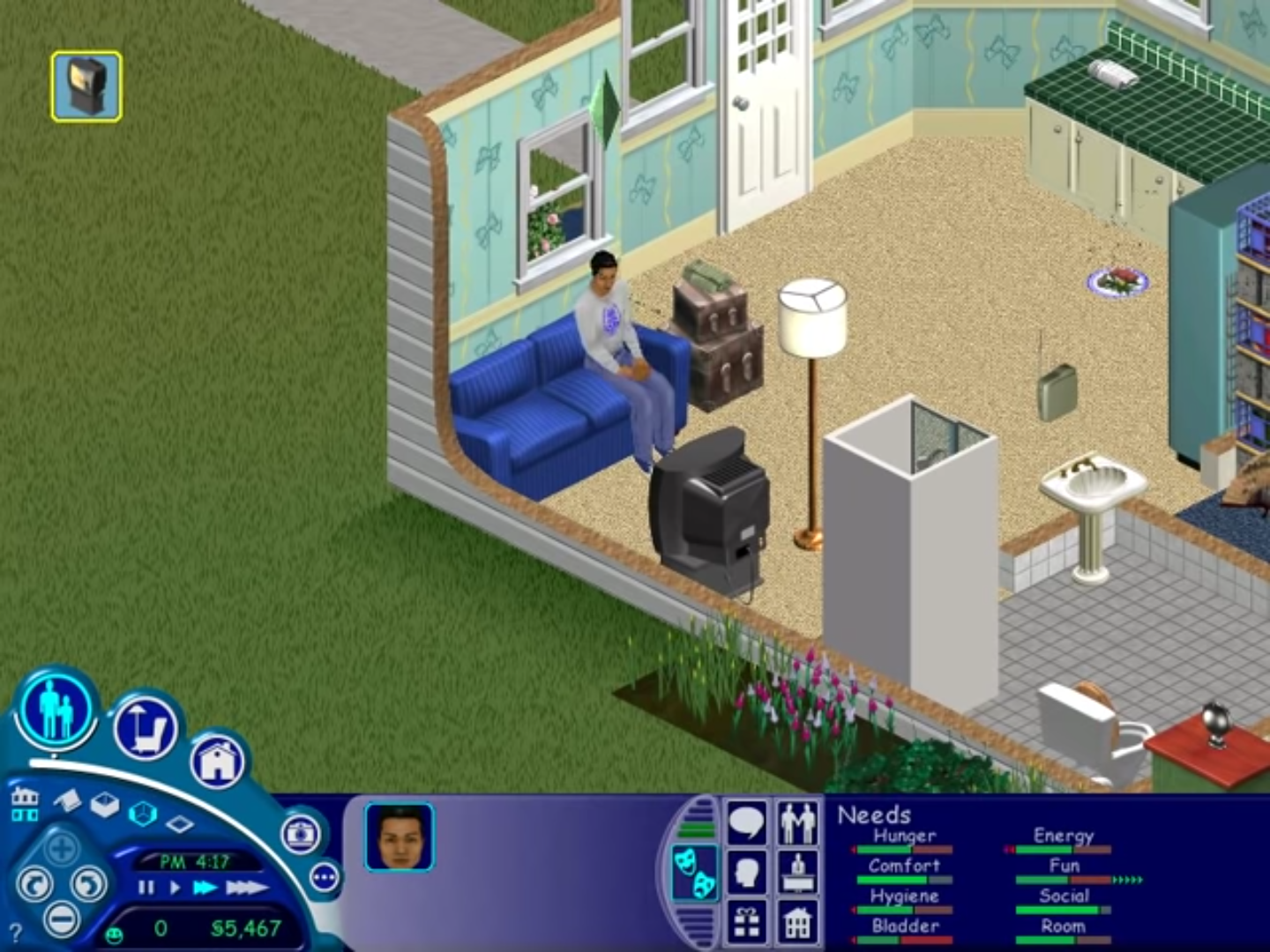
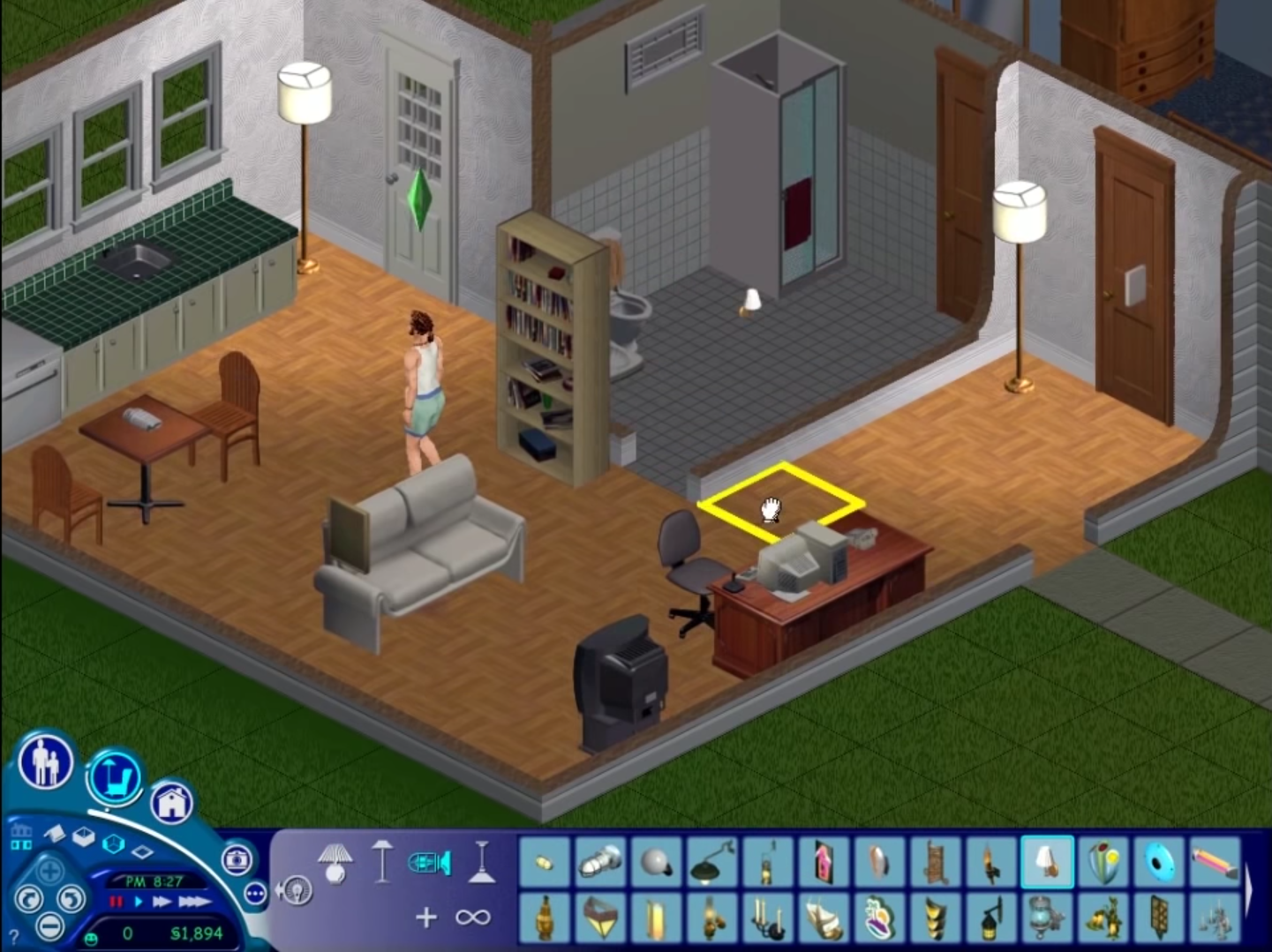
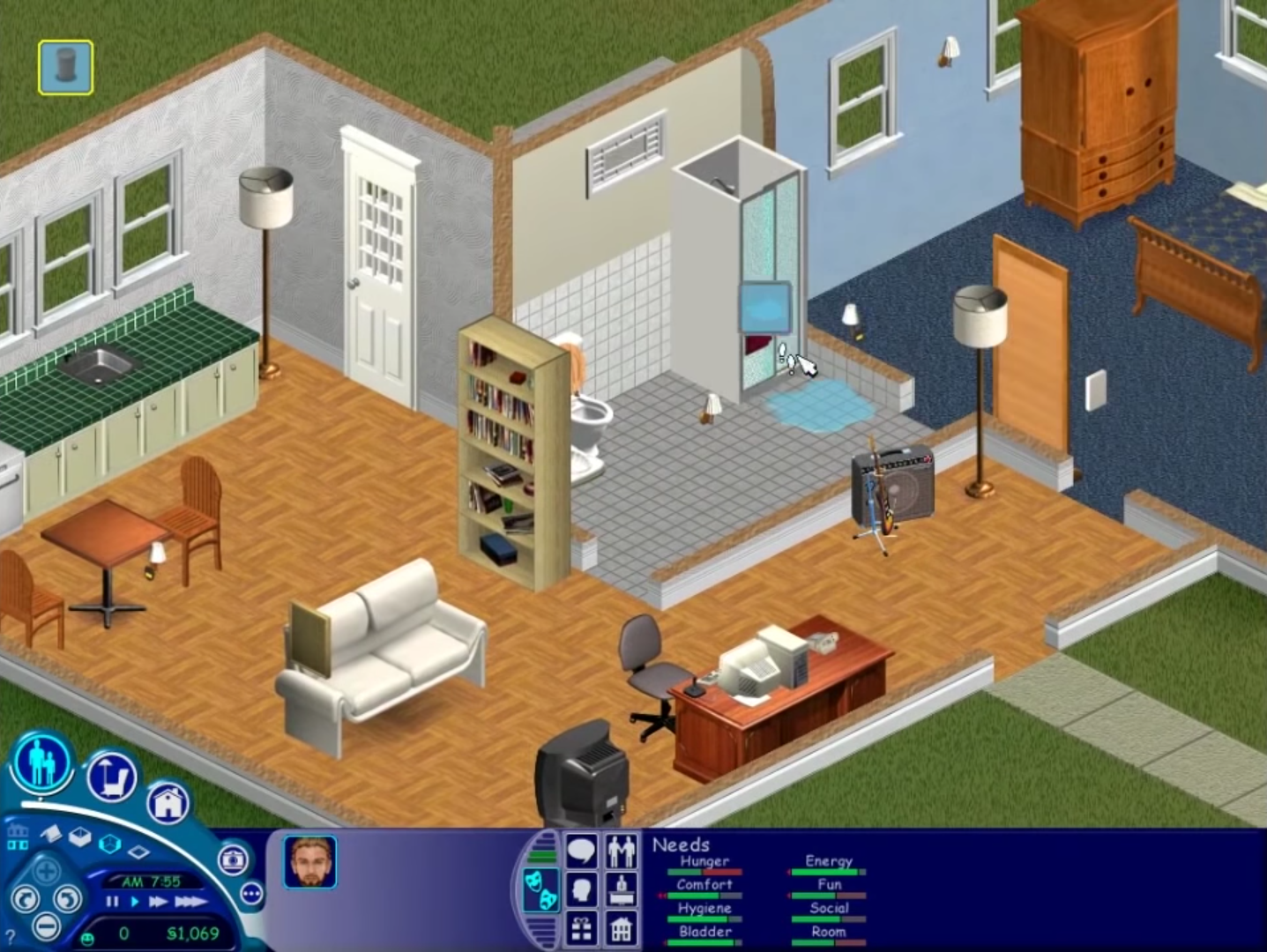
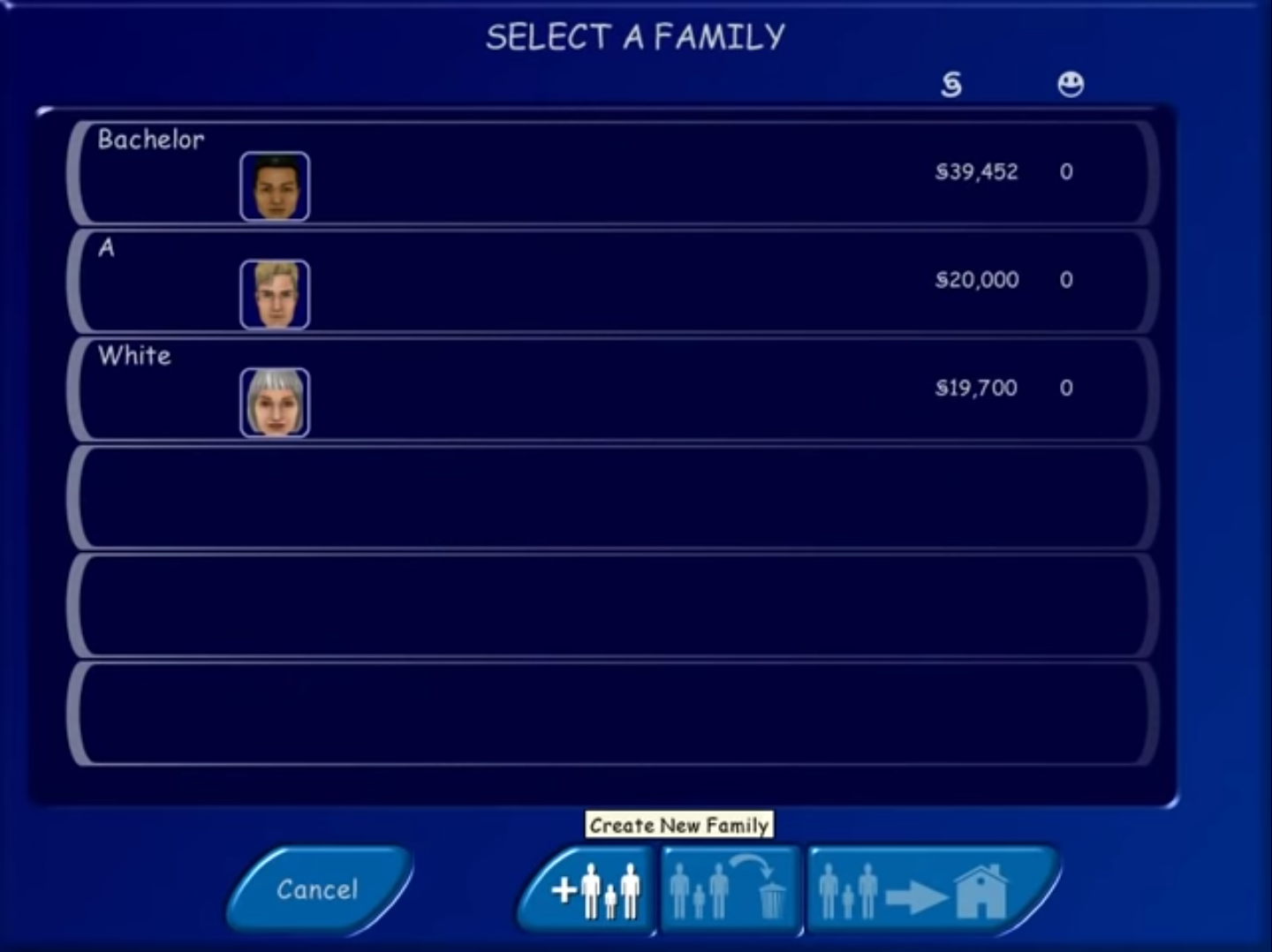
Hi when I start the game it does not react when I click. It just freezes once all the expansions load.
Everything went well, but at 95% downloading the sims, it just stops. The system says component transfer error in SimsCreator, and it says file name or directory name is wrong. the whole downloading process stops at that point, everytime i do it. plz help…
are you getting the problem when you download the game, or when you install the game?
Oh, I mean I have the problem when I install the game
if you have any parts installed then uninstall them and delete all remnant files, then redownload the file and try to run the setup again as an administrator
Downloaded it, but had no question to register. After installation I tried to open Crack, but I can’t move it to the direction where I installed the game.
why can’t you add it to the installation directory? you need to do this step
My pc only says I can’t make a shortcut in there, in the installation map i mean.
Never mind, I figured it out 🙂 thanks
thank you so much i downloaded it followed the instructions above then copy and pasted the code above as said .it installed then i exited it then reopened the win rar file to find the sims crack folder opened that fond the “Sims.exe” opened my Program Files (x86)MaxisThe Sims). found the one labeled maxis opened that and found my sims folder dragged and dropped it in there it said replace this file i said yes then launched my game created my sim and never been so happy thank you merry christmas 2018
when i click the start.exe it tells me that i need to insert Disk 1 and wont let me past this point if i click ok the same error message comes up and if i click cancel nothing happens.
can you move the folder (Game Files folder) to your disc drive C:// and right click the file start.exe and then run it as an administrator (right click > Run as administrator)
I have this problem as wel and tried this solution, but it doesn’t work unfortunately. It keeps saying I have to insert Disk 1.
I also get this problem about insert disck 1 can anyone help me
i already followed and done every installation steps, also made the shortcut in my dekstop but why this popped up?
https://uploads.disquscdn.com/images/c327f9bb74c1a25fc36719f6d9246e40e1b8604089952284358dedd0e49b70ab.png
i haven’t installed any expansion pack yet 🙁 what should i do? please help meeh
When you click on Ok and run the game is it working? You might have had files from a previous installation of The Sims 1 on your computer
https://uploads.disquscdn.com/images/c327f9bb74c1a25fc36719f6d9246e40e1b8604089952284358dedd0e49b70ab.png
i already finished all the installation and made the shortcut in the dekstop but this appeared.. i don’t installed any expansion before what should i do? please help me
The game works however it keeps loading on the map screen forever and doesnt ever stop loading. help
How long is it loading for? the 1st time you launch The Sims 1 it usually takes a really long time to load (could be slower if you have a slower PC)
I have the same problem. How long does it take? I has been waiting for more than 30min. It’s like an infinite loop, just keep loading expansion after expansion and repeat
30 mins is quite long tbh.. try restarting your computer and then running the game in compatibility mode for Windows XP
I reinstalled the game in another PC and it works like charms. But suddenly the game now starts in neighborhood number 2 idk why because I didn’t change it. The infinite loop is back, I need to change it to NH number 1. How could I do that?
the start app doesn’t work for me 🙁 even if i go to compatibility and press windows xp it shows op on task manager but not in my screen
Things to try is to change the compatibility to different versions (e.g Windows XP Service Pack 2, then try 3, Windows Vista, Windows 7) and hope one of them works. Also check the box next to “Run as administrator”. Sometimes these games are really stubborn :/
Nothing works u_u
Another thing to try: Press the windows button on your keyboard and press “R” at the same time. Then type this in (copy paste it without quotation marks) “Sims.exe -r1024x768”. And then press Enter
If that doesn’t work then your laptop/PC is being really annoying, you can get the game to run on a virtual machine but that’s really complicated to set up
I tried to install it, but it said ‘An installation support file could not be installed. Catastrophic failure’. What should i do?
Can you try running the setup as an administrator? If that doesn’t work then I would redownload and try to install again
I tried to run is as a adminstrator and did reinstall it, but is still says the same
weird :/ I have not seen that error before to be honest I’m not sure what can fix it, only thing i can recommend is to try installing the game on a different computer
i started download it but it stops because i dont have a mega account???????
I know that’s why I hate using MEGA to upload the files. I think if you wait a few hours your download should continue. Sorry about this we’re working on finding better servers to upload the files
it says i need to have a account with mega
I can not locate he Program 86 folder or the Maxis folder?
It might be in your “Program Files” folder instead of Program Files (x86). When you installed the game, in the setup, you can specify your installation directory so it depends on the directory you selected
I checked there too. I even searched for Maxis and all that shows is a Read Me file. Should I just reinstall?
That’s really weird, it sounds like an incomplete or corrupt installation. I would try reinstalling it
That worked perfectly. Thank you!
happy it worked!! enjoy the game
hello. I installed the game. But when I am trying to play it, it’s saying error saving the house…
why is the error?
hey, what error do they give you??
Hey ! I have the same ! The game says it has an error occured for saving the house! So, you can’t really play as it doesn’t save your play. How can we fix that bug ?
hi, can you try running the game as an administrator (Right click => Run as administrator) that usually solves it of The Sims 1
Hey! Everything goes smoothly, but when I start the game, the screen blows up the game huge and I can only see a 4th of the game (kind of like the top right corner of what would be the whole screen showing the game)… any help?
Hi, can you try the fix detailed on this link https://simsvip.com/2018/02/09/play-sims-1-windows-10-widescreen-fix/ and hopefully it should work after this.
If it doesn’t, then try changing the resolution of your actual desktop to a smaller resolution and then launch the game