| Publishers | Electronic Arts |
| Developers | Maxis |
| Release date | 2005 |
| Genre | Simulation |
| Game rating |
Game Description
The following expansion packs were released for the game, bundled in a single game known as The Sims: Complete Collection:
- The Sims: Livin’ Large
- The Sims: House Party
- The Sims: Hot Date
- The Sims: Vacation
- The Sims: Unleashed (Pets)
- The Sims: Superstar
- The Sims: Makin’ Magic
Download The Sims: Complete Collection
The Sims: Complete Collection is no longer abandonware. You can now buy the game from:
Windows (2005)
The Sims™ Legacy Collection on Steam
Additional files, patches and fixes
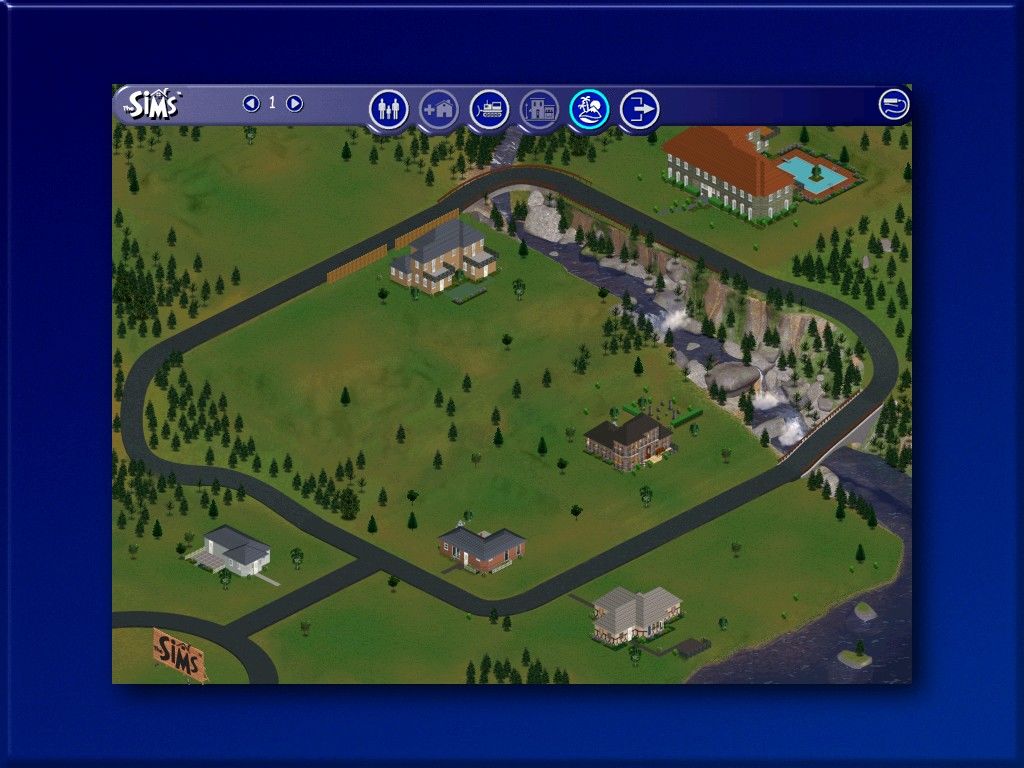
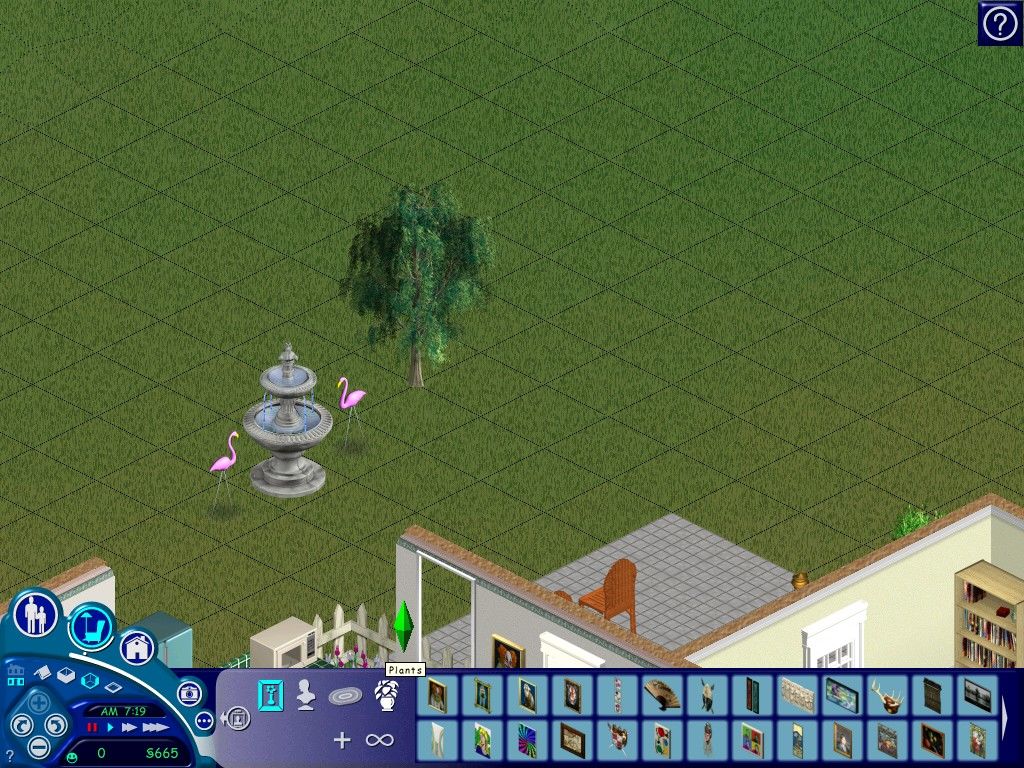
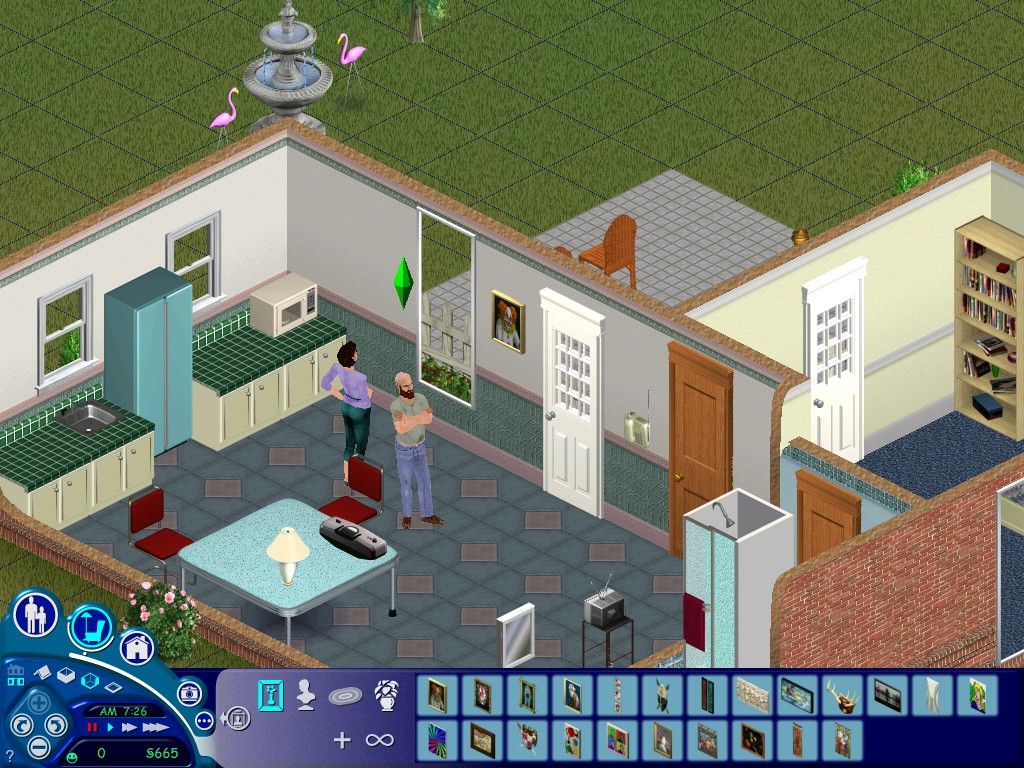
The Sims: Complete Collection Screenshots
Windows
When I reinstall the game, the setup notifies me of an unknown error and closes, then a tab appears asking if the program was working correctly or not. The program and game worked fine the first time I used them.
I can’t move the crack file over to the sims file it keeps trying to make a link instead
This is my issue, and I would like to know the solution as well T^T
copy paste the crack file !
Ì got it to work but the pictures of the items to buy don’t show. The descriptions of items, mood bars do show but too short to be able to read it. Neither do the head pictures of the made sims show up. Any ideas how to fix this? Didn’t see anyone leave a comment yet about the same issue.
same, i would like the answer also :’)
I’m trying to download, but on setup the game asks for a serial number from the back of my game manual. Where can I find that, or am I doing something wrong? Is there a patch for it or another way to download?
I cant get this to work. Itll run but as soon as i try to play the program compatibility assistant shows up asking if this program worked correctly. No it did not.
I installed the game and I can start it by admin and the xp compatibility. However when the game starts the screen is half and weird. Then it will shut itself off. I don’t know how to fix that. Anyone ideas?
I have a Mac can’t I do this on my Mac?
I highly doubt it, sorry bud
Help, the game is working perfectly but it wont save progress…. any help?
just play with start the game as an administrator
You’ve got to check “Run as an administrator” in compatibility settings
how do i resolve the issue where i cant save?
the error just says ‘there was an issue when trying to save’
The game launches ok at first (but in a small window and odd colours) and then crashes after about 20 seconds. I’ve tried compatibility mode and run as admin but same issue….
I’m unsure if this is affecting everyone who’s installed, but I got the “every pet is named Luna” glitch when I installed (along with the vacation pack items not having descriptions), and upon fixing it, I got the “Every townie NPC is named Randy,” glitch. Luckily, I wasn’t terribly attached to my NPCs and worked around for the game to create new ones once I fixed the problem.
*But, all that to say: BEFORE you open the game for the first time, check your registry to make sure you don’t have a language mismatch!* Quick how to using USEnglish as the example:
-Open Registry Editor (type it in your start menu search bar).
-Expand the following folders: Computer > HKEY_LOCAL_MACHINE > SOFTWARE > WOW6432Node > Maxis > TheSims
-Under the Data column for all the files you see listed, double click on SIMS_LANGUAGE and type USEnglish in place of UKEnglish. Do the same for the file named SIMS_OTHERLANGUAGE.
-Make sure that the Language Numerical Value matches the language you’re setting (409 for US English, see this reference: https://web.archive.org/web/20120624155701/https://support.microsoft.com/kb/324097 )
Hope this helps folks avoid any problems before they start! Happy Simming!
I didn’t get a shortcut after i did the set up.
Putting the Sim file into “The Sim Crack” file didnt give me the option to replace it just made a short cut.
Theres no Sims.exe in my files. is this important?
Hi, i managed to run the game perfectly but the only thing is there is only the base game launching. Can someone explain me how to make the expansions run as well ?
The same thing happened to me, and it’s weird because I’ve downloaded the Complete Collection from this website in the past, in another computer, and it worked great!