| Publishers | Microsoft Game Studios, MacSoft |
| Developers | Blue Fang Games, MacSoft, Rapan |
| Release date | 2008 |
| Genre | Simulation |
| Game rating |
Game Description
Zoo Tycoon 2: Ultimate Collection contains the original Zoo Tycoon 2 game, all four official expansions and a new menu theme exclusive to it, similar to Zoo Tycoon: Complete Collection.
Download Zoo Tycoon 2: Ultimate Collection
We might have the game available for more than one platform. Zoo Tycoon 2: Ultimate Collection is currently available on these platforms:
Windows (2008)
Zoo_Tycoon_2_Ultimate_Collection_Win_EN.7z (1.28GB)
How to play on Windows:
- Download “Zoo_Tycoon_2_Ultimate_Collection_Win_EN.7z” from the link above.
- Open the downloaded .zip file and extract the “Zoo_Tycoon_2_Ultimate_Collection_Win_EN” folder to your desktop. You will need to use a software such as WinRAR to do this.
- Open the extracted “Zoo_Tycoon_2_Ultimate_Collection_Win_EN” folder and then open the “Game Files” folder.
- Double click on the file called “zt.exe”. Zoo Tycoon 2: Ultimate Collection should now launch.
- Enjoy!
Additional files, patches and fixes
Zoo Tycoon 2: Ultimate Collection Windows Manual (English)
Zoo Tycoon 2: Ultimate Collection Windows ReadMe (English)
Zoo Tycoon 2: Ultimate Collection Windows Manual (Swedish )
Zoo Tycoon 2: Ultimate Collection Windows Manual (Norsk)
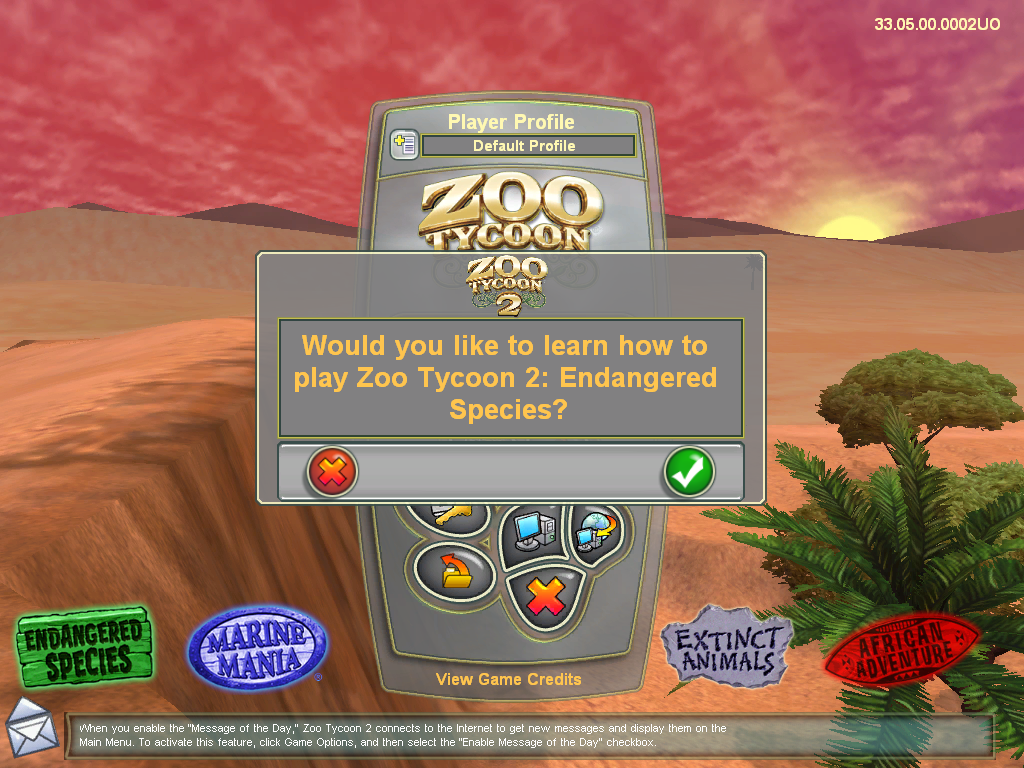
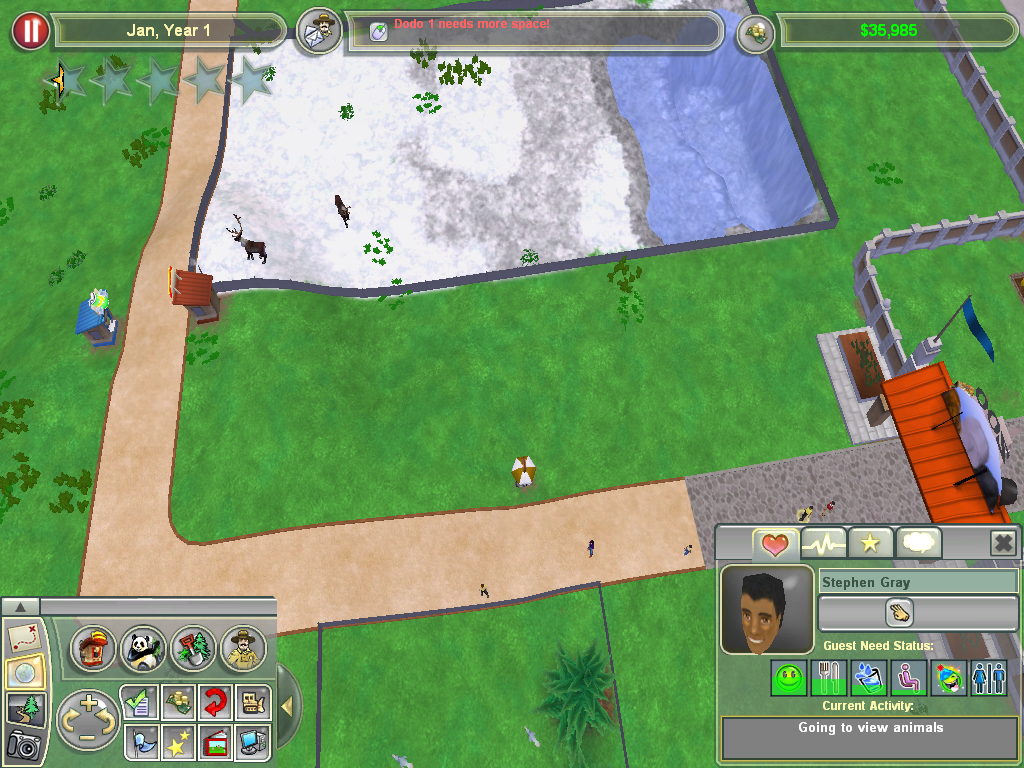
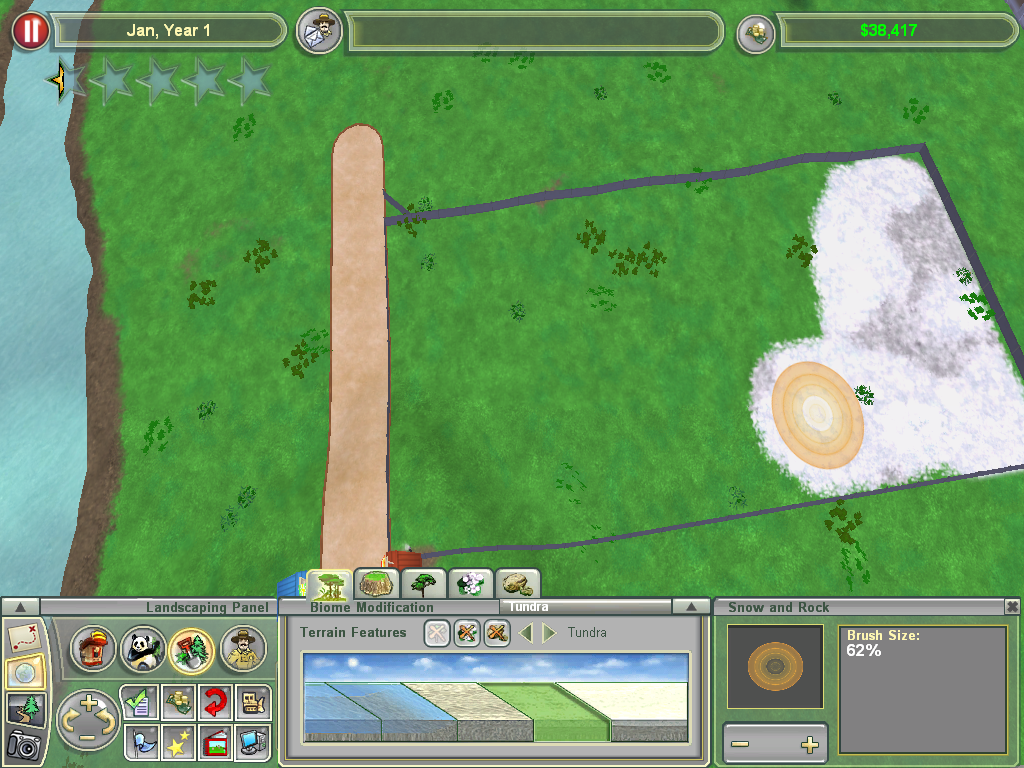
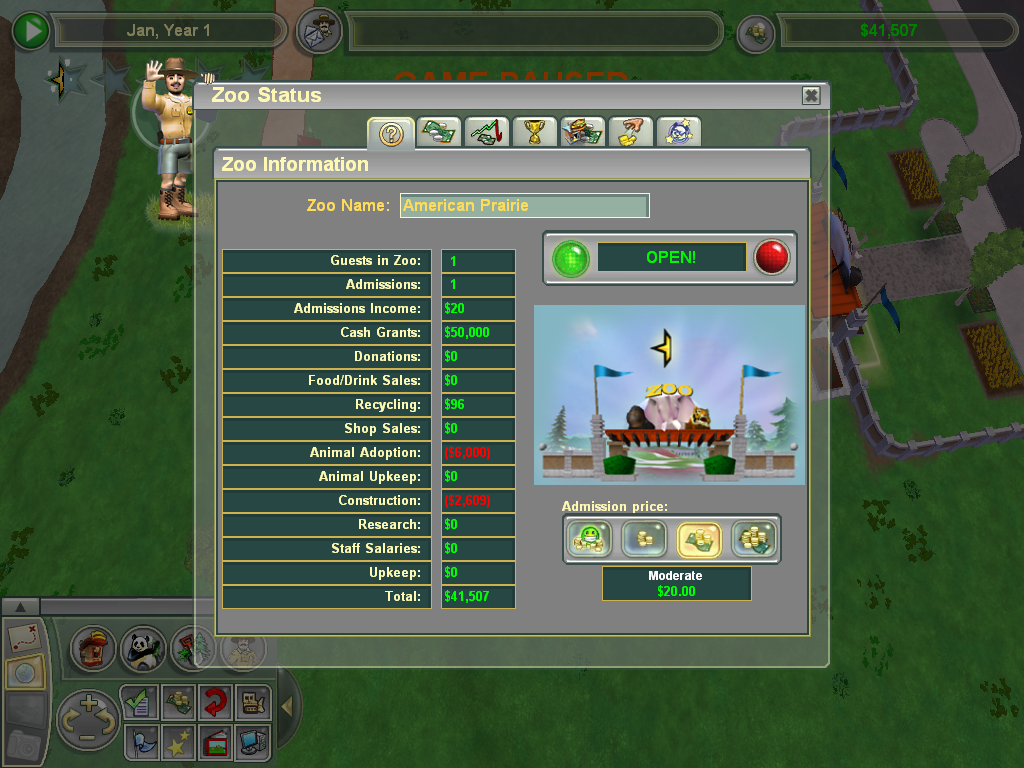
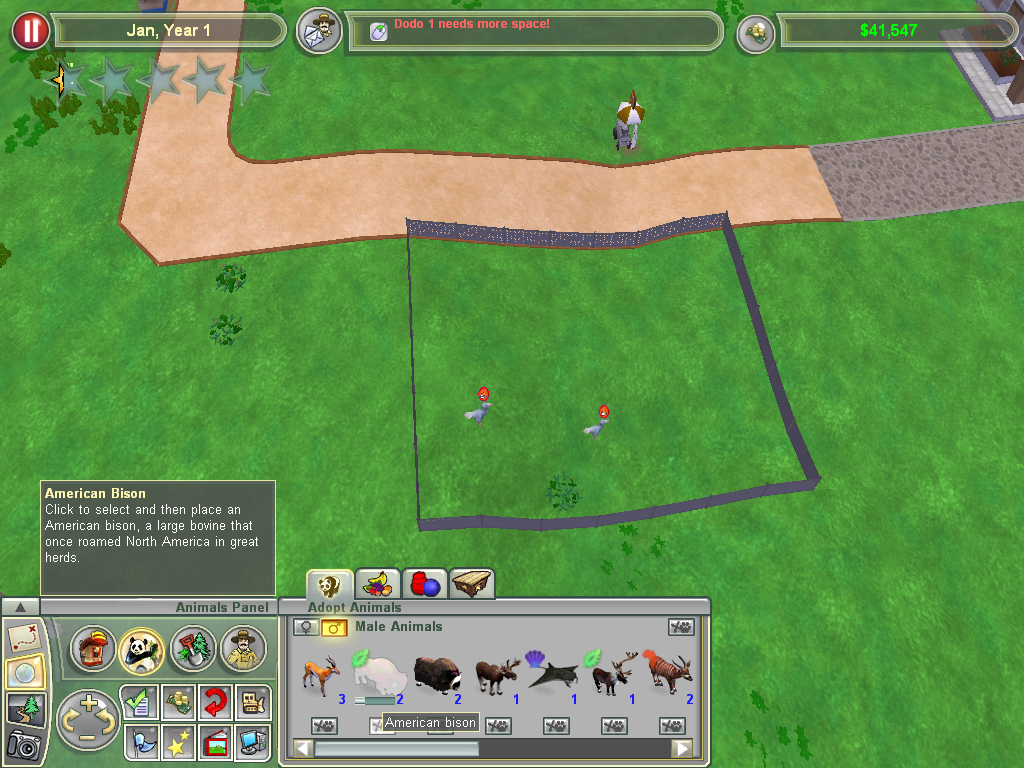
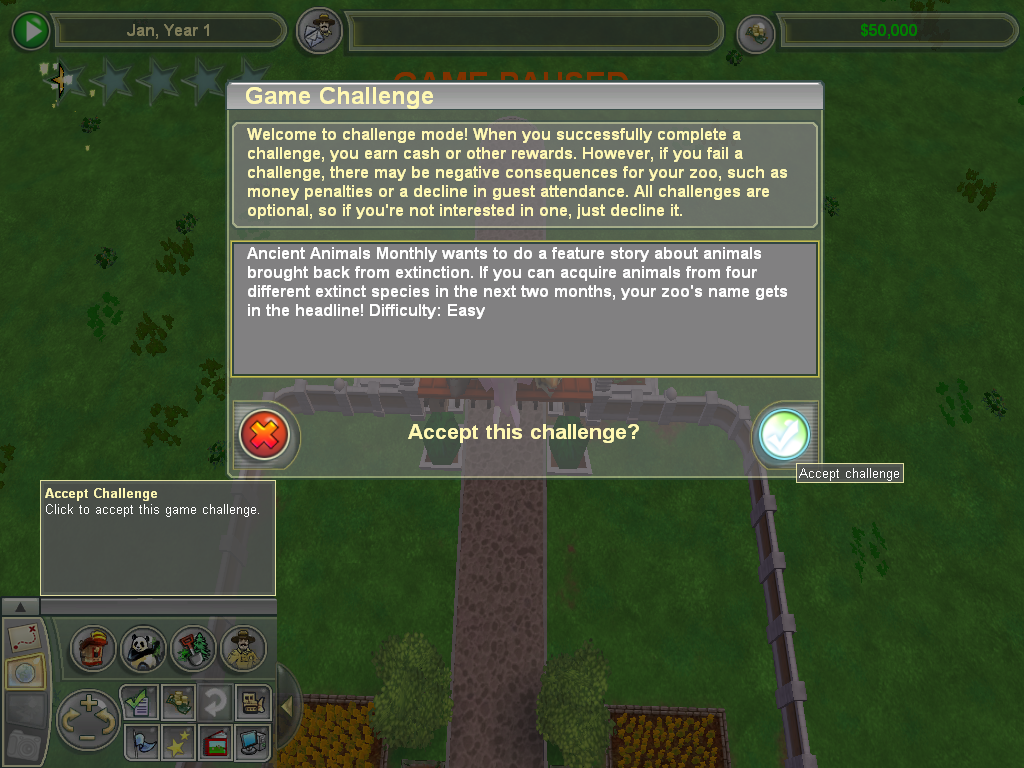
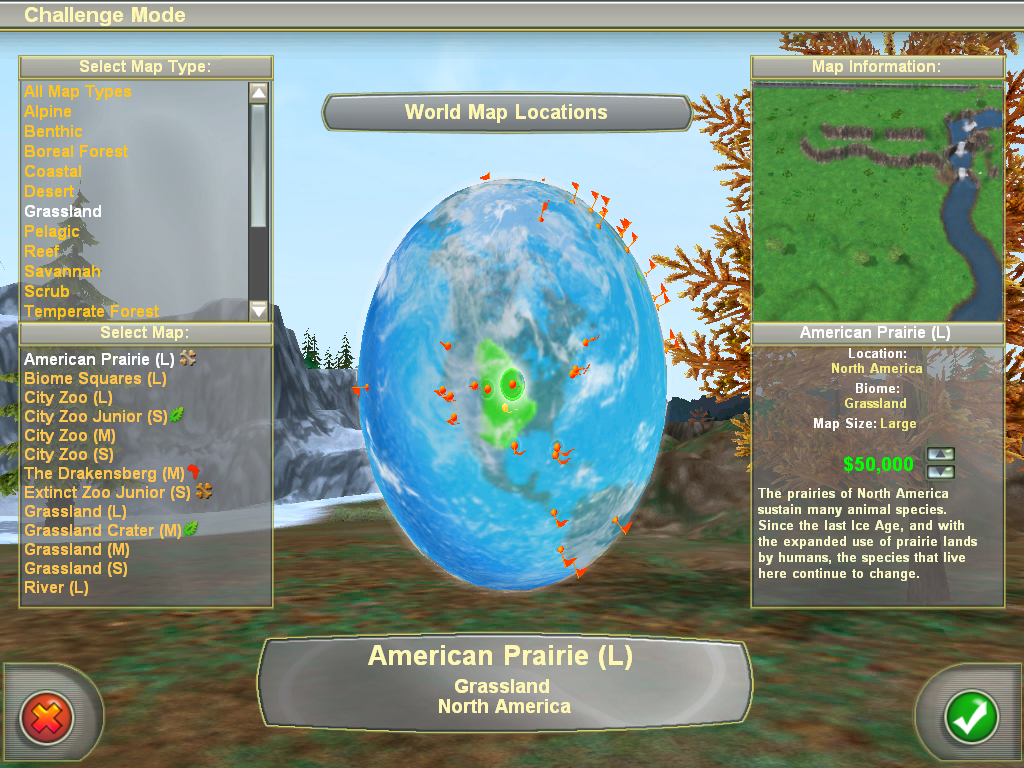
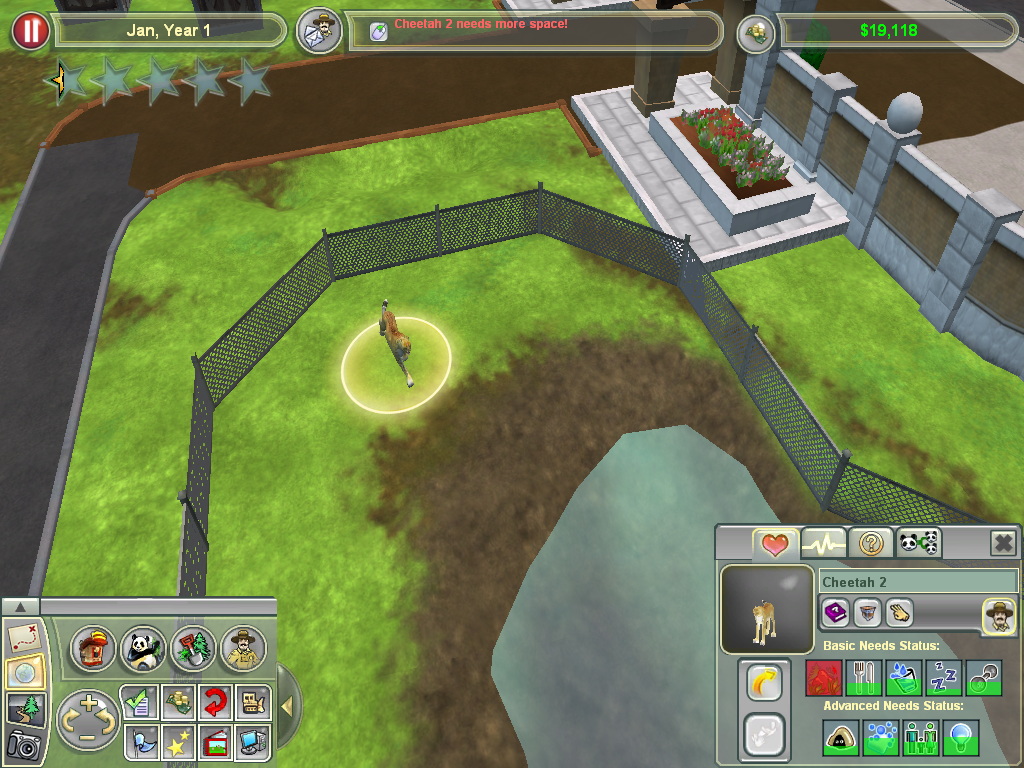
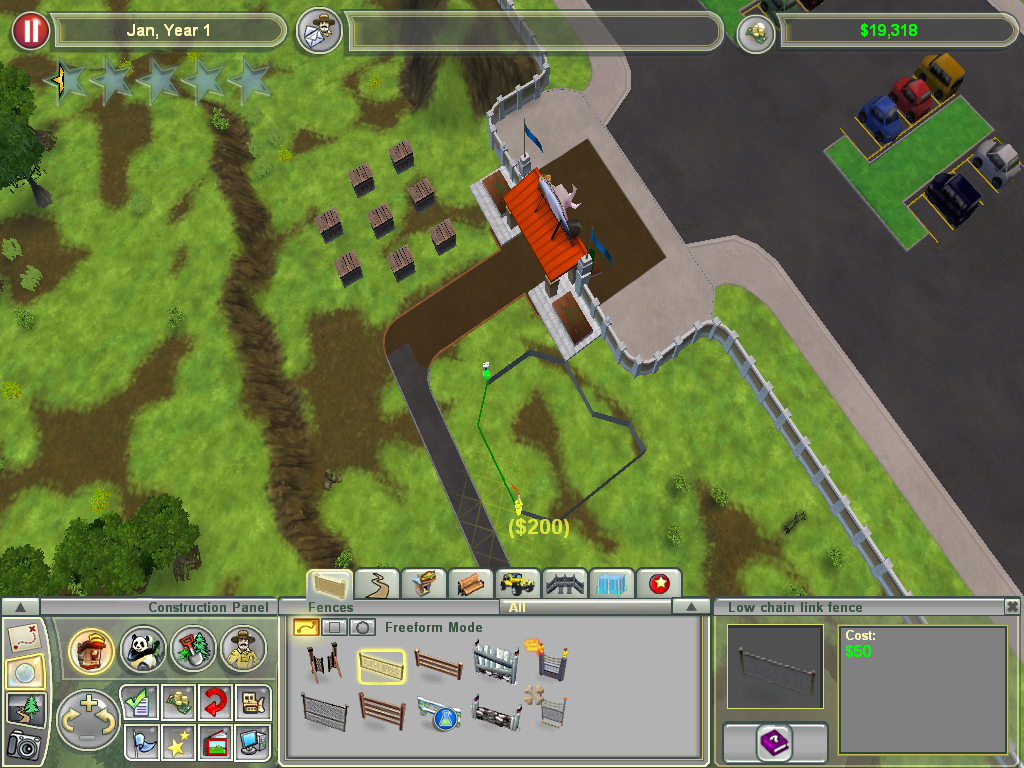
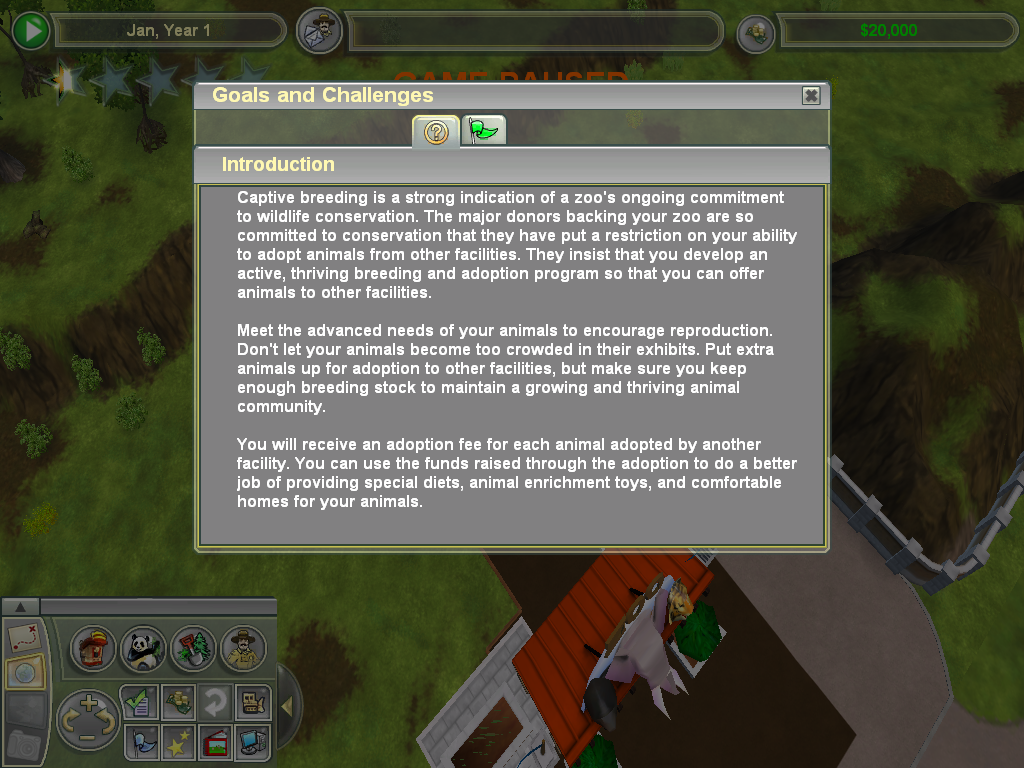
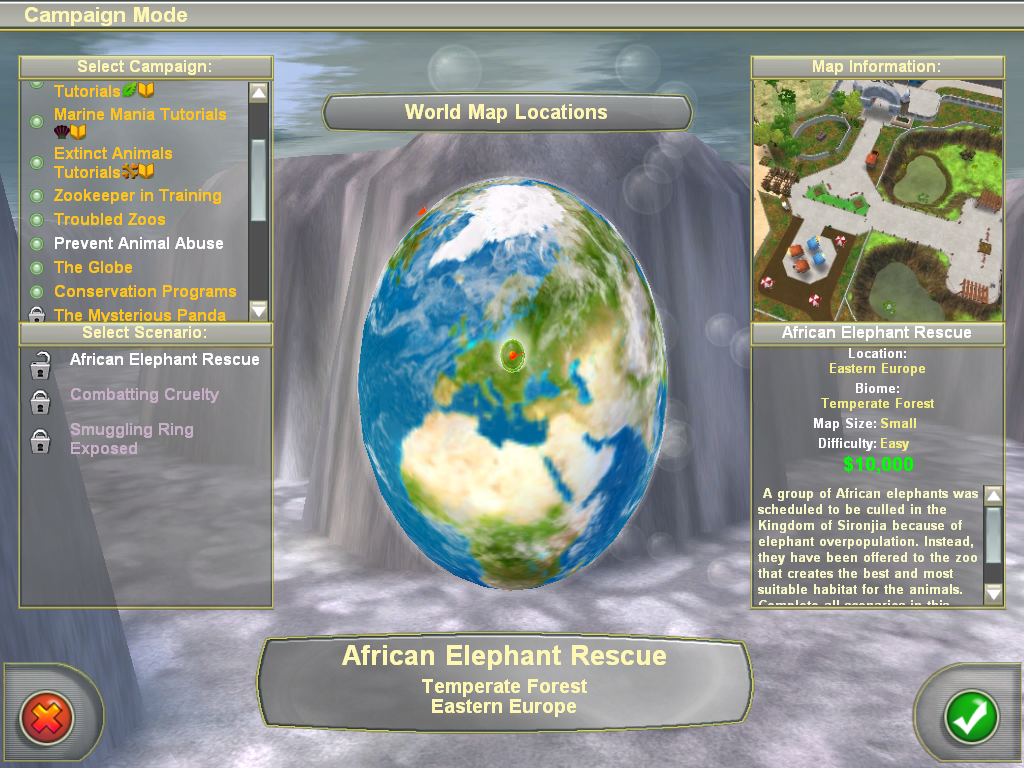
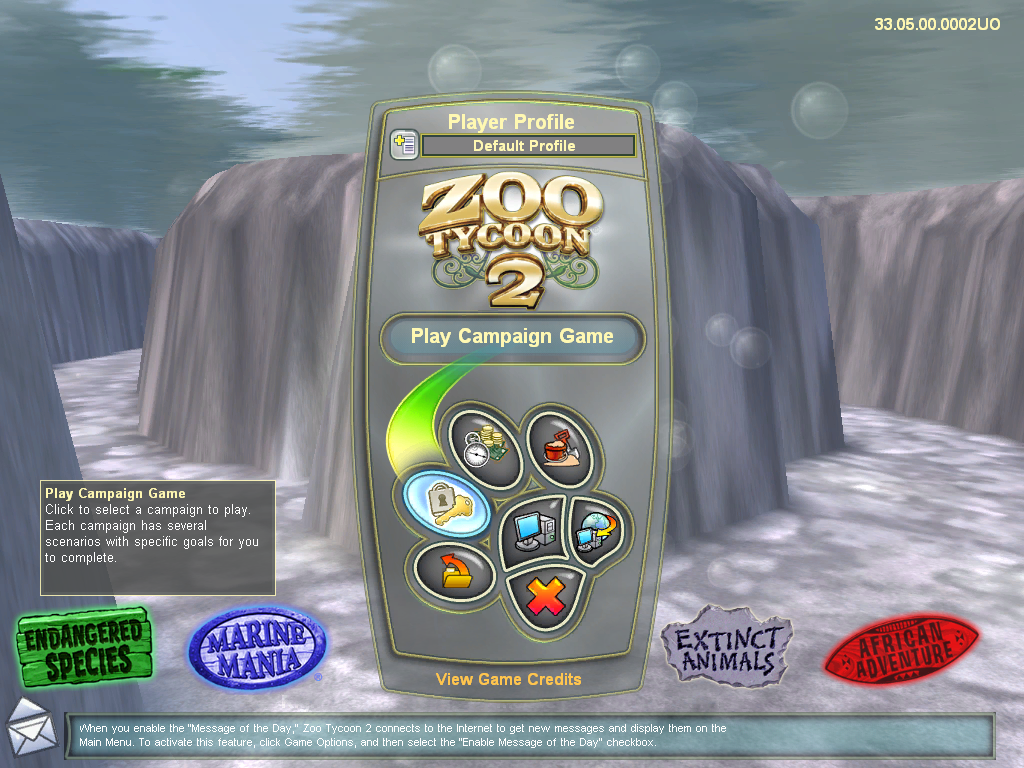
Zoo Tycoon 2: Ultimate Collection Screenshots
Windows
is there any way to add mods to the game ?
no way to play with marine animals 🙁 theyre in the game, but the biomes they need arent. ive also noticed a bug where the “status” of an animal (endangered, no risk, etc) will stay the same when you click on another animal. example: clicking from a giraffe to one of the dinosaurs will cause the extinct animal to say “low risk”
Marine biomes didn’t even download!! Theres no coastal/reef/etc maps or biome available to use in game. Very annoyed at this >:(
I have also had this issue and wish it would get fixed 🙁 I miss this game!
thanks its works in win7 64bit thanks alot
It doesnt run on my pc, I have win11 / 64-bit
1. i need the dll file, which i downloaded
2. some error after
I couldn’t find the tank building button in my Zoo Tycoon 2
I installed everything but when I try playing on campaign mode, the game goes black. Anyone had this problem? 🙁
I’m missing the .dll file. I checked my antivirus quarantine but it was not in there. I’d love if you could send it to me or point me to where I can find it!
I did a little digging online and found this youtube video that solved my .dll file problem!
https://www.youtube.com/watch?v=O6VAcR4ttGs&ab_channel=STSTutorial
you’re the best! i’m trying to fix my dll file problem now so thank you
did you guys get it fixed? i followed the video and it still shows the same error. am i supposed to redownload the zoo tycoon thing off of here after doing the file thing from the video? not the most computer savvy person i wont lie lol
Is there a reason my extinct animals are shown as vulnerable on the adopt animal menu? Is that why the campaign isnt working?
are mods compatible with this? i tried adding some in, such as the Radical Remake pack, but it doesn’t seem to work?
https://www.dropbox.com/s/l5bnghw9f4o1l96/zzzzzzzzzzzz_TankButtonsFix.z2f?dl=0
HEY GUYS!! this link is for those who had tanks missed in the game >> all you have to do is download the file and put it in the game file____ i was having same problem and got it simply resolved___ i got the link by searching in the web site__ hope it helps 🙂
My tank buttons fix file cannot open.
Is there some kind of anti piracy stuff going on in the campaigns? Can’t finish the smuggling ring one because crates with animals won’t spawn…
Upon opening the .exe file to run the program, it says that it couldn’t be run because D3DX9_32.DLL could not be found. Where do I download this file separately to run the game?
It says I need D3Dx9_32.DLL
I’m having this same problem. Still anxious to find a working version.
there are no DLC included, nothing shows up in the start menu