| Publishers | Electronic Arts |
| Developers | Maxis |
| Release date | 2000 |
| Genre | Simulation |
| Game rating |
Game Description
The Sims (also known as The Sims 1 or The Sims Classic) is a life-simulation video game developed by Maxis and published by Electronic Arts on February 4, 2000 for Windows, and July 25, 2000 for Mac OS X. The game only has a single-player mode. There is no goal defined in The Sims,and players must develop their characters as they go through different life stages. Characters which the player controls can interact with other in-game characters, develop relationships (both negative and positive) and can even start families together. Characters can also be assigned certain tasks to develop life skills, which enables them to progress in their careers and increase their salaries.
Download The Sims
The Sims is no longer abandonware. You can now buy the game from:
Windows (2000)
The Sims™ Legacy Collection on Steam
Additional files, patches and fixes
The Sims Deluxe Edition Manual (English)
The Sims Windows ReadMe (German)
The Sims Windows ReadMe (English)
The Sims Windows ReadMe (Spanish)
The Sims Windows ReadMe (French)
The Sims Windows ReadMe (Italian)
The Sims Windows ReadMe (Dutch)
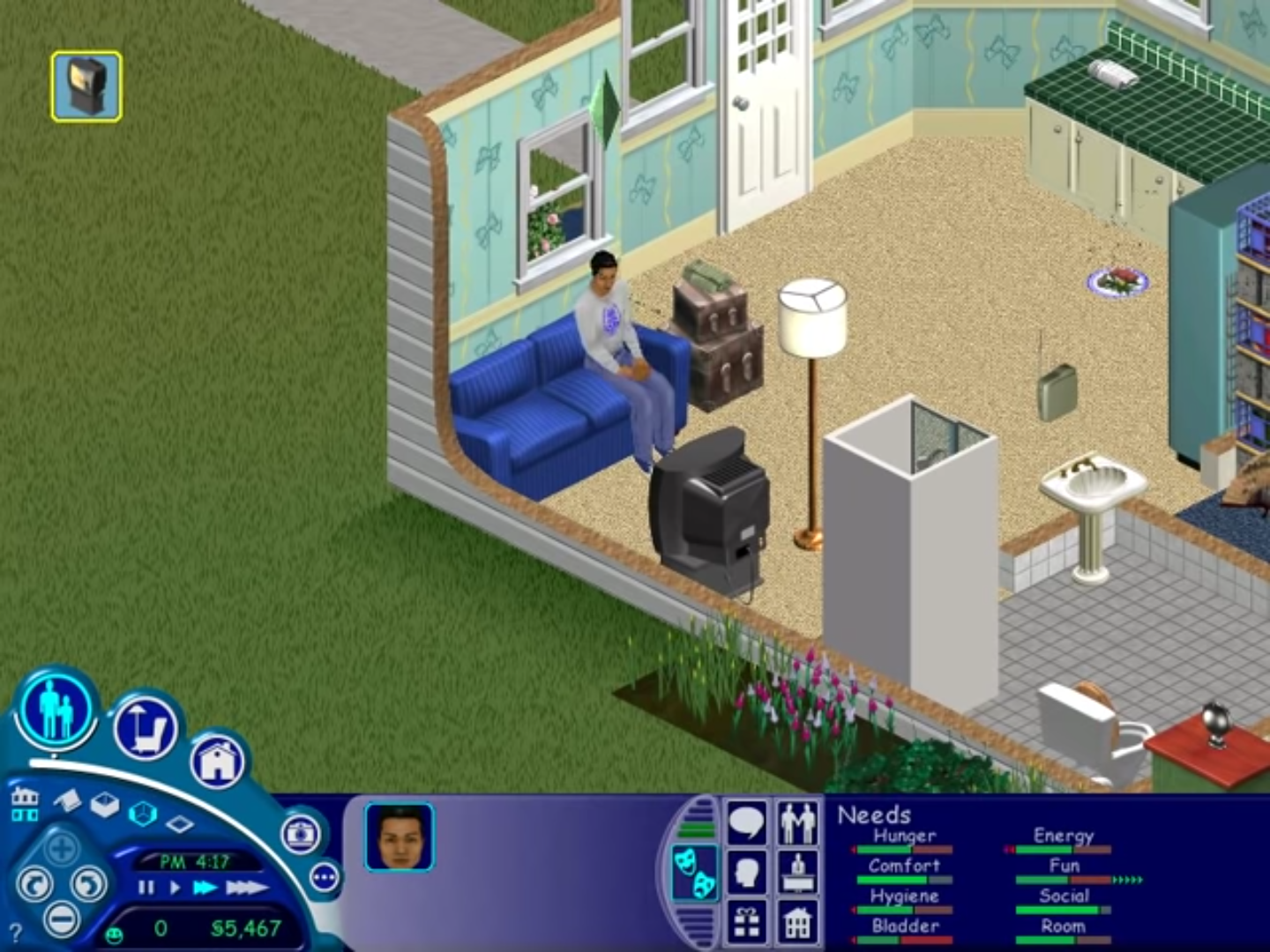
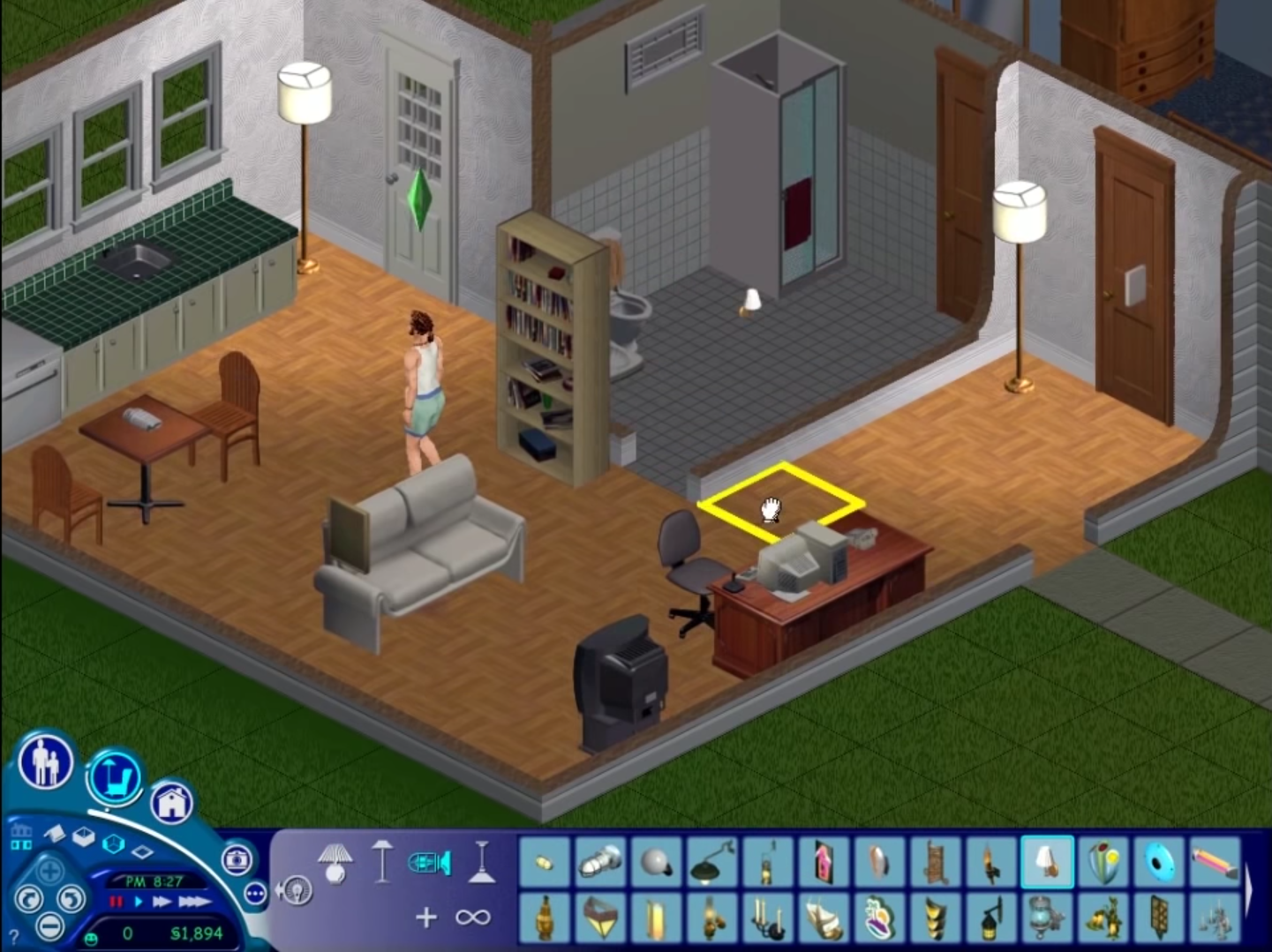
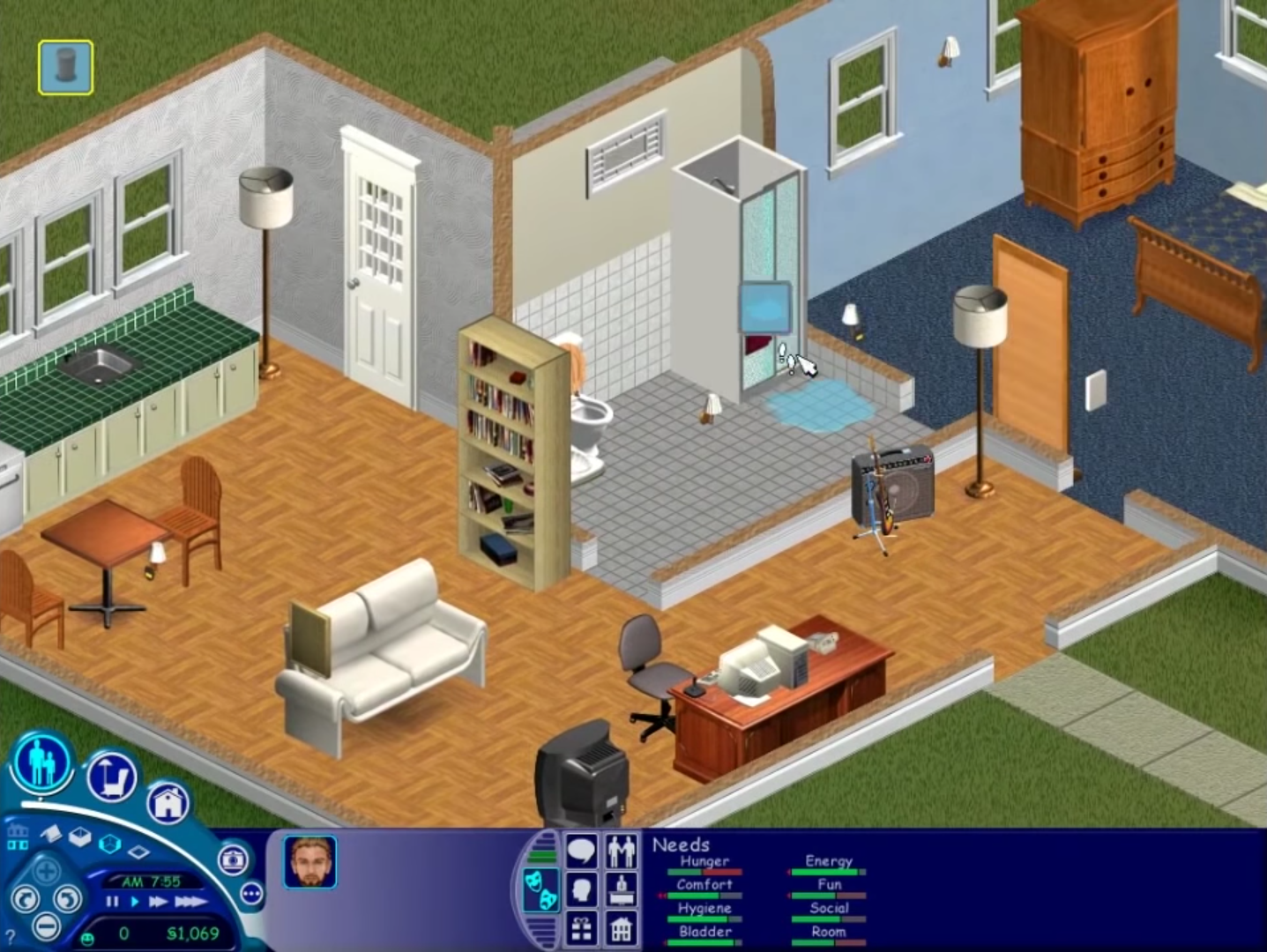
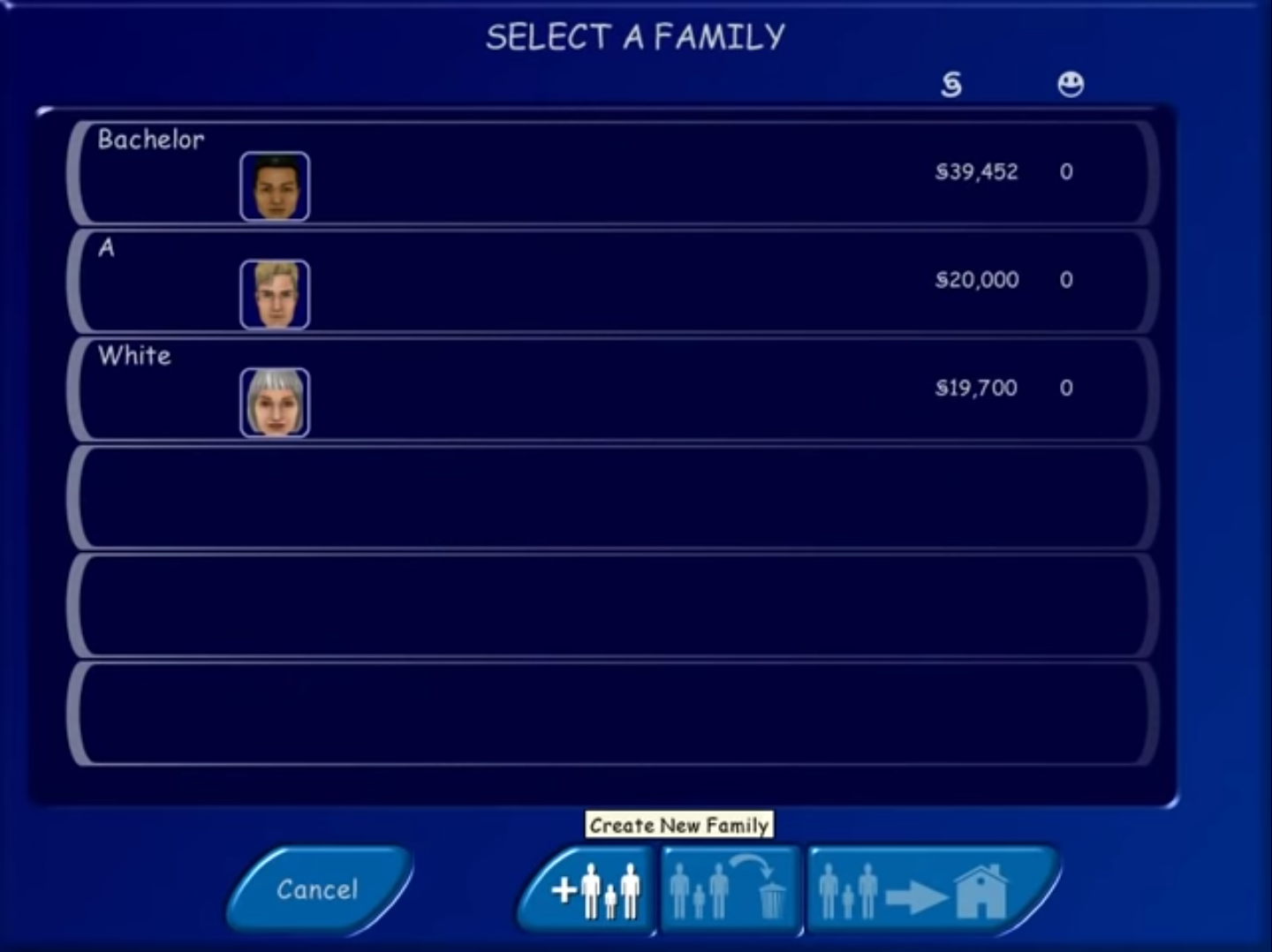
The Sims Screenshots
Windows
So I mounted the iso file but whenever I run “setup.exe” nothing happens, when I look in my disc management. It is labeled under the d: drive but its says there is no free space. I dunno what to do. Setup.exe won’t run
Same. I have tried everything said here but nothing works. Not running as admin, no changing compatibility, no windows update problem. I don’t have the maxis thing anywhere on programs, so I’m not sure if that might be the problem. I also get the no free space problem.
whenever i try to copy “The Sims” into the disc drive folder, it says theres no space available to copy it. help?
whnever i try to copy “The Sims” into the the disc file thing it says i need more space. anyone have answers?
hi i cant seem to save. everytime i save, it says an error was encountered saving the house. does anyone know how to solve this?
If start.exe doesn’t work, download VMware
You also need to use DAEMON Tools and run The Sims.ISO.
And then create a new virtual machine => choose the disc which The Sims.ISO mounted => choose Windows XP Professional => ROM is part of your hard drive => RAM don’t go over 1GB => finish
And then open Windows XP and run start.exe in it.
For me it works in virtual machine not my system
Or just use compatibilty mode right click the sims exe file, go to properties then compatiblility, then turn on run in compatiblity mode, the windows xp, please try that first.
ArtGamer
not working. Subth illustrated the best metod to run old games.
when i want to paste ‘sims.exe’ there is a problem that i don’t have enough place on disk for that? what can i do with that?
come posso unire un’espansione a questa versione del gioco?
I installed the game and it worked fine with sound yesterday when I installed it. It froze up today and I had to restart my computer. I am able to save and play with no problem, however, the sound is gone. Do anyone knows how to fix that?
same here
I’ve got the same issue. The game works fine, but after some days of playing all the sounds are gone and the cursor dissapeares when I choose what should my sim do as an action. The animated intro at the start of the game is also missing. Have you figured out how to fix it?
start.exe doesn’t do anything
hi good day
it is cool
hi
hihihihihihihi
hihihihihihi
My mother (73 years old) is thrilled and thanks you!! <3