| Publishers | Electronic Arts |
| Developers | Maxis |
| Release date | 2005 |
| Genre | Simulation |
| Game rating |
Game Description
The following expansion packs were released for the game, bundled in a single game known as The Sims: Complete Collection:
- The Sims: Livin’ Large
- The Sims: House Party
- The Sims: Hot Date
- The Sims: Vacation
- The Sims: Unleashed (Pets)
- The Sims: Superstar
- The Sims: Makin’ Magic
Download The Sims: Complete Collection
The Sims: Complete Collection is no longer abandonware. You can now buy the game from:
Windows (2005)
The Sims™ Legacy Collection on Steam
Additional files, patches and fixes
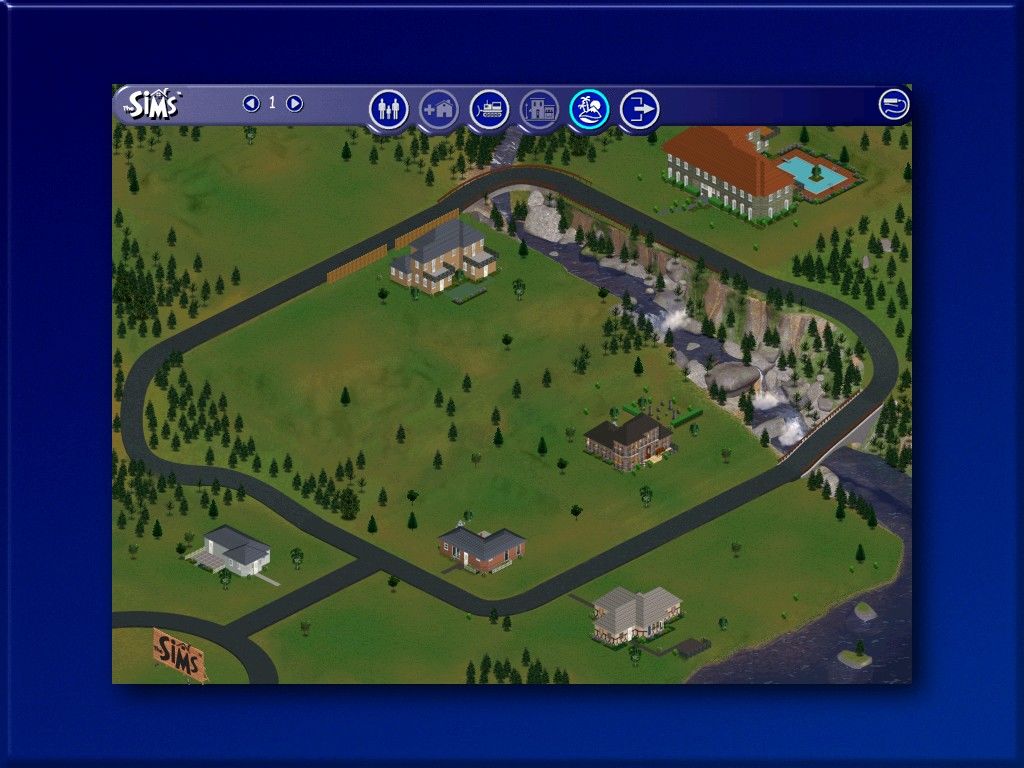
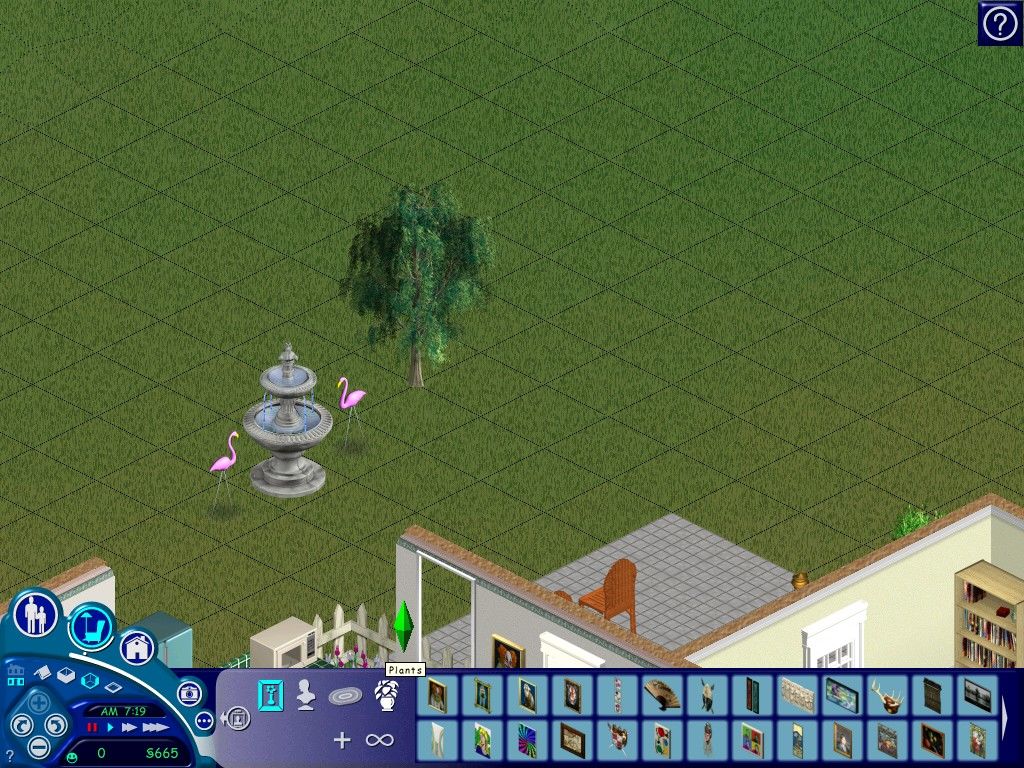
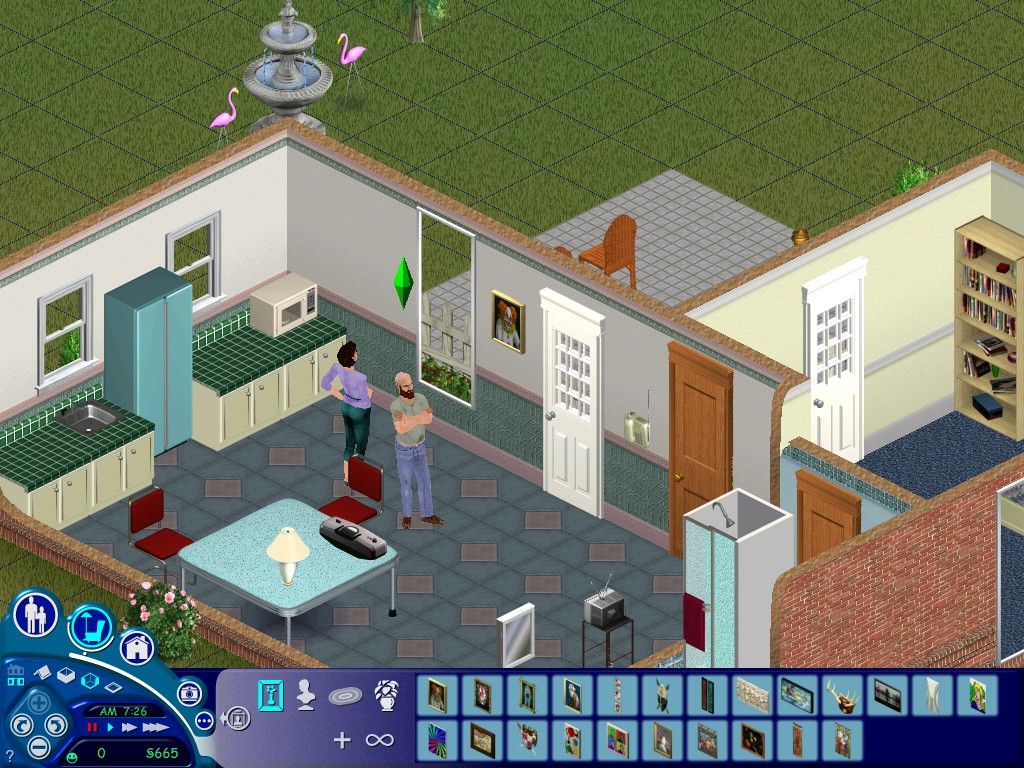
The Sims: Complete Collection Screenshots
Windows
So when i first downloaded it it was working great then had some problems (i forgot what it was) and my first thought was to reinstall it but when i try to uninstall it from settings it says “Unknown error occurred aborting setup” I try running it as admin and just everything i can see in the comments but nothing it working please help
I’m having the same problem! If anyone knows how to fix this please help haha
Hi there! Replying again because I found a solution to this problem. I commented it above, but you can look at the steps I followed here: https://www.games4theworld.club/t22742-the-sims-1-installation-unknown-error-encountered-aborting-setup
Best of luck!
I’ve followed the instructions but opening the exe just takes me to the loading screen which just takes up one half of the window with these glitched purple and green colors before crashing, I tried doing the compatibility settings and reinstalling but nothing I know works, I need help
Ive got the same thing going on. Only 1/4th of the game windows shows, but my game seems to be fully playable, except for the fact tha I can only see 1/4th of the window
i had this problem too, actually. i just went into properties and ran it with “windows xp service pack 3” then i changed it to 16 bit color mode and ran as administrator. hopefully this will help? :^)
hey there, the launcher works where i can choose to play (sims 800×600, creator, etc.), but the game itself won’t load or pull up at all. changed compatibility settings and ran as administrator, the exe file is in the right place. any suggestions?
I’m having the same problem
When I try to play a message keeps popping up that says the graphics card doesnt support Thousands of Colors
Hi, I try to launch the Sims creator, but it didn’t work because there is no cd-rom and no crach for this feature, so how can I fix this ?
HEY ALL FIGURED OUT WHAT TO DO IF SETUP.EXE WONT OPEN FOR YOU.
1. GO INTO SETUP FOLDER AND RIGHT CLICK SETUP
2. RUN COMPATIBILITY IN XP SERVICE PACK 2 I BELIEVE IT SAYS (NOT GREAT WITH COMPUTER STUFF JUST TRIED EVERY OPTION LOL)
3. AFTER THAT RUN AS ADMINISTRATOR AND IT SHOULD WORK
i cant make my own comment for some reason so srry, but i figure i can ask you too. is this safe to download like legally? like will u not get in trouble for it
no lol. i mean it is technically illegal but no one will come to your house and arrest you or anything
I had the same problem but I found a different solution. I’m going to write it here in case it helps other people.
Instead of using “Start.exe”, you need to open up the folder called “SETUP”. Then you run the application called “Setup” that is in that folder, then I was finally able to install. There is a video that has been posted in this comment section a few times. Other than installing the game the way I just told you about, follow the the steps in the video in this comment thread and you should be good to go.
Every time I try to play, it allows me to play just fine but then I can’t save the game? Any ideas?
i’m having the same issue……
can anyone help?
Exit your game eve though you can’t save an run the game again. BUT everytime you go to click o the game on your desktop right click the icon then go down and click “r as administrator” every time you go to play. that will allow you to save! 🙂
Can you use custom content with this version and make it work?
Everything is okay until I enter the map (city) it just starts to repeat loading process of all expansions again and again. I can’t choose anything.
What should I Do?
I had this problem too. This worked for me: click with the right mouse button on the sims icon on the desktop. Then press ‘run as administrator’.
If it works well then it works!
I followed the instructions precisely and it didn’t work. I try changing things in the compatibility but none of them worked, some even didn’t make the window for the game open. I open the icon with Run as administrator, a small window opens, the music is ok, it shows the EA logo, and then the loading screen is glitchy, puprle and green, and seconds later it closes… What am I doing wrong? I have windows 10
I’m having the same exact issue, I tried everything but at this point I’m done lol
the same thing is happening for me, did anyone ever get it fixed
‘?
Same here. Did you ever fix it?
Just want to make sure, is this a safe download? I want to play the Sims 1, but it is incredibly hard to find a product on Amazon or Ebay with good discs. I’m just a bit apprehensive to download it 🙂
I have not had a problem
When I start the freshly installed sims game, everything is fine til a couple of minutes. I get graphical bugs for example quick tips don’t show in the corner even though they are there. If I get my mouse on the quick tip, it shows for 1 frame and then dissapears but im still able to click on it. Or descriptions text is in redblue colour. When I go to the neighbourhood the houses are gone but still there like quick tips. I reinstalled the game 3 times already and don’t know what to do 🙁 ah and the icons and names in the family section isnt there
The installation worked for me! I did get the looping, but after the notefix, It got better.
Now, in the game, it doesn’t let me see any of the items in the catalog unless & click & place. It also shows neighborhood 1 as empty, unless I hover over the houses. Had any issues with this?
I had an issue with this too! The graphics got really weird for me as soon as I loaded a home and I couldn’t do anything, but I was having no issues before the fix other than obviously the looping.
When trying to install the game, I get the “Unknown error occured… aborting setup” message. Any fixes for this?
I’m getting this as well 🙁 help!
I tried to installed the game and when it reached 95%, error occured saying “Component Transfer Error” on Simscreator.
Any solutions for this?
ARRRG SAME HERE