| Publishers | Electronic Arts, Inc. |
| Developers | Maxis |
| Release date | 2014 |
| Genre | Simulation |
| Game rating |
Game Description
The Sims 2: Ultimate Collection includes the original game along with all expansion and stuff packs.
Download The Sims 2: Ultimate Collection
The Sims 2: Ultimate Collection is no longer abandonware. You can now buy the game from:
Windows (2014)
The Sims™ 2 Legacy Collection on Steam
Additional files, patches and fixes
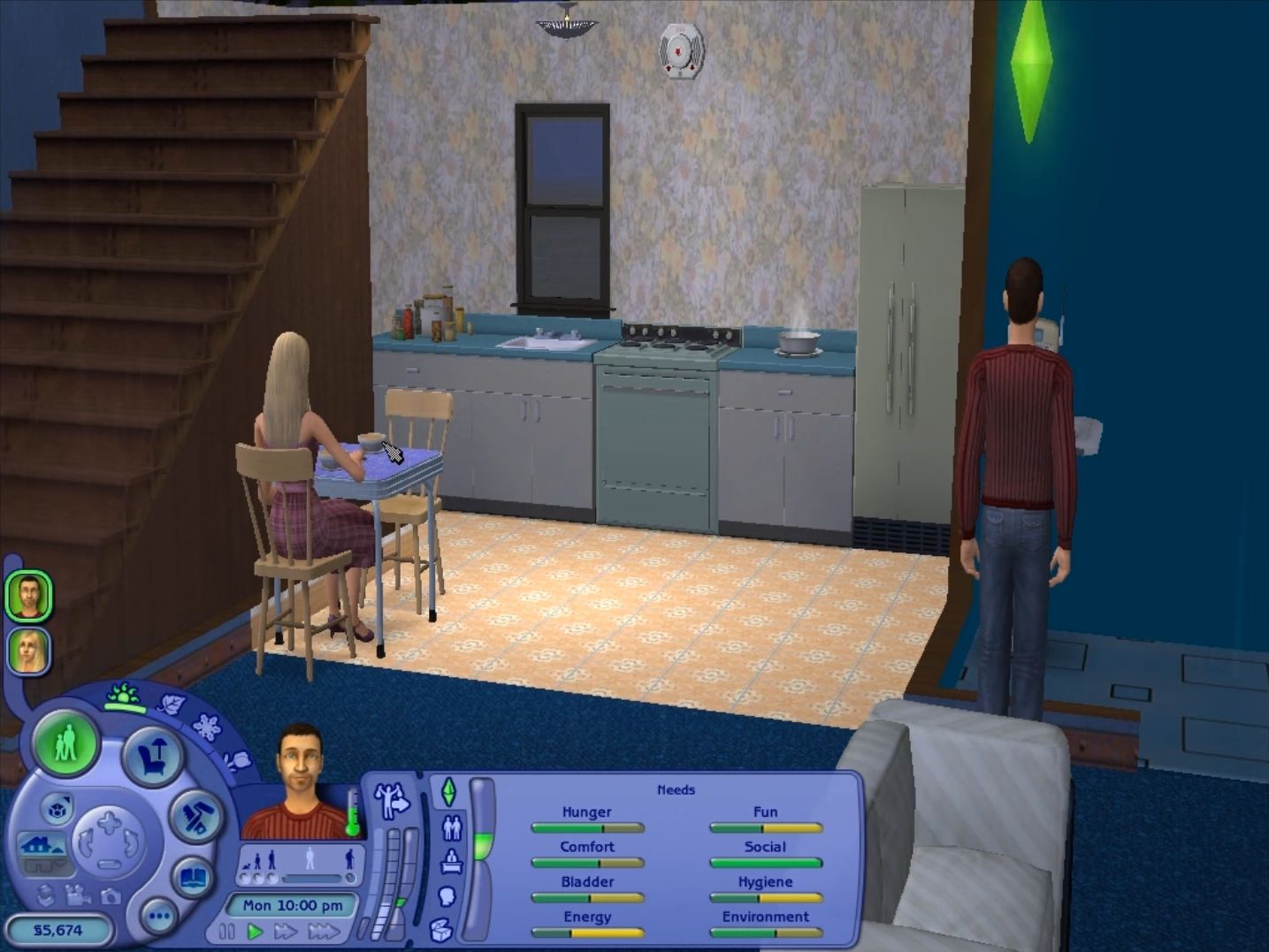
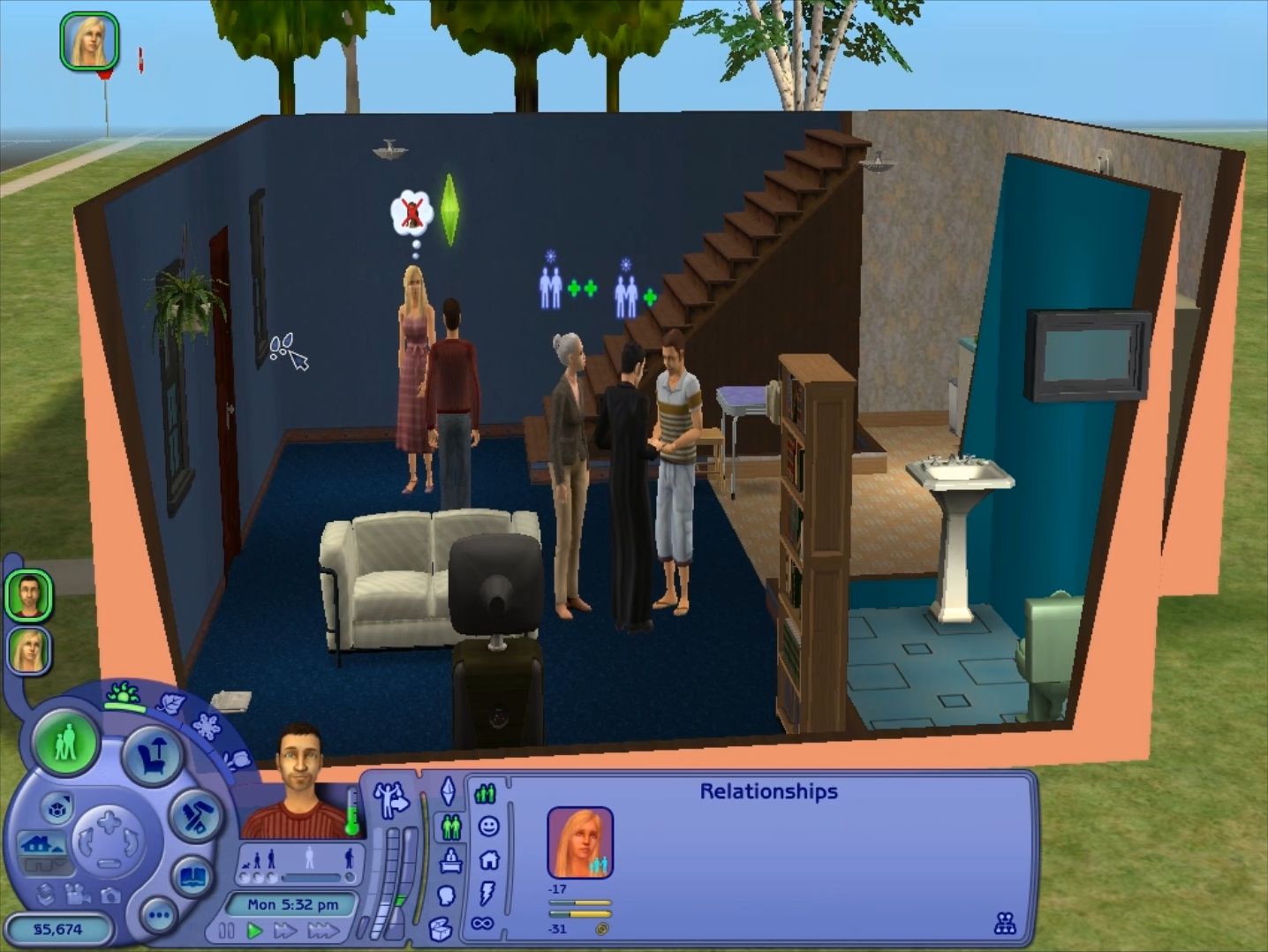
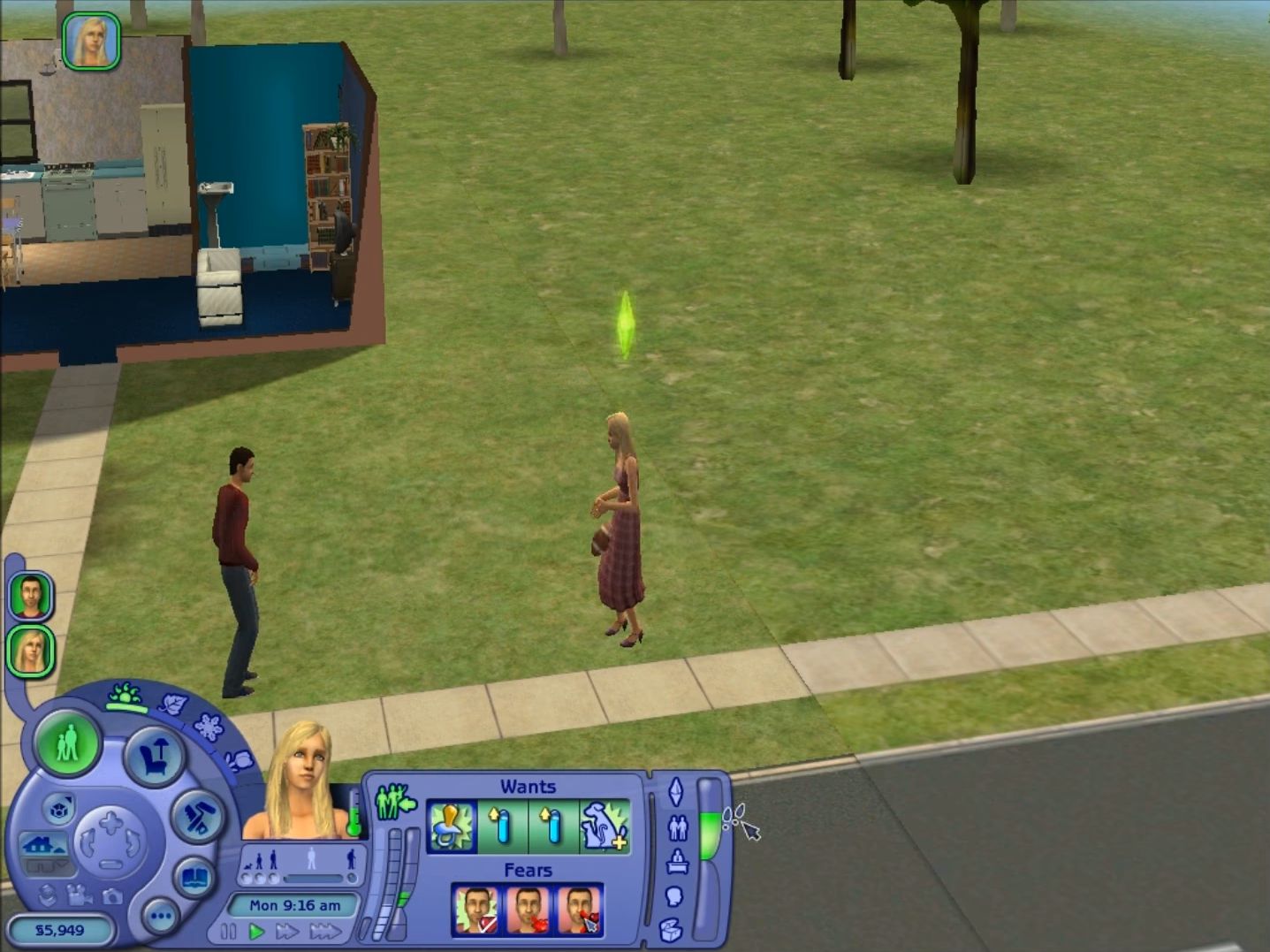
The Sims 2: Ultimate Collection Screenshots
Windows
Hi,
I can’t find the garden and mansion folder to change resolution, I’ve looked at the notes but I don’t seem to have the folder, any ideas? Everything else works fine.
“Open the folder where u have installed Sims 2 Ultimate Collection. Open ‘The Sims 2 Mansion and Garden Stuff’ folder present in it. Open ‘TSData’ present in it. Open ‘Res’ folder present in it. Open ‘Config’ folder present in it. Open ‘Graphics Rules.sgr’ using notepad.
I have other files like pet breeds, logs, neighbourhood’s etc
Sorry if this late. To make things easier, follow the instructions on this page: https://www.lifewire.com/sims-2-windowed-mode-840403
After changing the resolution in game, delete the -w on shortcut, then launch again the game. Hope this works!
Hello! Been running for awhile and it’s going great. I’m having a lighting issue; things that are supposed to glow in the dark (changing the stdMatEmissiveCoef value in simPE or downloading something with it changed) aren’t. Could that have something to do with the game files? Or maybe the fact that I’m running bootcamp to play?
try lowering the lightings and graphics settings to the lowest 🙂 if not, could be bootcamp.
Hi! is there a way to play this game without installing DirectX? Every time I open the web setup it says that I have a newer or equivalent version installed already, there is a Sims 2 Body Shop icon on my desktop which runs and is like create a sim but there is no actual game icon and I couldn’t find any game files 🙁
I’ve found it now! It was right at the start of everything on my desktop 😅
glad you found it! thats a weird place but it mustve extracted there outside the folder.
When I install the ‘setup.exe’ file, about halfway through it tells me there was an error encountered during installation and that I can’t install the file. Someone help pls
did you extract the folder to desktop? also, what extraction software did you use? 7zip is the best. if you did, and its still not working, completely remove all files and redownload.
Is there a mods folder, or do I have to create on myself?
Hi there! Mods go in the downloads folder within TS2.
This is the path to find it:
This PC > Documents > EA Games > The Sims 2 > Downloads
Refer to this article for modding info and help: https://personalreflections2014.wordpress.com/2014/07/19/tutorial-installing-cc-and-mods-in-the-sims-2-ultimate-collection/
Happy simming!
Am I able to install the missing packs on top of this? I see in the notes that IKEA stuff is missing, which I ideally want installed. Thanks 🙂
i’ve managed to download this and it runs fine however i have to play it on windowed mode which is super small. is there any way to increase screen size from 320×200? if not, is there another solution to the DirectX 9.0 issue? thank you! running on win10 btw
I downloaded the game back in September, and I’ve played it several times since, but all of the sudden I can’t even get it to open. I try to run as administrator, and I just get a spinning wheel like it wants to do something, but then it just doesn’t…
hi there! have you installed any mods/cc?
Yes. I assumed that was my issue initially, so I removed all of them, but the issue persists!
try to delete the two .cache files in your My Documents EA GAMES Sims2 folder
That worked! Why caused it to go wonky, if you don’t mind me asking?
Hi! I’ve had this for quite a few months now, even played it a few days ago and it was working fine. Now, I can’t even get it to open. Also, I saw at the end how to change the resolution, but I don’t even have a game files folder!!
Okay so i need help. I got the file downloaded, so now it is time to unzip the .rar . But i only get as far as “Unpacking: Resolution Fix.txt (666b)” and then it doesn’t do anything. I tried looking up the Setup.exe file but it is a bin file not exe. this is the first time i have downloaded something like this so i am a bit lost. Any help is appreciated. thanks!
hey there! there should be a setup.exe and two setup bin files. did you extract to desktop? if so, what did you use to do so? 7zip is the best software, as it allows you to “extract here” on the desktop. Are you using a windows machine? If all this doesn’t work, best thing to try is to wipe the whole thing and redownload.
I’m having a problem of where the file is downloading as an .rar but not as a zip file so there is no way for me to extract it to mount it. I’m confused on whether or not I’m doing it right or not. can someone help me???
try downloading a program that specializes in unzipping those types of files. i use 7-zip
what browser are you using? Also ^^ 7zip is the best for extracting.
i use chrome to download the game, and i will try 7zip i usually use winwar or my computers extract file setting.
I changed the resolution to have a better experience playing – BUT the black squares underneath my Sims are back now. When I change the shadows to medium or off nothing happens. Can anyone help?
turn shadows off and lower all graphics related settings to low or off (i.e lighting, rendering, etc.) this will most likely fix your issue! if not, it could be an issue with your graphics card.
Hello ! work fine to me, how can i change the language ? i can’t find the 1.0 in the register
i have some sims 2 expansions on my computer, and i’m really afraid to delete them because i don’t know if i’ll be able to restore my progress if this doesn’t work. i was going to see if i could download it without deleting them, but there isn’t a setup.exe file after i extracted. is that because i still have the expansions individually, and because i’ve been through the setup with the base game already? (keep in mind, i have not downloaded my expansions from this site. i have bought discs for the ones i’ve previously owned, not a digital copy.) i wanted to download this so i wouldn’t have to spend money on them anymore. i will be looking up a tutorial on youtube, and if i’m not able to find a solution, your guy’s advice would be plenty helpful! thank you
do you have a drive you can relocate those files onto? and then afterwards try redownloading?
hey so i’m having issues with my game where it would run as it should if i run it for the first time from a fresh install but then if i were to close it and reopen it, there’s always an issue with the game if i go in to play a family or create a sim where “the application has crashed. the application will now terminate” as soon as the loading animation finishes.
this is very frustrating especially given i’m trying to stream this game on twitch; having this issue happen and having to fix it on stream is embarassing and i need help fixing this so this issue is no longer there, or at least less frequent. any help is appreciated
hey there! sounds like it may be a compatibility problem with your graphics card.
refer to this to see if you gpu is compatible with TS2: https://www.simsnetwork.com/tools/graphics-rules-maker
Also, refer to this forum for further help: https://modthesims.info/t/604096