| Publishers | Activision |
| Developers | Luxoflux, KnowWonder, Beenox, Aspyr, Vicarious Visions, Skyworks Interactive |
| Release date | 2004 |
| Genre | Action, Adventure, Fighting |
| Game rating |
Game Description
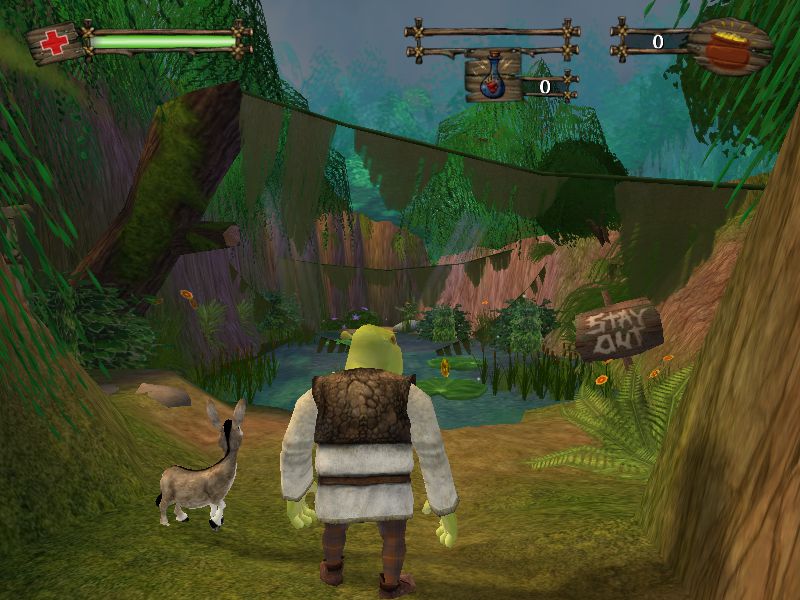
Shrek 2 (also known as Shrek 2: The Game and ported for the PC as Shrek 2: Team Action) is an action-adventure video game published by Activision and released in 2004. The game was developed by Luxoflux for the PlayStation 2, Xbox and GameCube, while a version for PC was developed by KnowWonder.
Download Shrek 2
We might have the game available for more than one platform. Shrek 2 is currently available on these platforms:
Windows (2004)
Shrek_2_Win_Files_EN.7z (204MB)
How to play on Windows
- Download and Extract Shrek_2_Win_Files_EN.7z
- Open the “Game Files” folder and then the “System” folder
- Launch “game.exe”
Additional files, patches and fixes
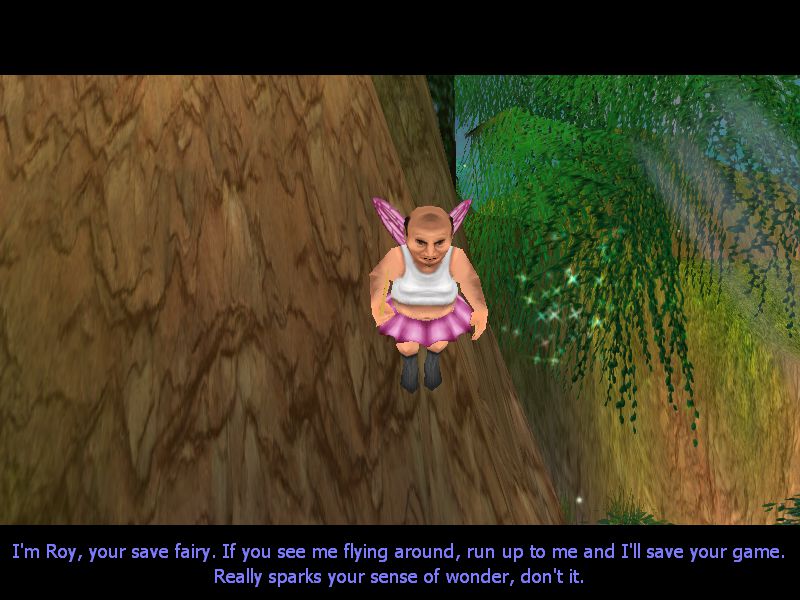
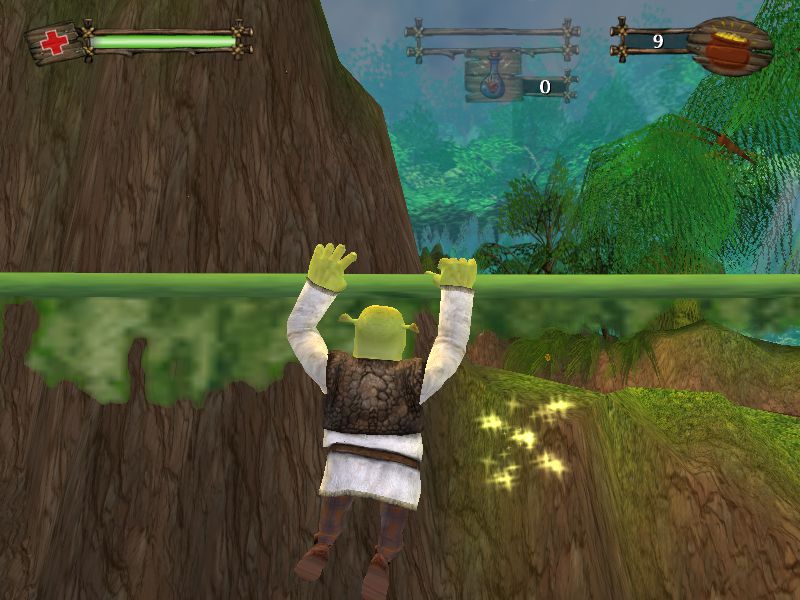
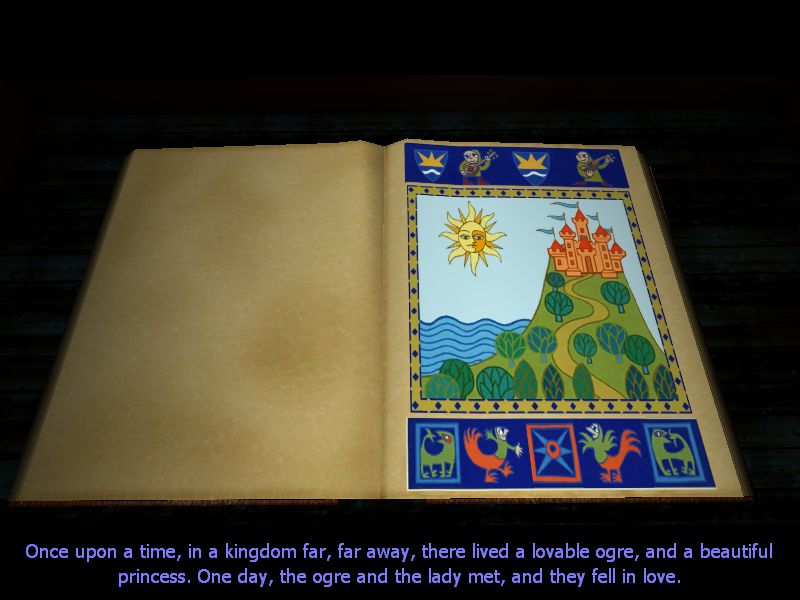
Shrek 2 Screenshots
Windows
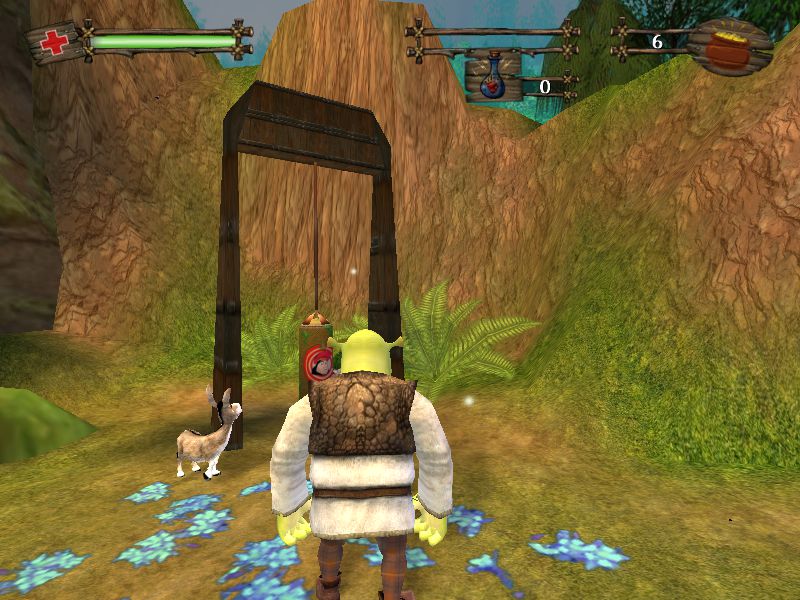
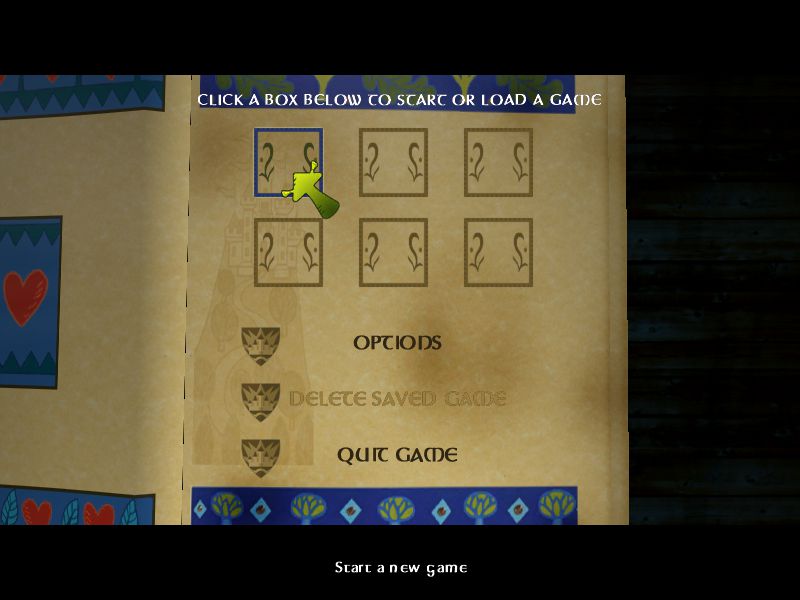
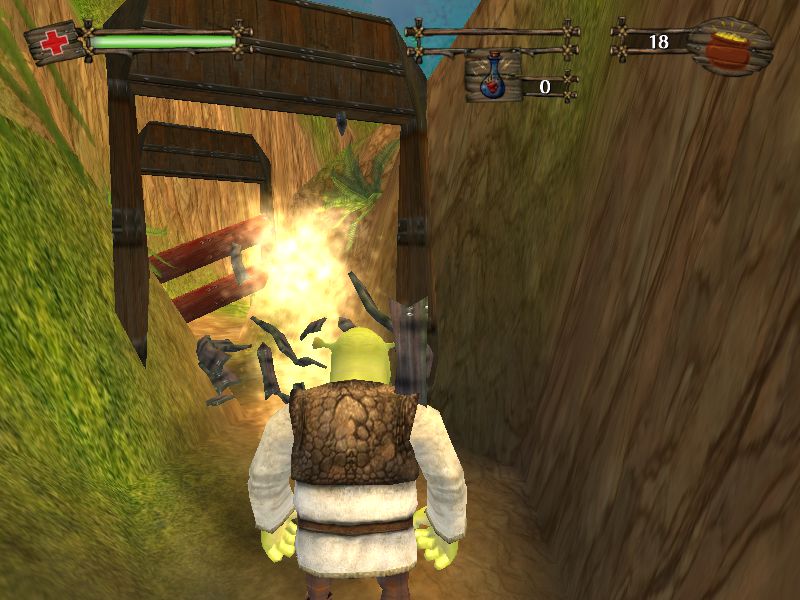
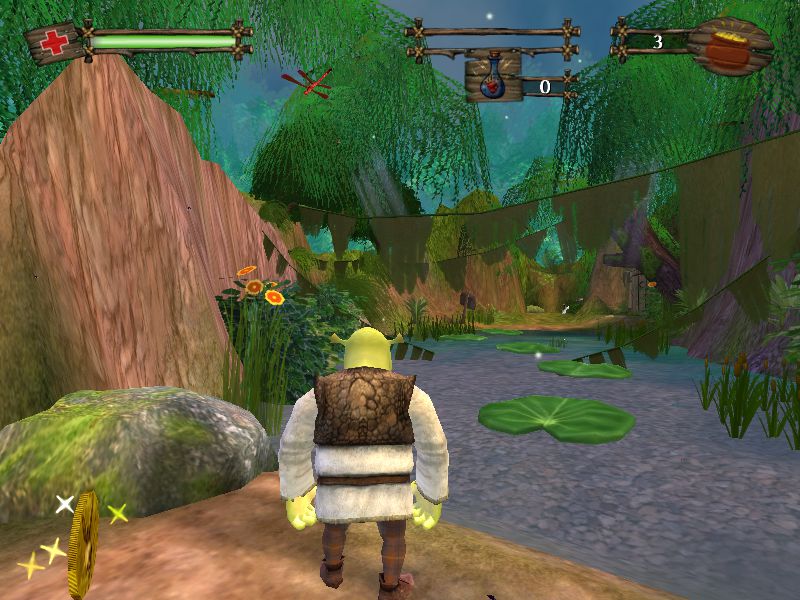
I just downloaded this on my MacBook. will it work?
This isn’t allowing me to download anything 🙁
there doesnt seem to be any music? I have tried turning the volume up and down, but nothing plays.
Has anyone tested this more recent ISO rip? https://archive.org/download/shrek2thegamepc/Shrek2.iso
Audio and startup problems have plagued rips of this game for a few years now. Unfortunately I am unable to test the newer ISO myself at the moment. If anyone tries it, please let me know how it goes.
When i load the game an pixalated image of a dinosaur looking thing pops up and as i move the muse the image changes size, how do i fix it
Thank you! the game installs and works fine. 🙂 but i came across a few problems but managed to fix them please see below. my computer is 64bit win10 by the way.
-If its giving the “No Label” error please right click -> run as administrator. it fixed it for me.
-If its showing a vultures head logo delete the game.ini file located at C:/documents/shrek2 folder. (see Brian’s comment below. Thanks Brian)
but i still don’t hear any music in the game just sounds and the voice. 🙁 its ok but wish there were music. let me know if anyone has any fix that.
*edit: ok i feel like its missing the Music folder. is there anyway I can download that from somewhere?
I have the vultures head logo problem and i tried to fix it but i dont have the game.ini file in the C:/documents/shrek 2. What do i do?
it should be there… did you try reinstalling and running as administrator?
ps2 link doesn’t works :c
Muito Obrigada !! Sem anuncios, e sem enrolação.
Hello, when i tried to enter the game for the first time this thing popped up. Does anybody know what could be wrong? thanks
No Label
OS: Windows NT 6.1 (Build: 7601)
CPU: AuthenticAMD Unknown processor @ 3014 MHz with 4063MB RAM
Video: NVIDIA GeForce 7025 / NVIDIA nForce 630a (908)
General protection fault!
History: UGameEngine::Draw <- UWindowsViewport::Repaint <- UWindowsClient::Tick <- ClientTick <- UGameEngine::Tick <- UpdateWorld <- MainLoop
Why is there no music?
Did you fix it ? I have this problem . Please help meeeee!!!!
i cant hear anything on the last mission with the witch, why?
how to i open the settings
The only issue I have with this is it comes without music. Is there a way we can get the music for it?
Hi, when i try to run the game, a ‘critical error’ window pops up that reads: “Error setting display mode: No acceptable display modes found (D3D_OK). Please delete your Game.ini file if this error prevents you from starting this game.” I do not find this Game.ini file. Please assist me with troubleshooting… Thanks
Hey I got the same/similar error in Windows 10
* First you need to find the `game.ini` file in your Documents (probably under C:UsersuserDocumentsShrek 2) [that file is generated when you run the game for the first time]
* No deletion this time. You will need to open it using a text editor like notepad
* Find the [Engine.Engine] section (FYI: the lines that start with `;` are disabled)
* Check/change the render device enabled: RenderDevice=D3DDrv.D3DRenderDevice
* Then you will need to find the section [D3DDrv.D3DRenderDevice] around line 312
* Check/change that: ReduceMouseLag=False
It worked for me. Let me know if it works for you.
Hi, When I open up the game.exe it comes up with a pix-elated vulture’s head and nothing happens.
Hi, did you ever solve this problem? Having the same thing happen.
same thing here
i was facing the same issue, i had to download a setup first and then install manually.
Can you elaborate please on how you did this? It worked perfectly fine last night, but then nothing today.
Delete the game.ini in your documents.
Yes, I , have,look up the shrek 2 file in
C:UsersuserDocumentsShrek 2
delete the game.ini
and then it works again!
hi, i’m also having this problem, found any way to fix it?
Did you fix it ?
Yes, I did, look up the shrek 2 file in
C:UsersuserDocumentsShrek 2
delete the game.ini
and then it works again!
Delete the game.ini in your documents
hello. i have the same problem BUT i have no “game.ini” in my documents. i would also like to mention that i’ve played 3 times before having this issue. please help! 🙂