| Publishers | SouthPeak Games, TimeGate Studios |
| Developers | TimeGate Studios |
| Release date | 2009 |
| Genre | Shooter |
| Game rating |
Game Description
Section 8 is a first-person shooter developed by TimeGate Studios and published by SouthPeak Games. It utilizes the Unreal Engine 3 and was released for Microsoft Windows, PlayStation 3 and Xbox 360. It was released in September 2009 for Xbox 360 and PC, and for the PlayStation 3 on March 25, 2010 in North America and April 15, 2010 in the PAL region.
Download Section 8
We might have the game available for more than one platform. Section 8 is currently available on these platforms:
Windows (2009)
Section_8_Win_ISO_EN.7z (4.07GB)
How to play on Windows
- Download and Extract Section_8_Win_ISO_EN.7z
- Open the “Game Files” folder and mount OGD.Section8.ISO
- Run Setup.exe and follow on-screen instructions to install the game
- Open the No-CD folder and copy-paste its contents into the game installation directory
- Launch S8.exe
- Play the game
Additional files, patches and fixes
Section 8 Screenshots
Windows
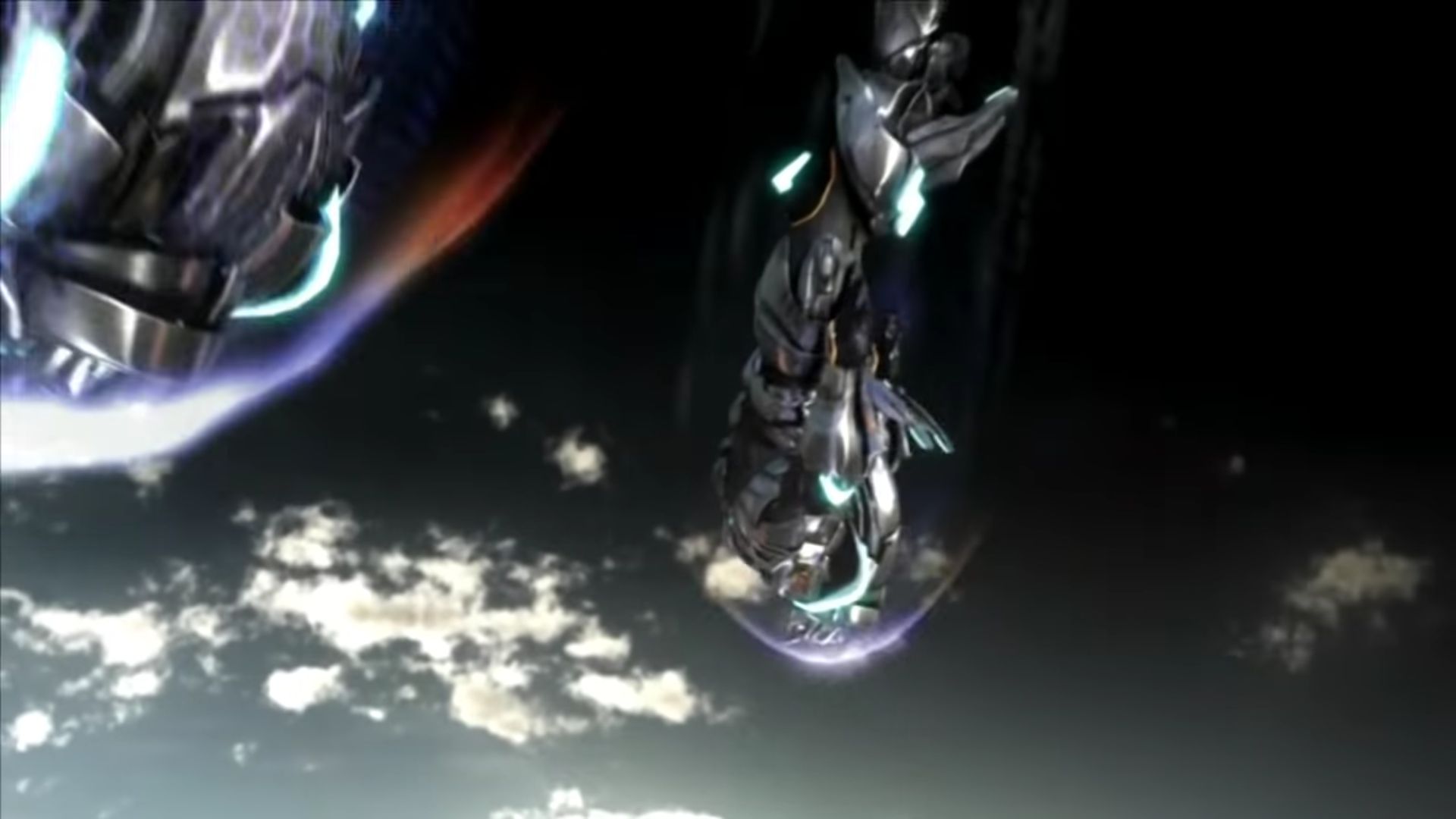
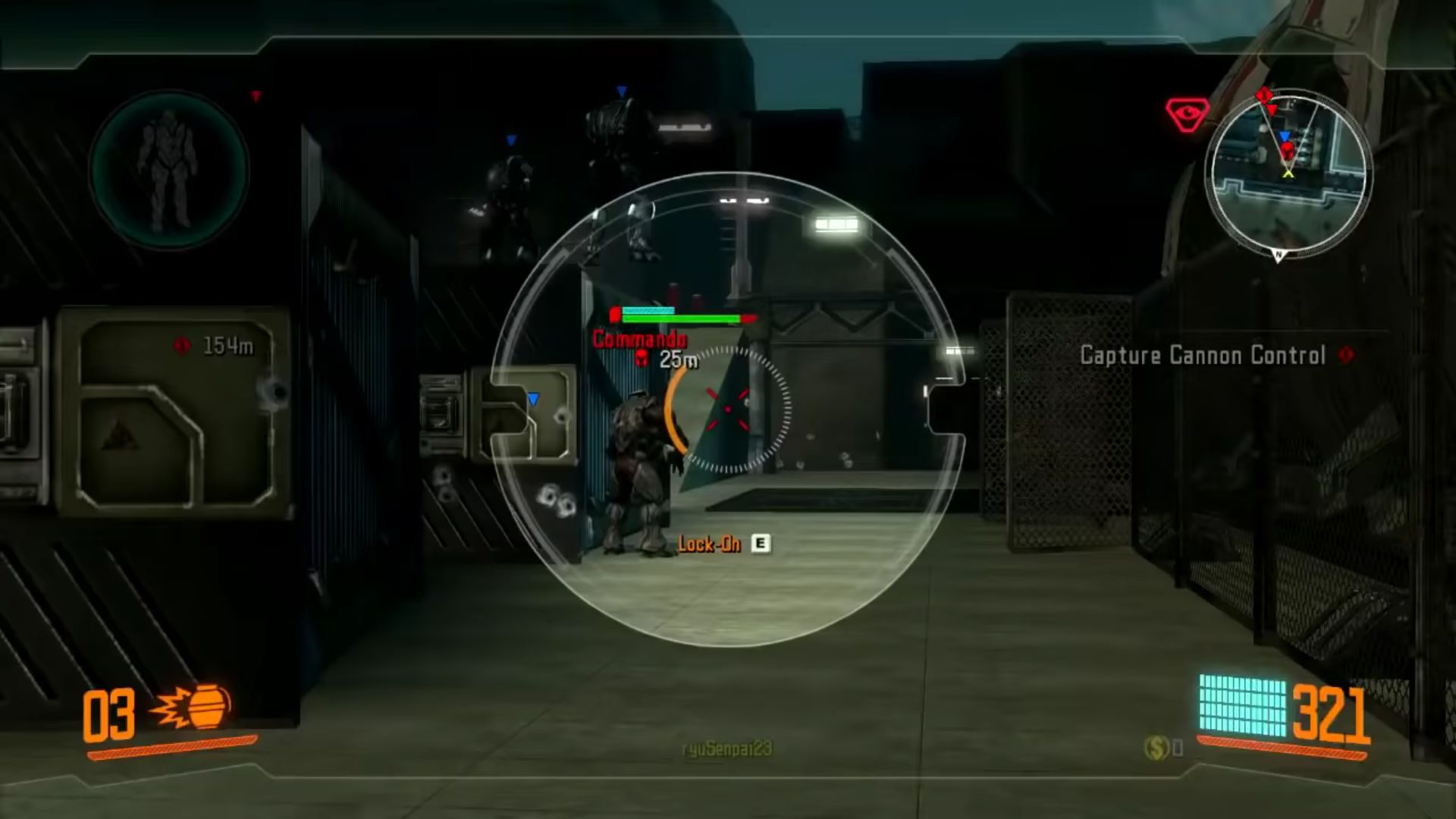
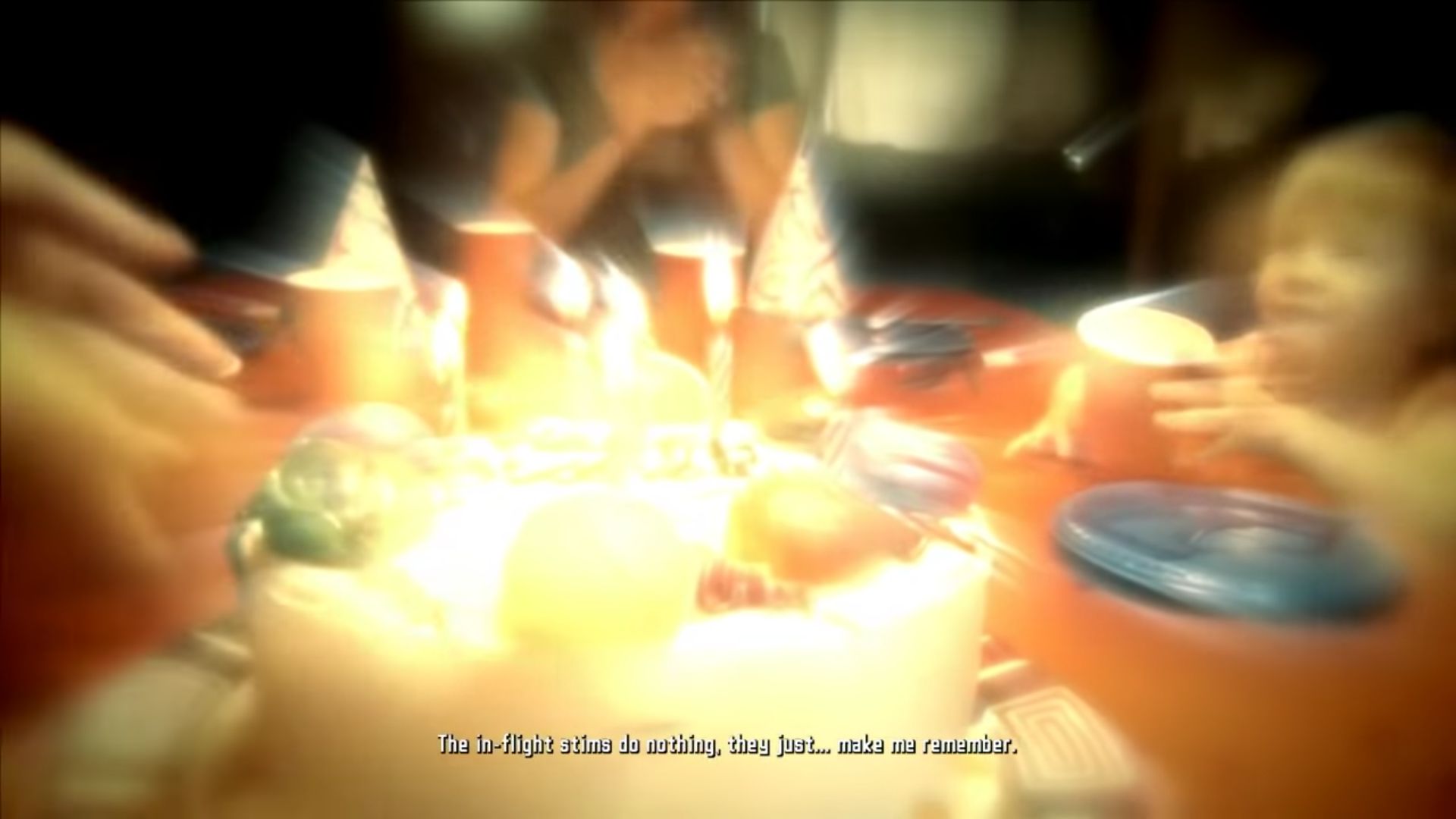
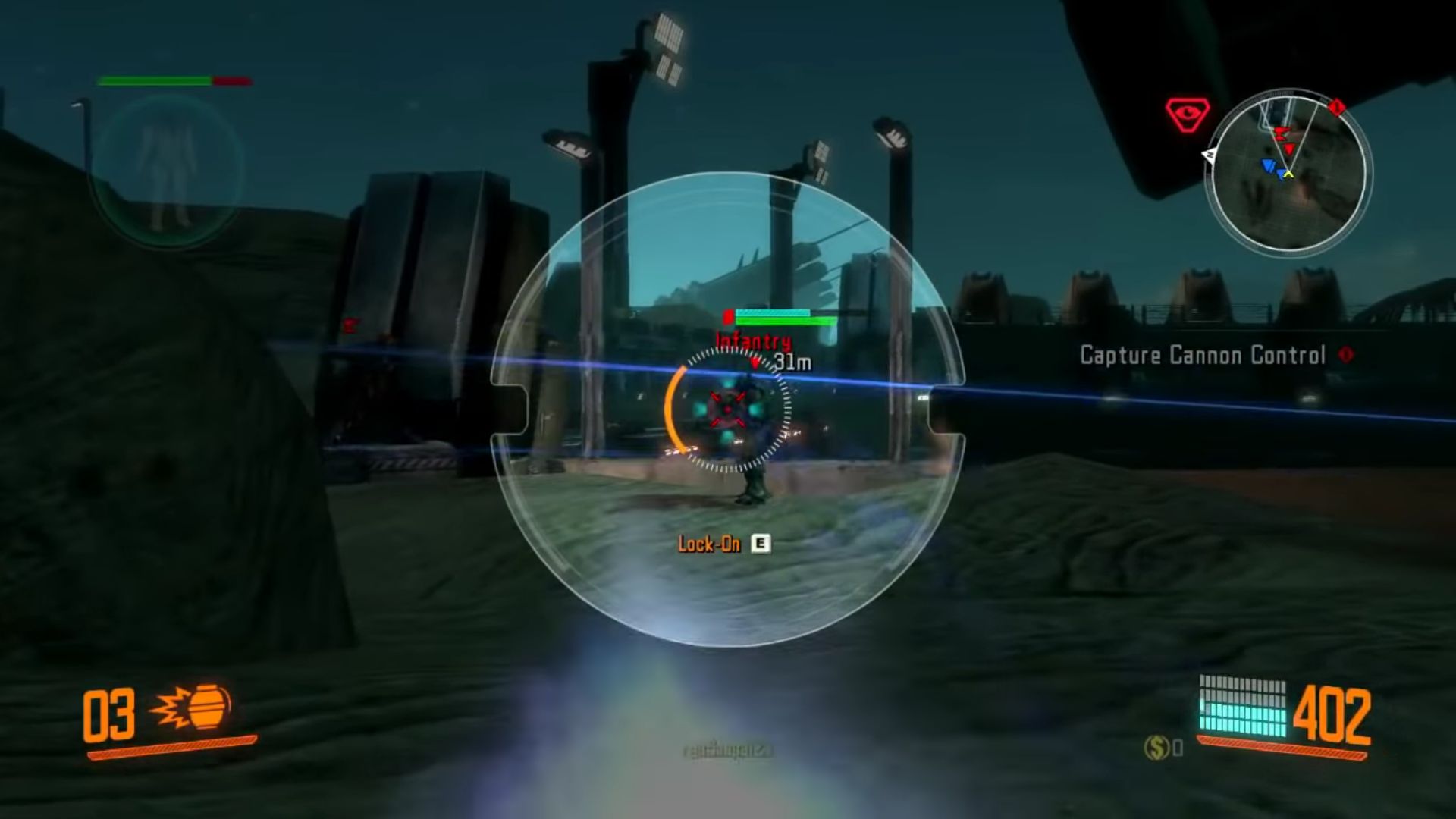
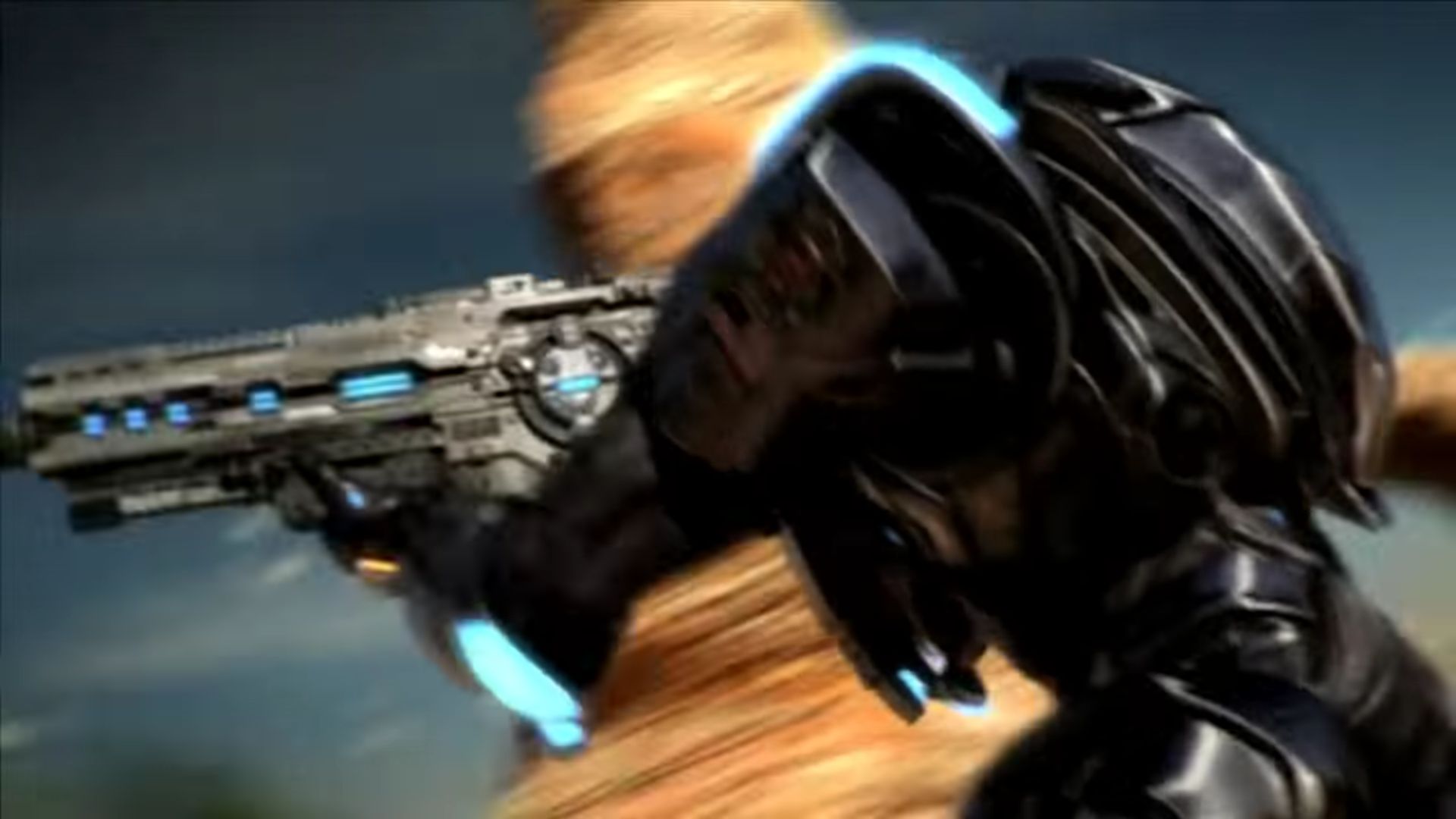
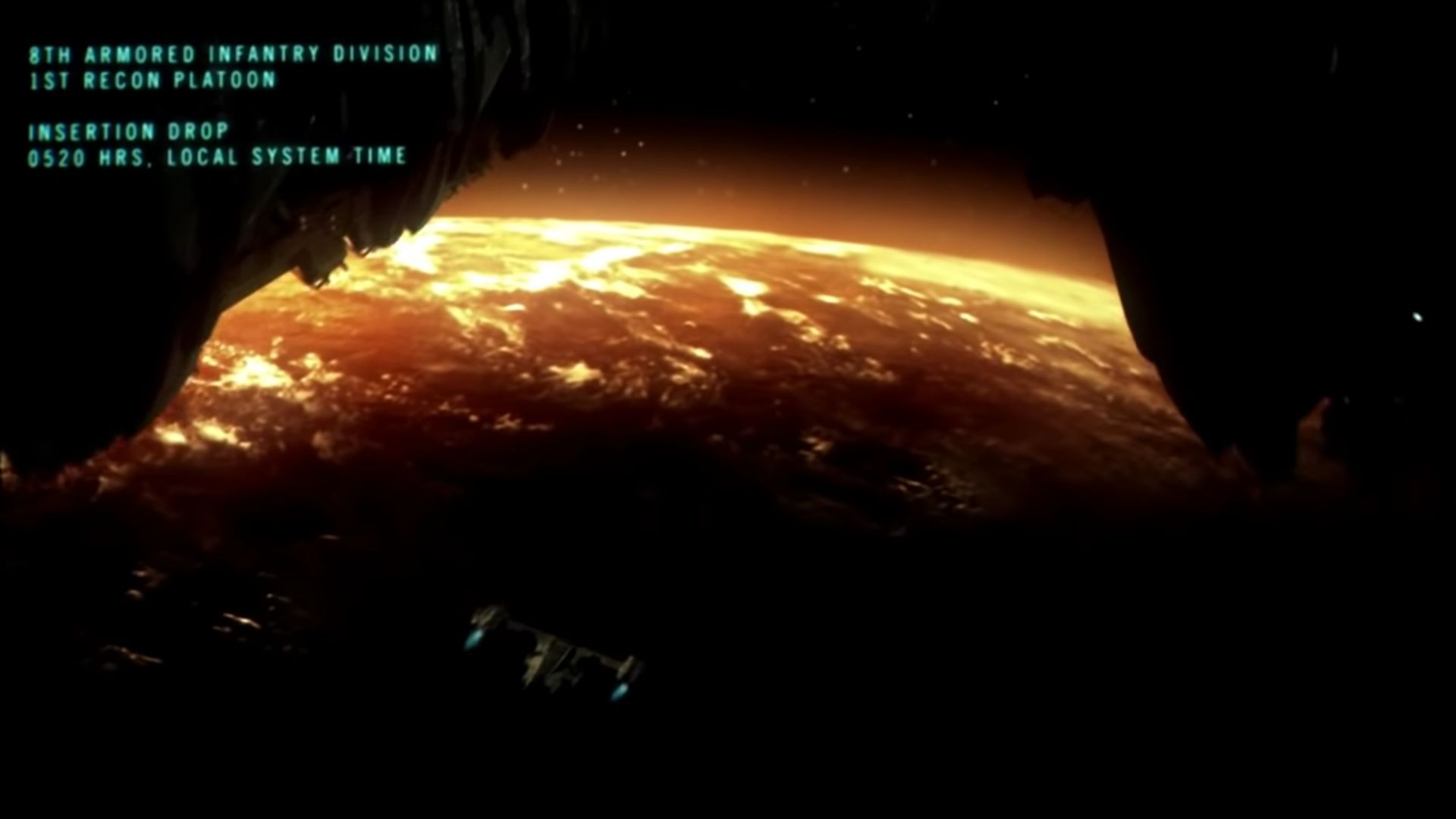
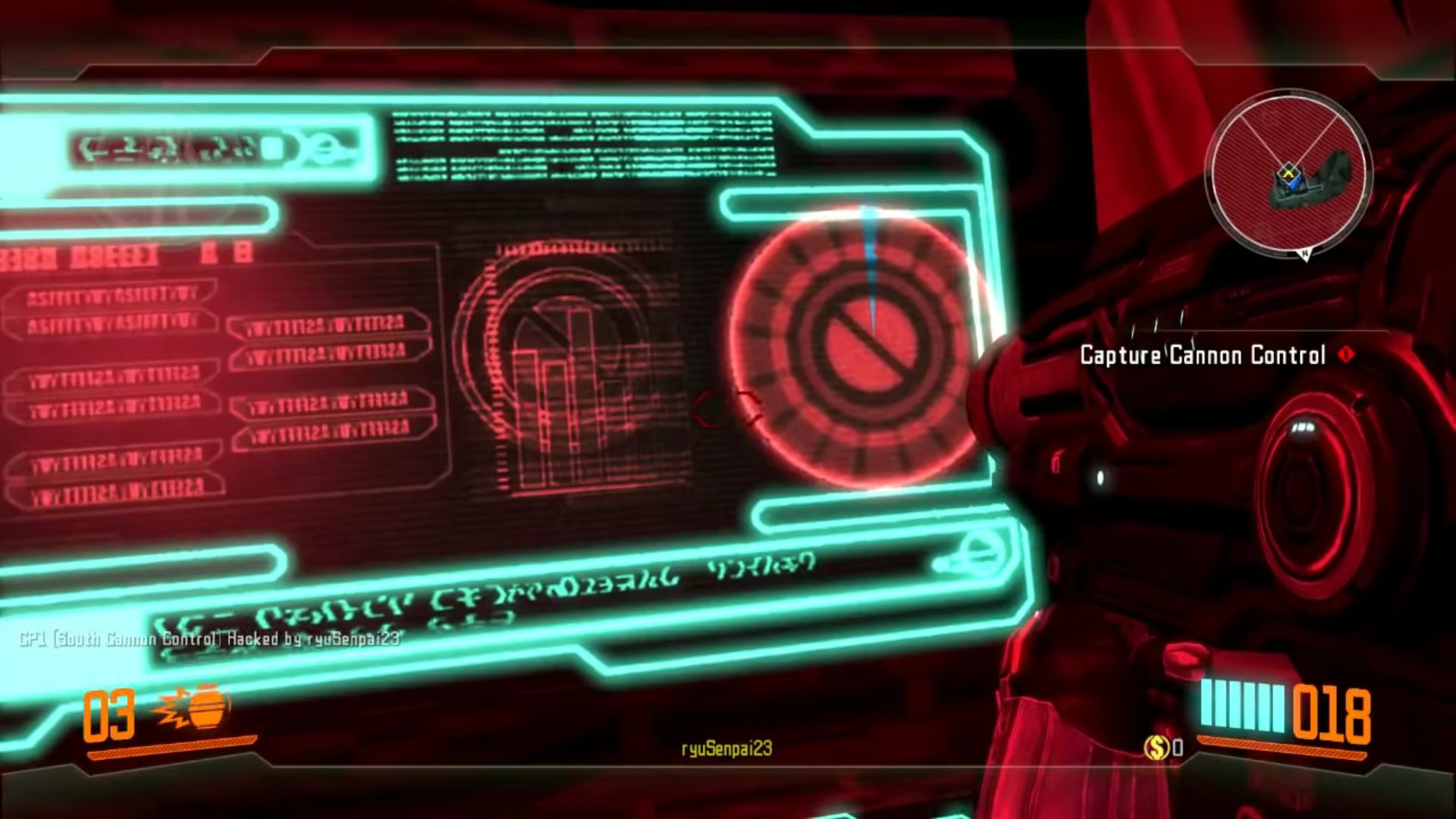
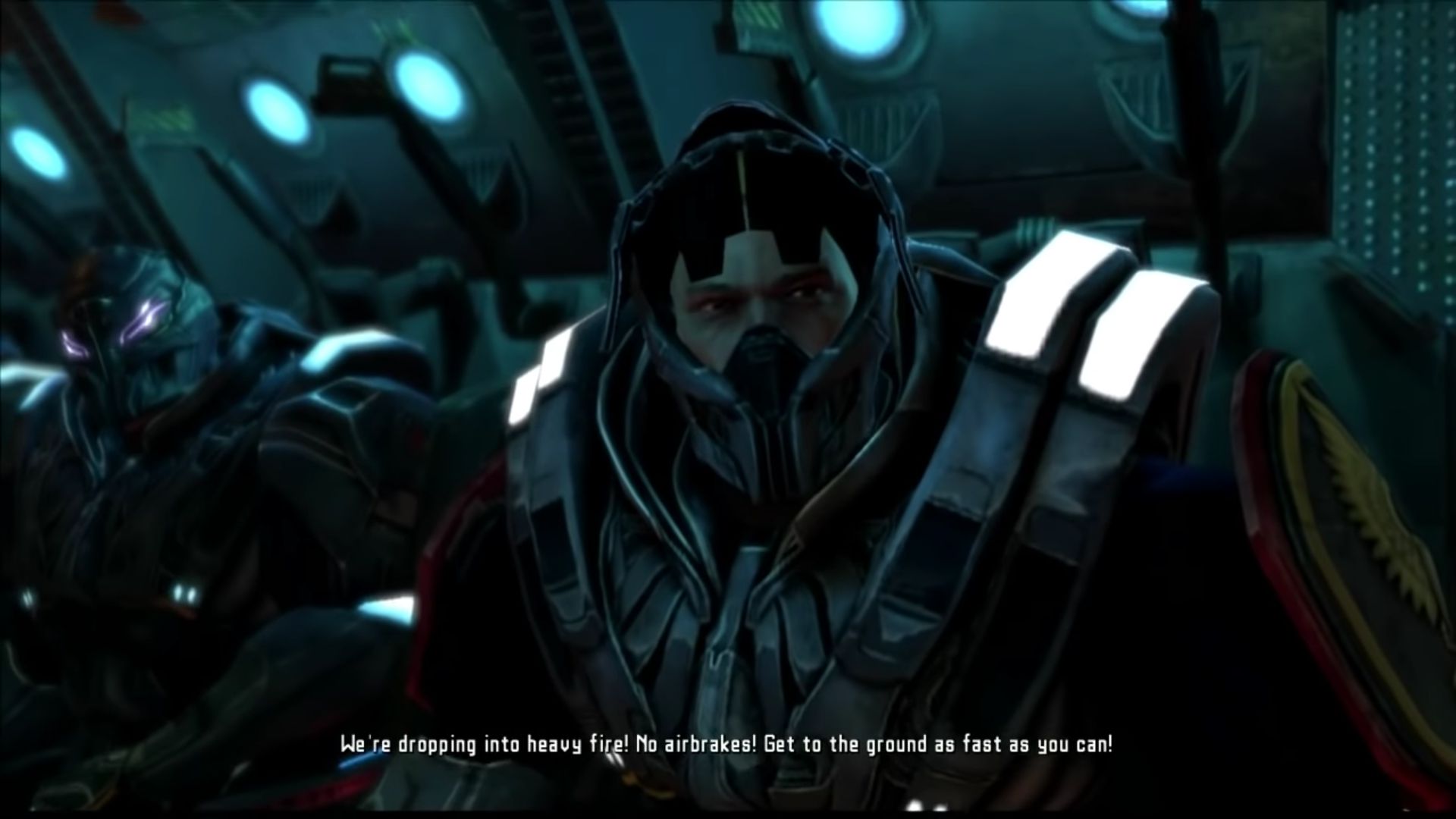
Where is “No-CD Folder” located? Can’t find it. Thanks.
right click on the .iso file and instead of clicking mount. look for “open with” and choose file explorer 🙂
I am getting an ” The Ordinal 43 Could not be located in the dynamic link library” and It wont let me start the game on the last step. Any help or videos?
el juego funciona aunque tuve el inconveniente que le faltaba archivos para iniciar GFWL y tuve instalar una versión que contuviera todo lo que necesita para iniciar, además me sorprende que esté disponible también en lenguaje Español y France (aunque tienes que configurar manualmente en UserEngine>>Language=INT). Que genial poder jugar offline y mantienes lo desbloqueado en la campaña.
You can sign into GFWL offline you know
How?
You have to creat a new profile in GFWL and then it brings you to the next screen. Now it tells you that you need an internet connection, but it’s no longer in service. Instead of hitting continue, scroll down to the very bottom and you will see a link that says “create a local profile”…click on that then follow what it tells you from there
Here’s a YouTube video if you have trouble. http://YouTube.com/watch?v=JM6uv4aCsLU&t=89s
Games for windows Live cannot be installed on Windows 10, and the game won’t start without (keep telling me that it cannot find xlive.dll. Any ideas? Thanks
I tried to install following the instructions, but I was not able to install Games for windows live on my windows 10 pc, and the game keeps telling me it can’t find xlive.dll and doesn’t start. Any ideas? Thanks
LOL @ “Do your jobs pirates”…dumbest comment EVER. I wasn’t aware these guys were being PAID by you for this service
the game wont start, its stuck on the splash screen with the message “press any key to start” yet nothing works. i wish someone competent would just crack this already
arlight so i got into the main menu but oh wait, i cant save.. do your jobs pirates, please..
can someone please help i have uninstalled and reinstalled this game many times i did exactly as the instructions have said, i installed it successfully, i played around with the compability settings and the game still will not run, all i get is “application load error”
WARNING “SUPERAntiSpYware” detects Trojan.Agent / gen in the patch needed to make the game work
is that how to get the game actually running i have tried everything and it just comes up saying “application load error”
product key??
soory but… how can we play multiplayer with a friends…? this game is the game of my childhood and i really want to play it with my friends :/
i feel sorry for section 8, so many people download its game wallpaper without knowing its an actual game.
Thank you so much man this game was GOLD