| Publishers | Midway Games, Success Entertainment |
| Developers | Midway Austin |
| Release date | 2005 |
| Genre | Shooter |
| Game rating |
Game Description
Area 51 is a science fiction first-person shooter video game that was released in 2005. It was developed by Midway Studios Austin and published by Midway for the PlayStation 2, Xbox, and Microsoft Windows. It is a loose remake of the 1995 light gun video game of the same name, and was followed in 2007 by the loosely related BlackSite: Area 51.
Download Area 51
We might have the game available for more than one platform. Area 51 is currently available on these platforms:
Windows (2005)
Area_51_Win_Files_EN.7z (1.00GB)
Area_51_Win_ISO_EN.7z (1.84GB)
How to play on Windows
- Download and Extract Area_51_Win_Files_EN.7z
- Open the “Game Files” folder and run “A51.exe”
- Play the game
Additional files, patches and fixes
Area 51 Screenshots
Windows
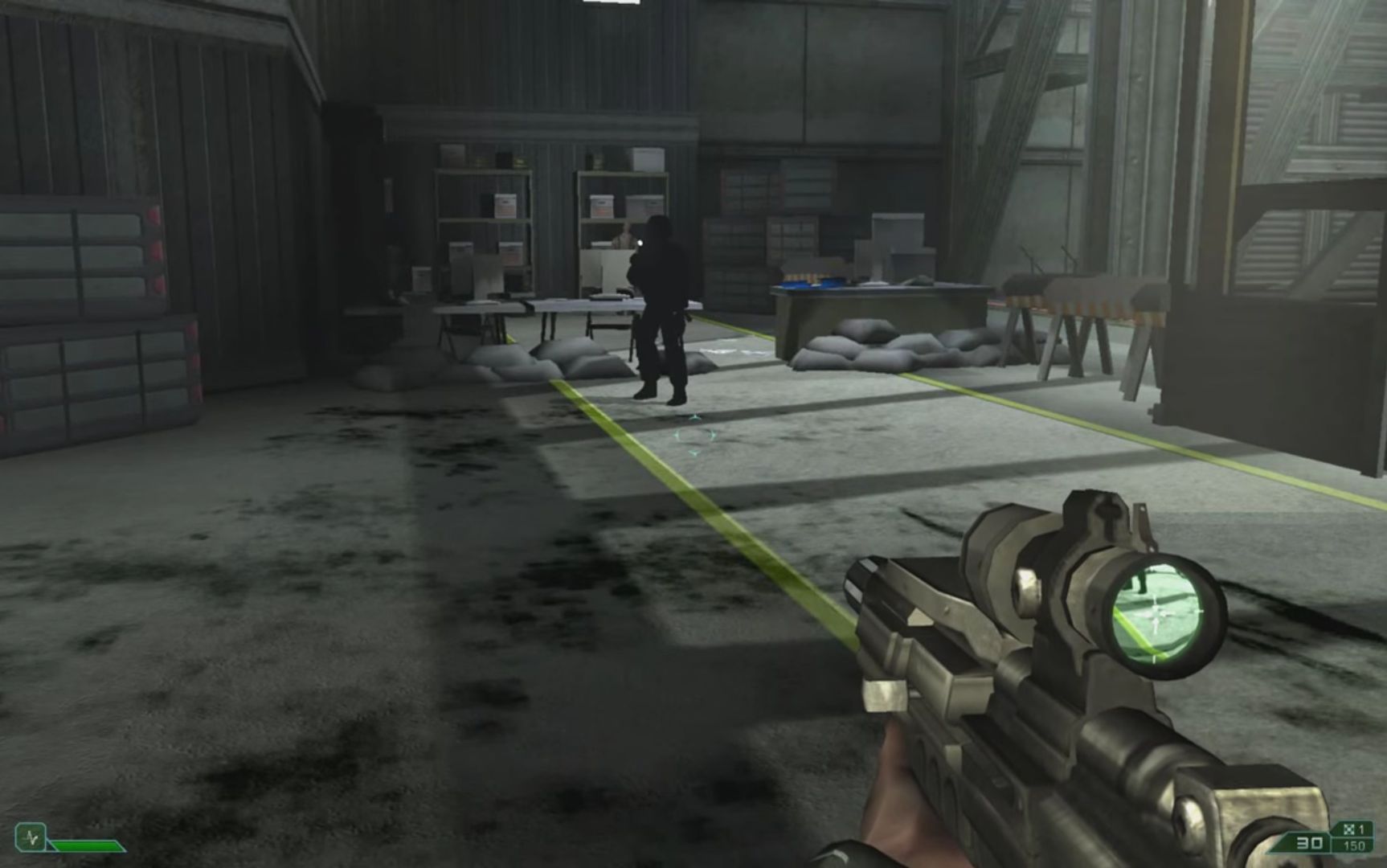
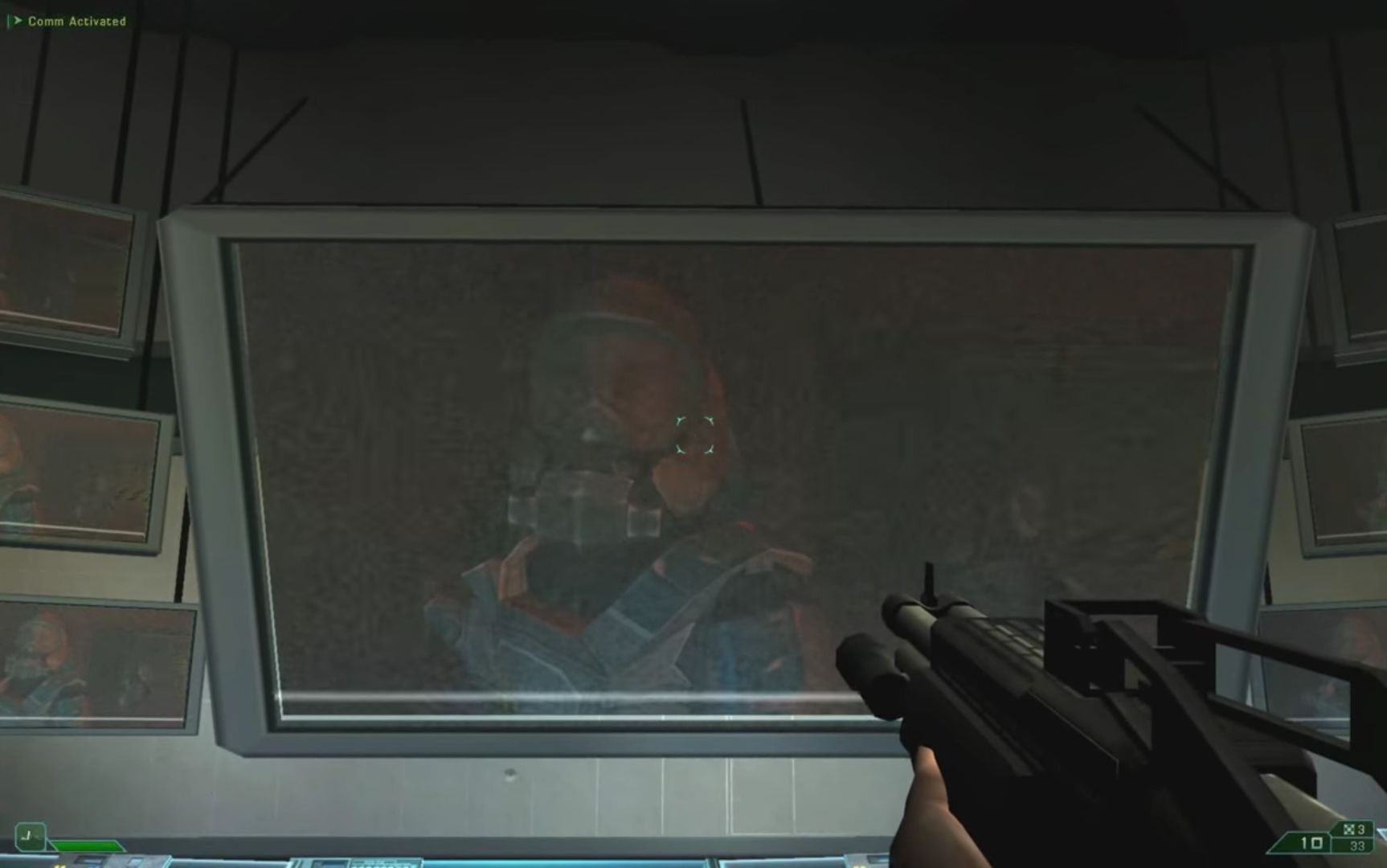
i got the game to download just fine but i only jump a centimeter off the ground, i cant continue the game
i cant play. 🙁 i follow instructions. win 10 no work. howi play? please help.
If you’re looking for a working version, look for it on Moddb.com. The game can also be found on Github, under the name “Project Dreamland”. It’s working on both platforms as of 5/13/22. Haven’t run into any issues, apart from a small easy fix to launch the game properly –
Go to the game folder > resources > app > game, and create a shortcut for A51.
On the new shortcut, right click > properties and in the ‘target’ box write following: ” –launcher”
It should look like Area51-Launcher-win32-ia32resourcesappgameA51.exe –launcher
Now run the game from newly created shortcut.
Hey I tried doing what you said and when I type –launcher into the target box it says it doesn’t exist. Am I doing something wrong?
did you leave a space between “exe” and “launcher”? Ex: .exe –launcher
The only time i ran into a problem was when i didn’t leave a space there
The working text in the Target box is
C:[wherever you have the following folder saved]Area51-Launcher-win32-ia32resourcesappgameA51.exe –launcher
The correct path should already be in the target box, just add to the end of it a space after exe, and then type –launcher
Probably the game is really too old for w10
probably the game is really too old for w10
Broken archives, do not download